

Introduction
Scott Guthrie, Microsoft's executive vice-president of cloud and enterprise introduced Visual Studio Code at Microsoft Build 2015 conference held on Wednesday. Visual Studio Code is the first code editor and first cross-platform development tool supported by OSX, Linux and Windows in the Visual Studio Family. Visual Studio Code provides built-in support for ASP.NET 5 development with C#, Node.js as well as for web technologies such as HTML, CSS, Less, SASS and JSON and so on.
Installation Procedure
Go to https://code.visualstudio.com/ and click on the Code for Windows button.
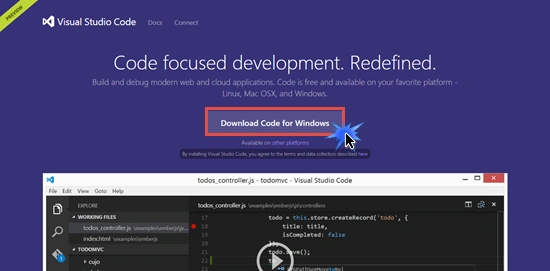
Or go to https://www.visualstudio.com/products/code-vs and click on the Download Code button.
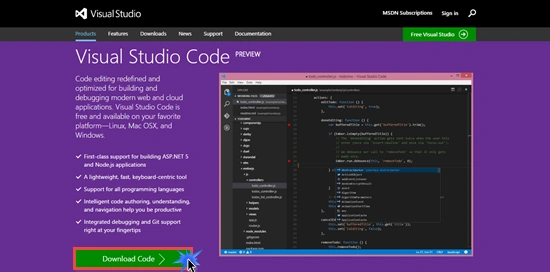
Select the operating system/platform on which you want to install (the code is free and available for Linux, Mac OSX and Windows). I will install it on my Windows Operating System.
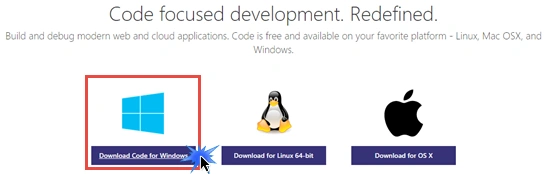
After the Downloading VSCodeSetup.exe (58 MB approx), double-click on setup. It will hardly take 1 minute to complete the installation.

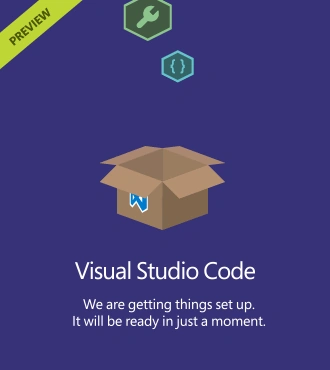
Installation Completed Successfully. We are ready to explore its cool features.
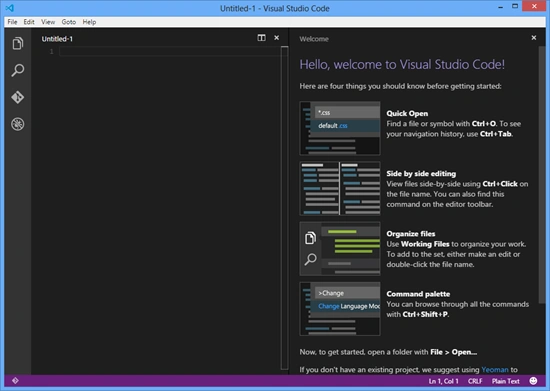
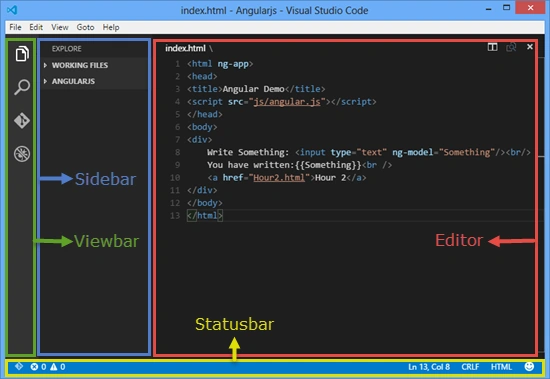
The VSCode user interface is divided into the following 4 areas:
- Editor
- Sidebar
- Statusbar
- Viewbar
Features
- Command Palette
Using the Command Palette, you can access all the functionality of VSCode. Press Ctrl+Shift+P or F1 to open the Command Palette.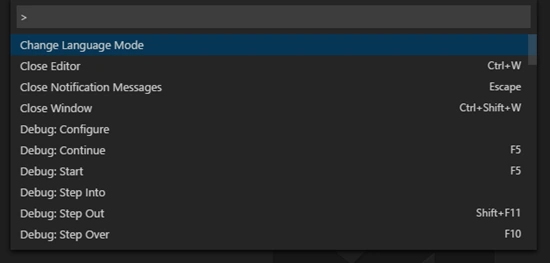
- Multi-Cursor
VSCode has support for Multiple cursors. You can edit the same file at multiple places by pressing Alt+Click to add another cursor (much similar to the Sublime Editor).
- IntelliSense and Syntax coloring
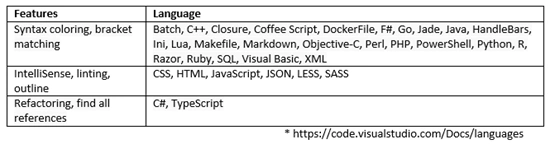
- Debugging, Themes Customization and many other features.
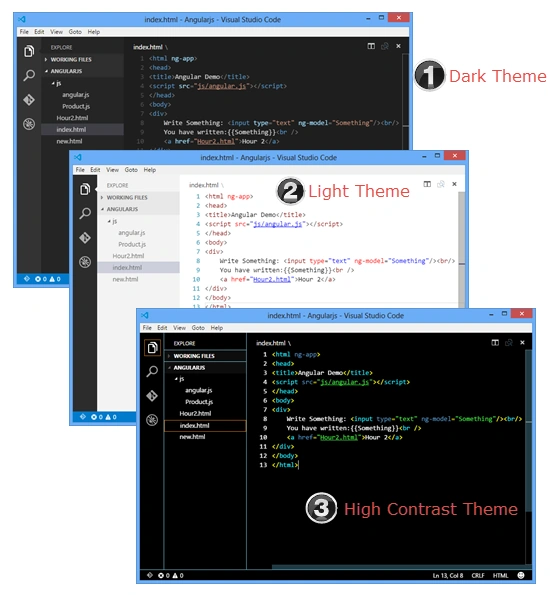
For more information, visit Visual Studio Docs
Kiran MaramPosted May 5, 2015, 7:36 AM
I tried this VCode, its very good. Can you please help me to configure Git
Anoop Kumar SharmaPosted May 4, 2015, 2:26 PM
Thanks Karthik Muthu Karuppan..!!
Karthik Muthu KaruppanPosted May 4, 2015, 2:04 PM
nice
Anoop Kumar SharmaPosted May 2, 2015, 8:53 AM
Thanks Gowtham Rajamanickam..!!
Gowtham RajamanickamPosted May 2, 2015, 4:48 AM
good
Anoop Kumar SharmaPosted May 2, 2015, 4:10 AM
Thanks Nitin Tyagi and Santhakumar Munuswamy :-)
Santhakumar MunuswamyPosted May 2, 2015, 2:57 AM
Good work
NitinPosted May 2, 2015, 1:42 AM
informative..thanks for sharing