
Introduction
A Base tag provides a default (base) URL or relative links. It is usually used to set a default URL for all subsequent relative links. Relative links can be a stylesheet, source of script tag and hrefs in the anchor tag. In simple terms, you can say a base tag sets a default address or a default target for all links on a page.
One important thing that you should always remember is that a base tag must be within the head tag and it must be the first tag in the head tag. You can use only one base tag in a document and you must use the href attribute, target attribute or both.
Standard Syntax
<base
href="URL"
target="frame or window name | _blank | _parent | _self |_top">
Examples
href="URL"
target="frame or window name | _blank | _parent | _self |_top">
- <!-- standard HTML syntax --->
- <base href="http:// www.c-sharpcorner.com/">
- <base target="_blank" href="http:// www.c-sharpcorner.com/">
Attributes Introduced by HTML5
| Values | Description |
| accesskey | spaced list of accelerator key(s) |
| contenteditable | true | false | inherit |
| contextmenu | id of menu |
| data-X | user-defined data |
| draggable | true | false | auto |
| hidden | hidden |
| itemid | microdata id in URL format |
| itemprop | microdata value |
| itemref | space-separated list of IDs that may contain microdata |
| itemscope | itemscope |
| itemtype | microdata type in URL format |
| spellcheck | true | false" |
| tabindex | number |
| HTML5 Event Attributes | ||||
| onabort | onblur | oncanplay | oncanplaythrough | onchange |
| onclick | oncontextmenu | ondblclick | ondrag | ondragend |
| ondragenter | ondragleave | ondragover | ondragstart | ondrop |
| ondurationchange | onemptied | onended | onerror | onfocus |
| onformchange | onforminput | oninput | oninvalid | onkeydown |
| onkeypress | onkeypress | onkeyup | onload | onloadeddata |
| onloadedmetadata | onloadstart | onmousedown | onmousemove | onmouseout |
| onmouseover | onmouseup | onmousewheel | onpause | onplay |
| onplaying | onprogress | onratechange | onreadystatechange | onscroll |
| onseeked | onseeking | onselect | onshow | onstalled |
| onsubmit | onsuspend | ontimeupdate | onvolumechange | onwaiting |
Attributes Defined by Internet Explorer
Events Defined by Internet Explorer
onmouseenter,
onmouseleave,
onreadystatechange
- <!DOCTYPE html>
- <html>
- <head>
- <base href="http://www.c-sharpcorner.com/"/>
- <title></title>
- </head>
- <body>
- <header>
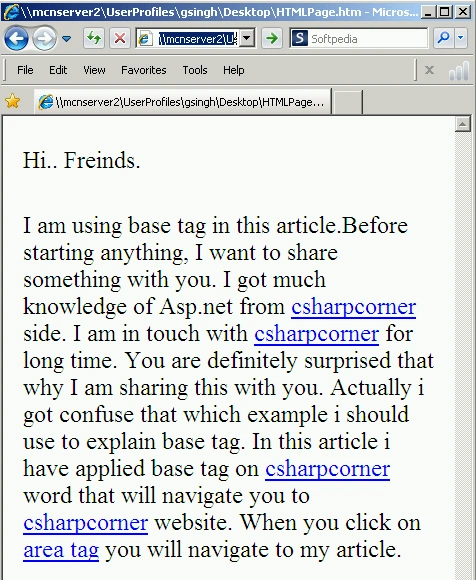
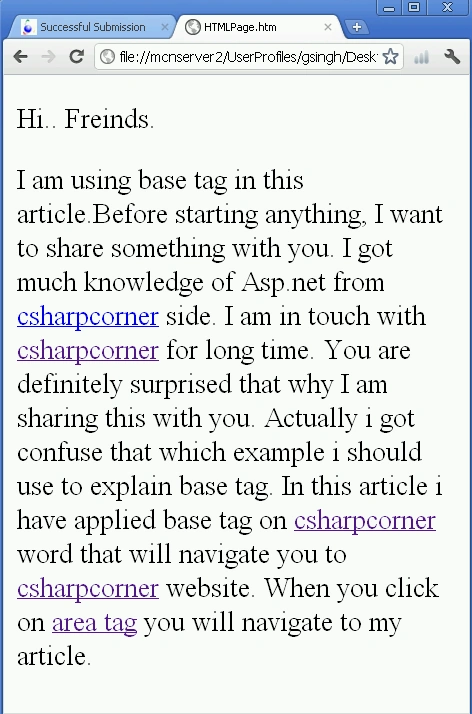
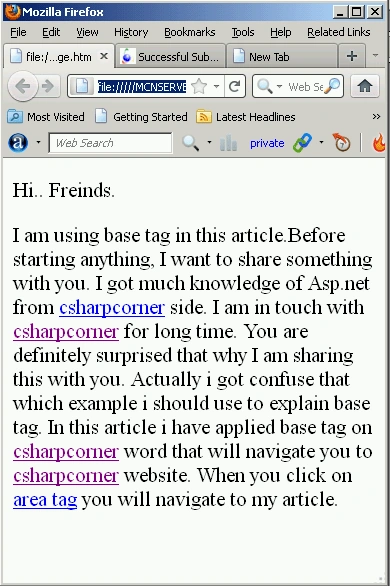
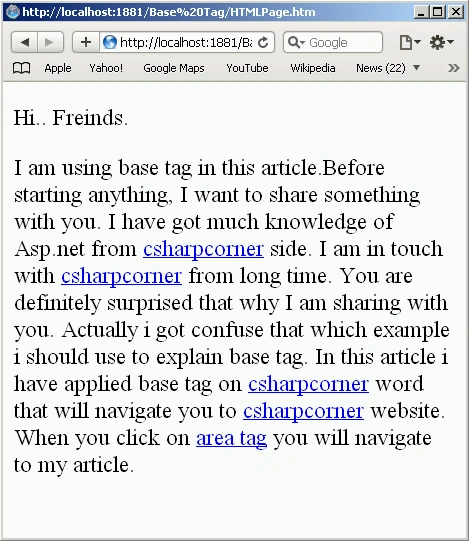
- <P>Hi... Freinds.
- </header>
- <p>I am using a base tag in this article. Before starting anything, I want to share something with you. I got much knowledge of Asp.net from
- <a href="/Articles/ArticleListing.aspx?SectionID=1&SubSectionID=75">csharpcorner</a> site. I am in touch with
- <a href="">csharpcorner</a>from long time. You are definitely surprised that why I am sharing with you.Actually I got confuse that which example I should use to explain base tag. In this article i have applied base tag on
- <a href="">csharpcorner</a> word that will navigate you to
- <a href="">csharpcorner</a> website. When you click on
- <a href="/UploadFile/667ddf/8187/">area tag</a> you will navigate to my article.
- </P>
- </body>
- </html>
Join the conversation! Your thoughts help the community grow.