

Introduction
In this article I will demonstrate all the possible ways of reading data from a file. Reading content from a file is usually a 3 step process.
Syntax
string fread( resource $fileHandle, int length)
- <?php
- $file = 'C:\helloWorld.txt' or die('Could not open file!');
- $fHandle = fopen($file, 'r') or die('Could not open file!');
- $data = fread($fHandle, filesize($file)) or die('Could not read file!');
- fclose($fHandle);
- echo $data;
- ?>
PHP needs a file handle to read data from a file. This file handle can be created with the fopen() function. The fopen() function takes two arguments, the first argument takes the name of the file path and the second argument takes the "mode". The following are the three modes in the fopen() function.
'r': opens a file in read mode.
'w': opens a file in write mode, destroying existing file contents
'a': opens a file in append mode, retaining the file contents.
Step 2: Read the file content.
The fread() function reads the contents of a file if the fopen() function is successful. The fread() function also takes two arguments. The first argument takes a file handle and the second argument takes the size of the file using the filesize() function.
filesize(): This function returns the size of the file in the bites.
Step 3: Close the file.
The fclose() function closes a file. This is good programming to close the file after use. This is strictly necessary to close the file.
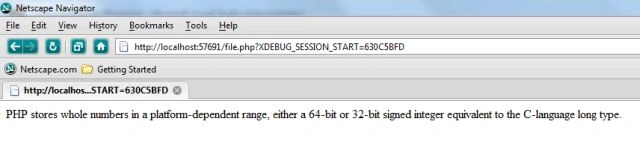
Output Screen
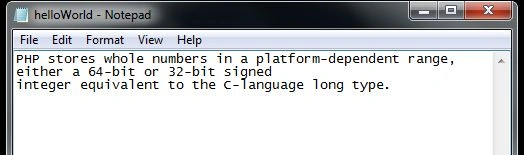
This is the common text file that I used in all three demo examples.
Gopi ChandPosted May 16, 2014, 3:10 PM
Very worthy article..