

Introduction
As we already know, Movie Maker is an amazing app in later editions of Windows XP (SP 3) and Windows 7. Moreover later operating systems from Microsoft, even Windows 7 and Windows lack this feature. Movie Maker is a very popular and amazing app because it is easy to use.
So this article is dedicated to learning the easiest way to install Movie Maker in Windows 8 as well as in Windows 7.
Note
To accomplish this task we have to download the following small piece of software called Windows Live Essentials. Just click on the following link:
How to install Movie Maker in Windows 8?
Step 1
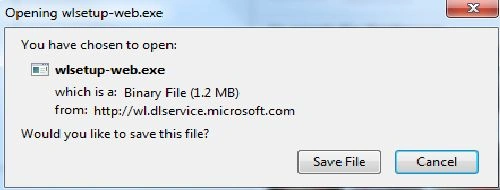
When we click on the preceding link, a new window will appear on our screen. Just save the setup file.
Step 2
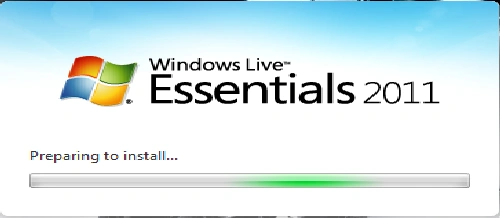
When we run the preceding setup file then a new window will appear on our screen labeled Windows Live Essentials as shown in the following image. Just wait a few seconds.
Step 3
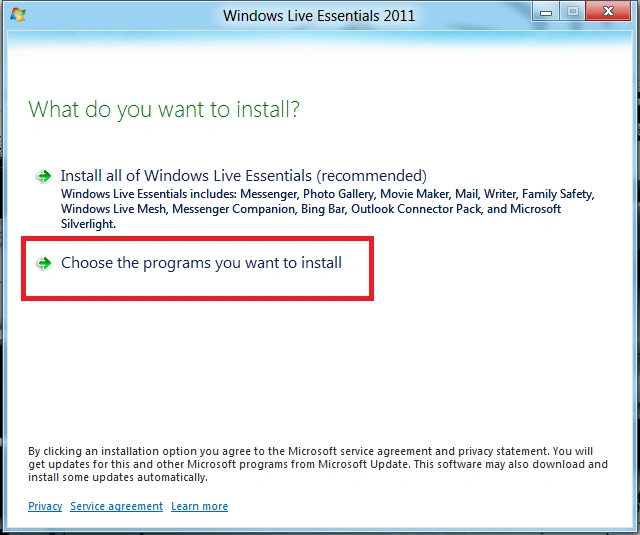
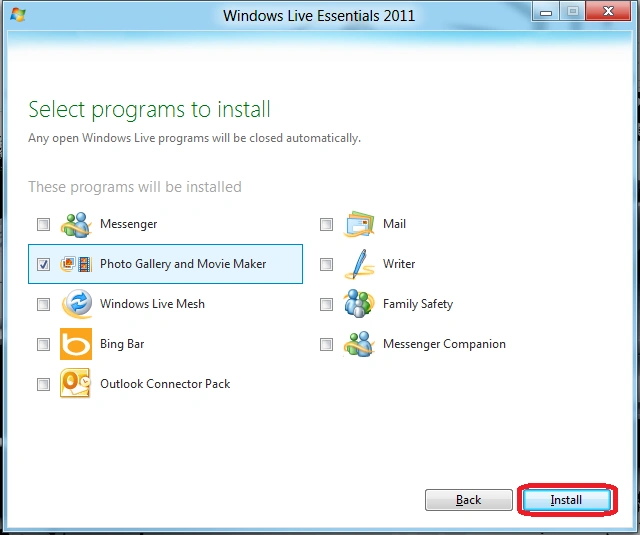
After a few seconds, we will get a window as shown in the following image. Just choose the particular program from Windows Live Essentials.
Step 4
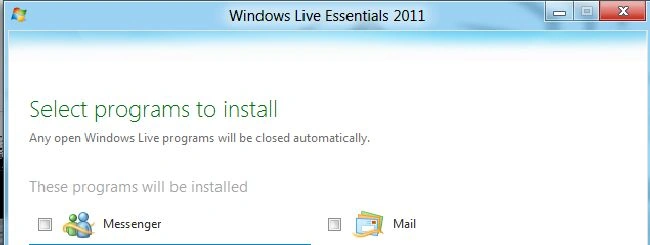
On clicking this installation tab a new window will appear on the screen as shown in the following image.
Step 5
Now just check the box labeled Photo Gallery and Movie Maker then click on the Install button and wait a few minutes.
Step 6
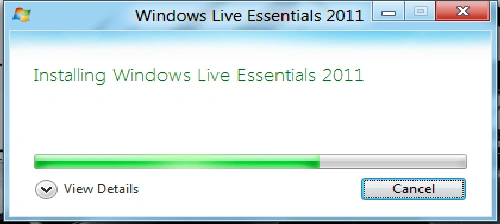
When we click on the Install button a new window will appear as in the following image.
Step 7
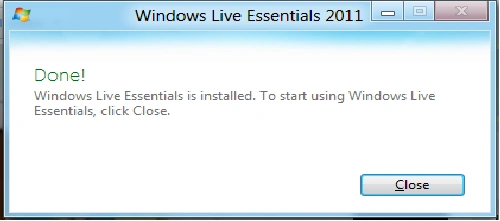
Finally, the installation will finish and we will get a new window as shown in the following image.
Summary
In this article, we learned about How to Install Movie Maker in Windows 8.
Manish SharmaPosted Feb 4, 2013, 11:53 AM
thanks neha
Neha SharmaPosted Jan 29, 2013, 7:41 AM
It's nice