

Introduction : Microsoft provides many new templates that we use to create the database in Access 2013. For example if we choose contact then all the templates for contacts will be searched online and then displayed.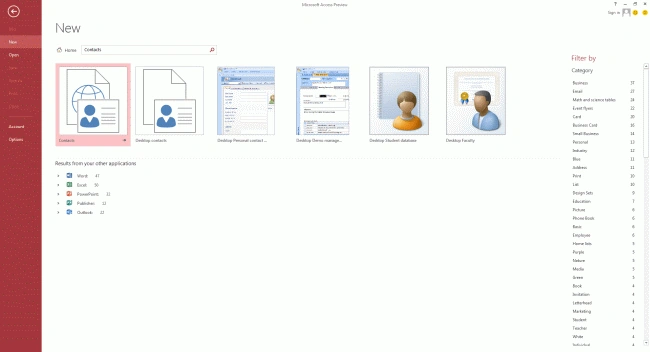
Under this if I choose the Desktop Student Database, then the new template is opened and we then provide a name for the database; here I name the database "student_database", and then click on create so that the student_database is created: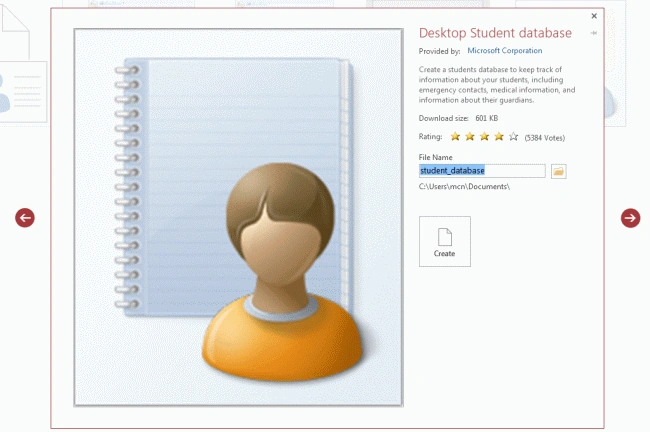
When the database is created then a window as in the following image is displayed that shows the Form View: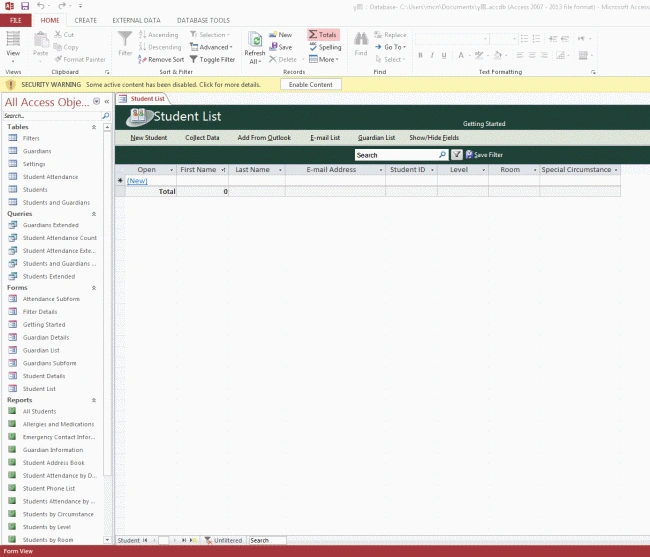
Now we can enter the data into the Access sheet. As we enter it to the before version or we can enter the enter by clicking on the button at the top of the database view. If I click on the New Student, then the new_student form is opened for entering the student information, like: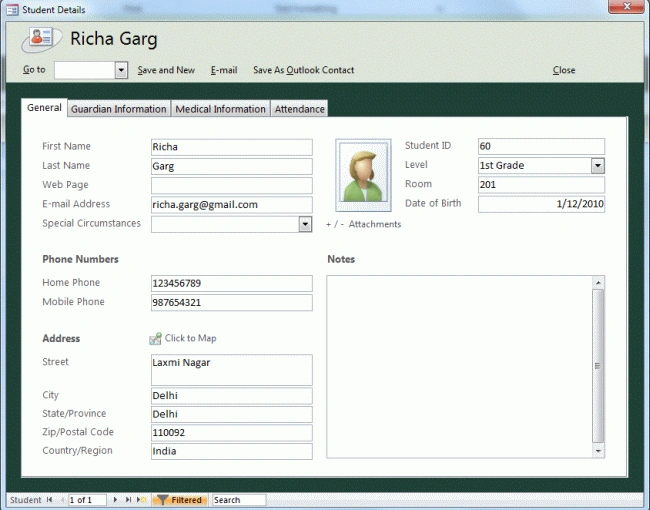
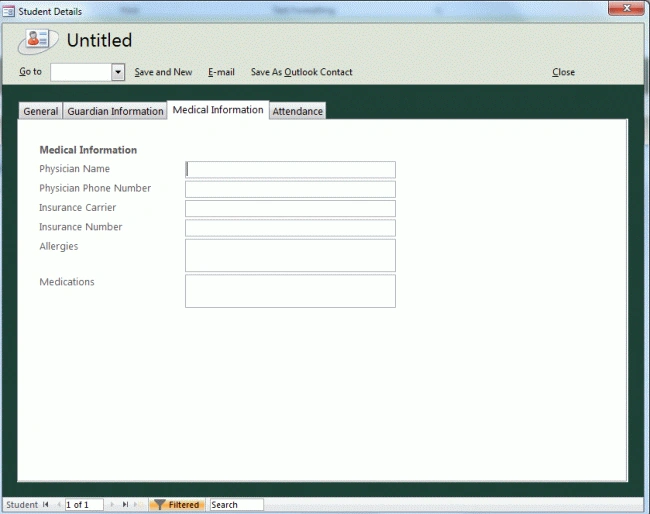
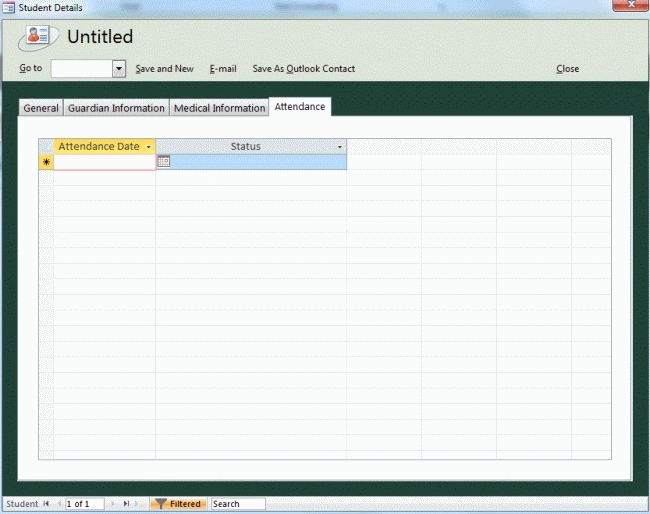
We can click on the save and new option in order to save this student information and create the new student details. There is also the information like guardian information, medical information and the attendance information for the particular student, like: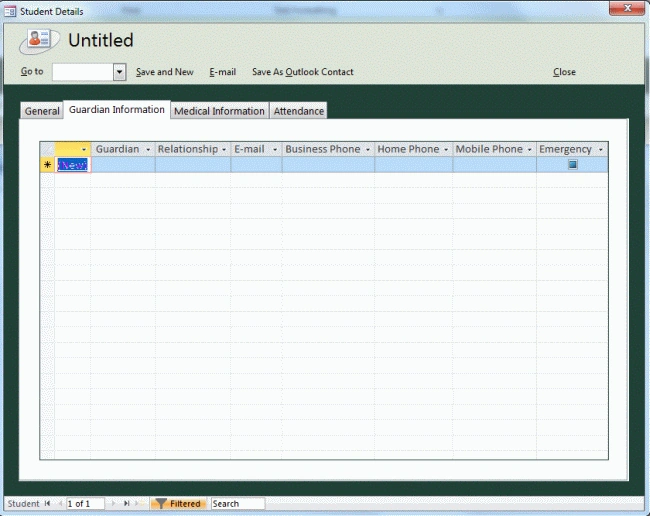
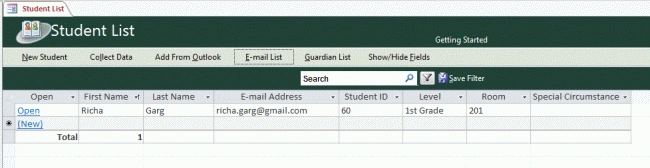
Then the student details shows in the sheet like in the following image and it also shows the number of students whose information is entered.
Summary : In this article I discussed how we create the contact details in Access 2013.
Richa GargPosted Jul 22, 2012, 11:04 PM
Ok sir...... Thanx for ur feedback.
Mahesh ChandPosted Jul 21, 2012, 1:03 PM
Feedback: If an article is detailed, no need to put "How to" in the title. How tos are usually small tips.