

Introduction
In this article you will learn about enabling the DCOM in Windows Server 2012.
If your system uses the Component Services and these Component Services are part of a network in which many systems exist then the Component Services of your system will need DCOM to communicate with the COM component of other systems.
To enable the DCOM you need to use the following procedure.
Step 1
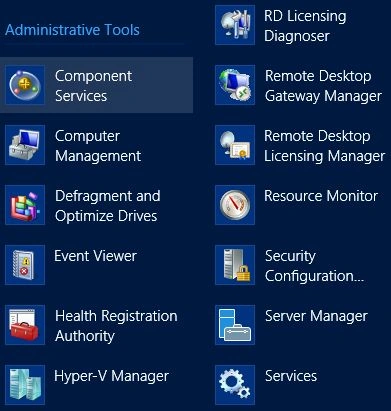
First of all go to the "Start Menu", In the Start Menu you will find an option named "Component Services" under the Administrative Tools.
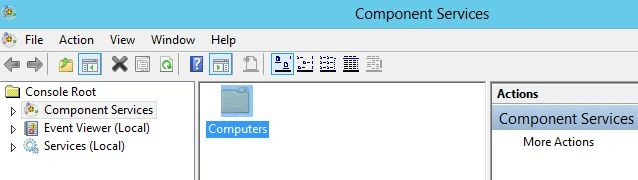
In the Component Services you will find an option named as "Computer", you need to open this option.
Step 2
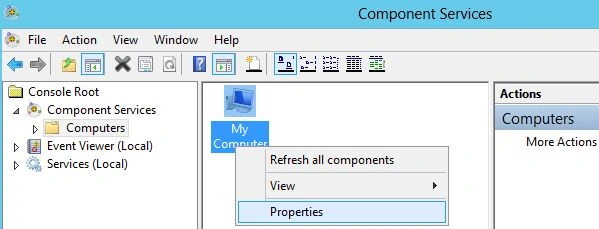
Now "My Computer" will be available, here right-click on it to open it's properties.
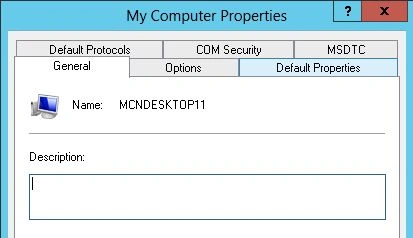
Now My Property Window would be opened, in the tabs you will see an option named as "Default Properties". Open this tab.
Step 3
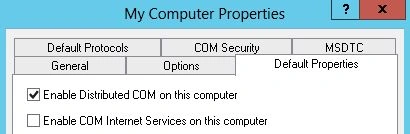
In the Default Properties check the first option available that would be named as "Enable Distributed COM". This is the main option of the entire process since this is the option that will allow the DCOM on your System.
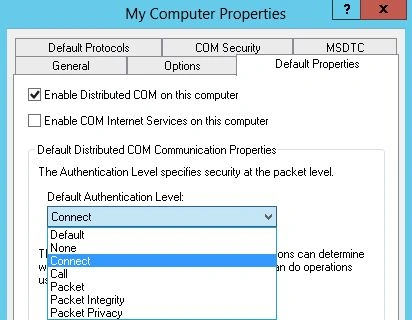
You can specify the security level for this DCOM, for this you first need to select the Default Authentication Level. For this click on the Drop Down Menu and then select an option from the available options. I have selected the Connect.
Step 4
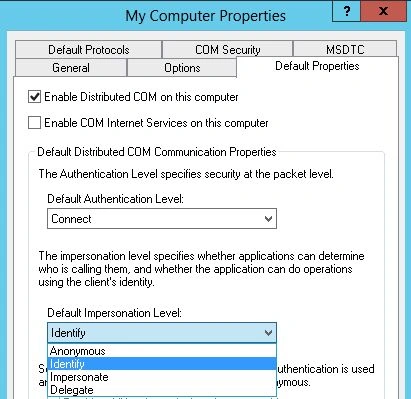
Now you need to select the next option; in other words for the Default Impersonation Level. For this again click on the Drop Down List and then select the Identity.
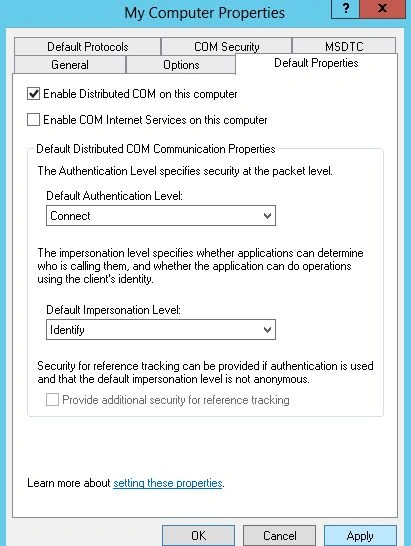
After selecting all the options click on "Apply" button and then on "OK".
Sam HobbsPosted Apr 24, 2013, 4:02 PM
I wonder what the managed equivalent to DCOM is, but I should ask that in the forums.
Sam HobbsPosted Apr 24, 2013, 3:56 PM
Note that DCOM uses RPC. It is possible for a Linux/Unix client using RPC to communicate with a Windows COM server using DCOM. If no one has written a C# Corner article about that then that would be interesting.
Sam HobbsPosted Apr 24, 2013, 3:53 PM
The difficult challenge is getting DCOM to work over the internet. I tried doing that many years ago. For example see the KB article "SAMPLE: A Simple DCOM Client Server Test Application". There is also source code for that available. I could never get it to work over the internet and I never found anything saying it should not work. There are now many other ways for communicating over the internet, so it is much less important. See: http://support.microsoft.com/kb/259011