ARTICLE

Hide Keyboard on Text Field in iPhone

Posted by Sachin Bhardwaj Articles | iPhone/iPad November 23, 2012
In this article I will explain the process of hiding the keyboard when we click on the keyboard's Return button or click on the background screen of the UI.
Reader Level:
Download Files:
 

Introduction

In this article I will explain the process of hiding the keyboard when we click on the keyboard's Return button or click on the background screen of the UI.

Step 1

To hide the keyboard when we click on the Keyboard's Return button:

-(BOOL)textFieldShouldReturn:(UITextField *)textField {
   
    [textField resignFirstResponder];
 
    return YES;
}

Step 2

To hide the keyboard when we click on the background screen:

- (void)touchesBegan:(NSSet *)touches withEvent:(UIEvent *)event {
   
    [textField resignFirstResponder];

   
}

Step 3

At last we run our application and see the output:
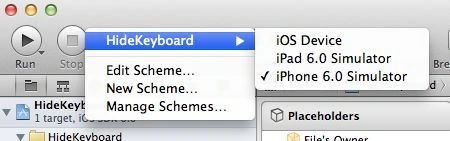
run-in-iphone.jpg

Output

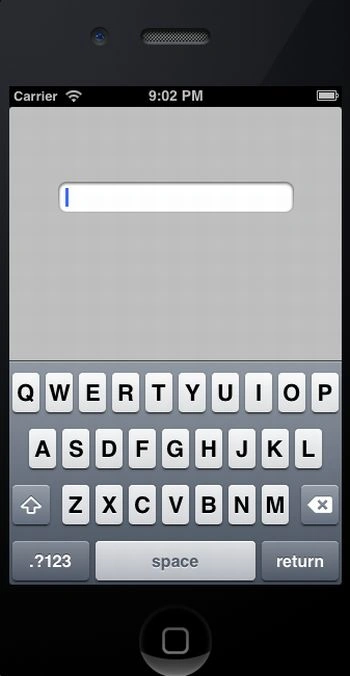
Output 1 in iPhone:

output1-in-iPhone.jpg

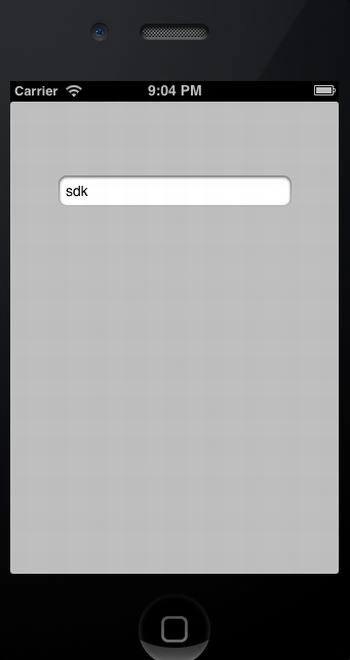
Output 2 in iPhone:

output2-in-iPhone.jpg

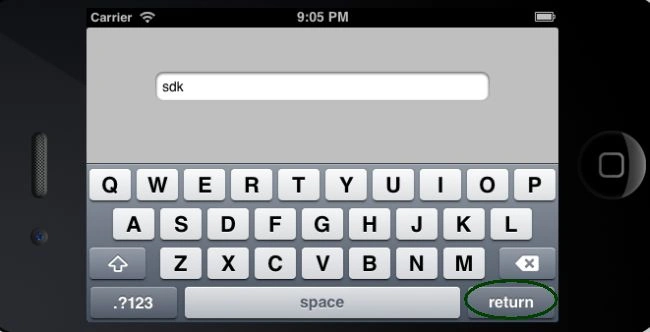
Output 3 in iPhone:

output3-in-iPhone.jpg

Login to add your contents and source code to this article
post comment
     
COMMENT USING
PREMIUM SPONSORS
Over-C is a holistic consortium of communications and technology specialists. We build, deploy and market both business as well as consumer products and solutions.
Get Career Advice from Experts
SPONSORED BY
  • PDF reports have never been easier to create. With our included WYSIWYG Designer, you can layout your reports, set up your data source and let DynamicPDF ReportWriter do the rest.
Join a Chapter