

- Local Object Repository
- Shared Object Repository
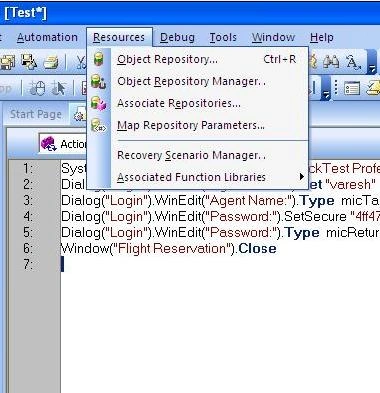
A shared object repository stores test objects in a file that can be accessed by multiple tests.
Objects for each action can be stored in its corresponding local object repository or can be stored in one or more shared object repositories. By storing objects in a shared object repository and associating this repository with actions, multiple actions can be used by the objects.
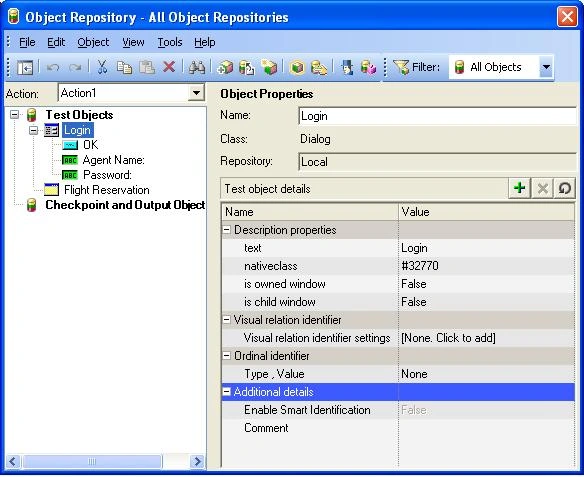
Local objects can also be transferred to a shared object repository, if required. This reduces maintenance and enhances the re-usability of your tests because it is easy to maintain the objects in a single, shared location instead of multiple locations.
A shared object repository can be created and managed using the Object Repository Manager.
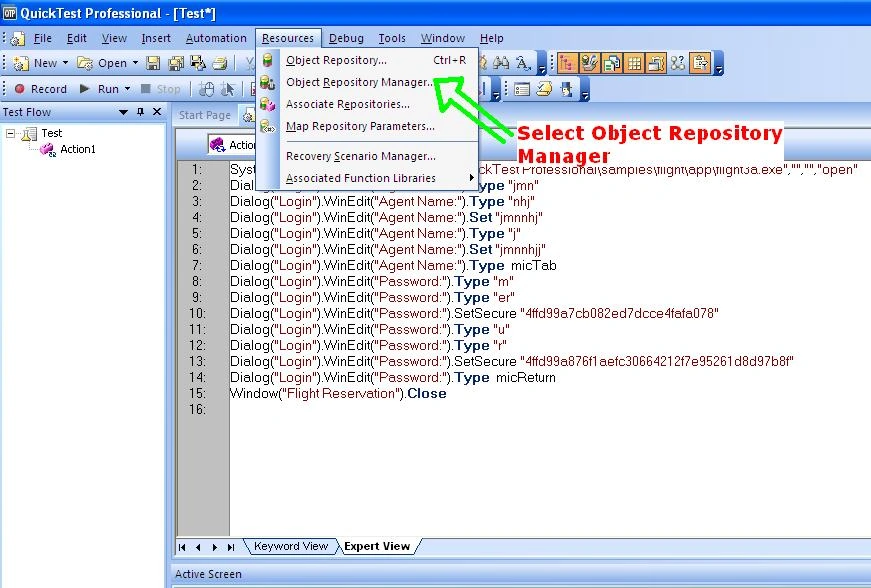
The object repository manager is opened by choosing Resources > Object Repository Manager.

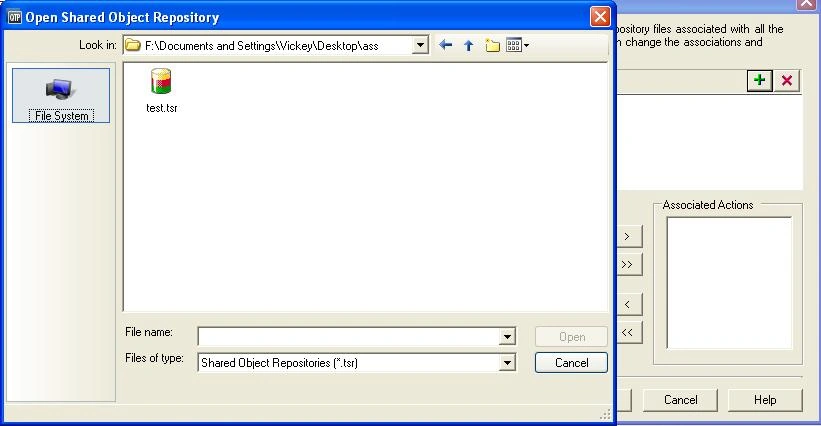
The object repository manager can open multiple shared object repositories and modify them as needed.
Join the conversation! Your thoughts help the community grow.