
Introduction
In this article I will explain an example for scrolling a text field. A script that shows scrolling text in a text field. This can be useful when you want to show any special message to your webpage visitors.
Description
The script is compatible with both IE 4+ and NS 6.
- Easy to embed into an HTML document.
- Compatible with Internet Explorer and NS 6 .
- Full JavaScript, no plugin, no C#, no ActiveX.
- Supports full HTML, including images, links and any other tags.
- Smooth scrolling.
- Very small script - fast to download.
- Easy to customize.
- Free for personal and commercial use.
Step 1: First we have to create a Web Application.
- Go to Visual Studio 2010.
- New--> And select the Web Application.
- Give whatever name you want to.
- Click OK.
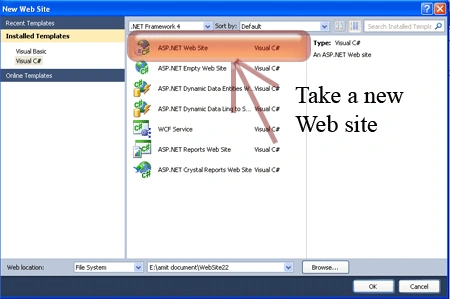
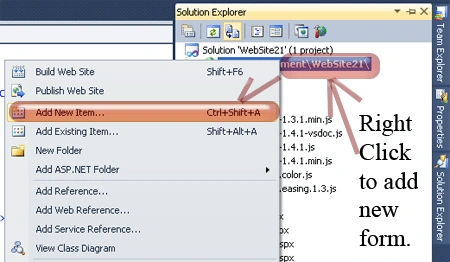
Step 2: Secondly you have to add a new page to the website.
- Go to the Solution Explorer.
- Right-click on the project name.
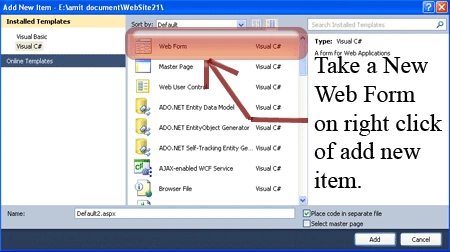
- Select add new item.
- Add new web page and give it a name.
- Click OK.
Step 3: In this step we have to write the script reference to the aspx page; let us see from where you have to write the script code.
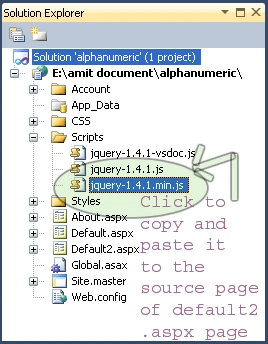
Step 4: Let us see the script code which you have to add inside the <script></script> tags and that will be placed either in the < Head> section or the <Body> section as you prefer.
<script type="text/javascript" src="Scripts/jquery-1.4.1.min.js"></script>
Step 6: In this step we have to write the jQuery code which is given below.
<script type="text/javascript">
//Secify scroller contents
var line = new Array()
line[1] = " Hi friends I m Akshay.."
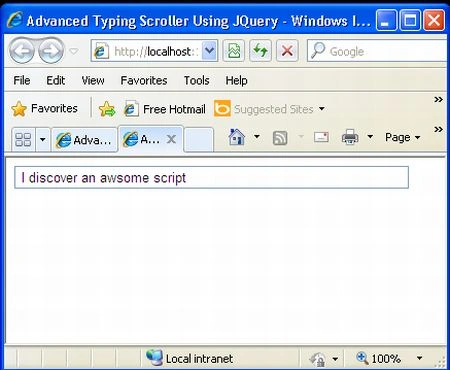
line[2] = " I discover an awsome script "
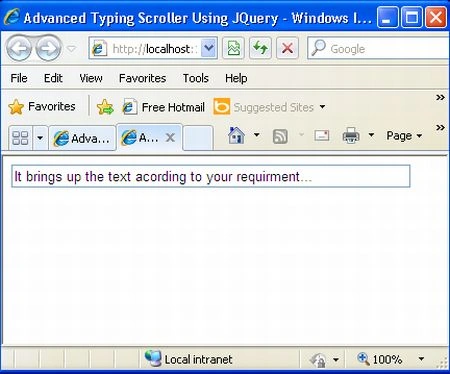
line[3] = "It brings up the text acording to your requirment..."
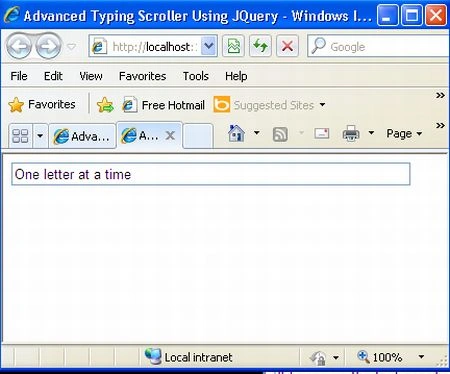
line[4] = "One letter at a time"
line[5] = "You can add subtract lines "
line[6] = "It\'s very cool and new one to use"
line[7] = "For more about jQuery follow http://www.c-sharpcorner.com"
var ts_fontsize = "17px"
//--Don't edit below this line
var longestmessage = 1
for (i = 2; i < line.length; i++) {
if (line[i].length > line[longestmessage].length)
longestmessage = i
}
var tscroller_width = line[longestmessage].length
lines = line.length - 1 //--Number of lines
//if IE 4+ or NS6
if (document.all || document.getElementById) {
document.write('<form name="bannerform">')
document.write('<input type="text" name="banner" size="' + tscroller_width + '"')
document.write('</form>')
}
temp = ""
nextchar = -1;
nextline = 1;
cursor = "\\"
function animate() {
if (temp == line[nextline] & temp.length == line[nextline].length & nextline != lines) {
nextline++;
nextchar = -1;
document.bannerform.banner.value = temp;
temp = "";
setTimeout("nextstep()", 1000)
}
else if (nextline == lines & temp == line[nextline] & temp.length == line[nextline].length) {
nextline = 1;
nextchar = -1;
document.bannerform.banner.value = temp;
temp = "";
setTimeout("nextstep()", 1000)
}
else {
nextstep()
}
}
function nextstep() {
if (cursor == "\\") {
cursor = "|"
}
else if (cursor == "|") {
cursor = "/"
}
else if (cursor == "/") {
cursor = "-"
}
else if (cursor == "-") {
cursor = "\\"
}
nextchar++;
temp += line[nextline].charAt(nextchar);
document.bannerform.banner.value = temp + cursor
setTimeout("animate()", 25)
}
//if IE 4+ or NS6
if (document.all || document.getElementById)
window.onload = animate
</script>
Step 7: In this step we will see the complete code of the Default2.aspx page which is given below.
Code:
<%@ Page Language="C#" AutoEventWireup="true" CodeFile="Default2.aspx.cs" Inherits="Default2" %>
<!DOCTYPE html PUBLIC "-//W3C//DTD XHTML 1.0 Transitional//EN" "http://www.w3.org/TR/xhtml1/DTD/xhtml1-transitional.dtd">
<html xmlns="http://www.w3.org/1999/xhtml">
<head runat="server">
<title> Advanced Typing Scroller Using JQuery</title>
<script type="text/javascript" src="Scripts/jquery-1.4.1.min.js"></script>
<script type="text/javascript">
//Secify scroller contents
var line = new Array()
line[1] = " Hi friends I m Akshay.."
line[2] = " I discover an awsome script "
line[3] = "It brings up the text acording to your requirment..."
line[4] = "One letter at a time"
line[5] = "You can add subtract lines "
line[6] = "It\'s very cool and new one to use"
line[7] = "For more about jQuery follow http://www.c-sharpcorner.com "
var ts_fontsize = "17px"
//--Don't edit below this line
var longestmessage = 1
for (i = 2; i < line.length; i++) {
if (line[i].length > line[longestmessage].length)
longestmessage = i
}
var tscroller_width = line[longestmessage].length
lines = line.length - 1 //--Number of lines
//if IE 4+ or NS6
if (document.all || document.getElementById) {
document.write('<form name="bannerform">')
document.write('<input type="text" name="banner" size="' + tscroller_width + '"')
document.write('</form>')
}
temp = ""
nextchar = -1;
nextline = 1;
cursor = "\\"
function animate() {
if (temp == line[nextline] & temp.length == line[nextline].length & nextline != lines) {
nextline++;
nextchar = -1;
document.bannerform.banner.value = temp;
temp = "";
setTimeout("nextstep()", 1000)
}
else if (nextline == lines & temp == line[nextline] & temp.length == line[nextline].length) {
nextline = 1;
nextchar = -1;
document.bannerform.banner.value = temp;
temp = "";
setTimeout("nextstep()", 1000)
}
else {
nextstep()
}
}
function nextstep() {
if (cursor == "\\") {
cursor = "|"
}
else if (cursor == "|") {
cursor = "/"
}
else if (cursor == "/") {
cursor = "-"
}
else if (cursor == "-") {
cursor = "\\"
}
nextchar++;
temp += line[nextline].charAt(nextchar);
document.bannerform.banner.value = temp + cursor
setTimeout("animate()", 25)
}
//if IE 4+ or NS6
if (document.all || document.getElementById)
window.onload = animate
</script>
</html>
Step 8: In this step we are going to run the Default2.aspx page by pressing F5.
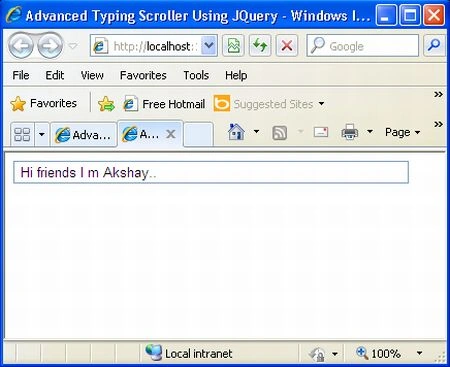
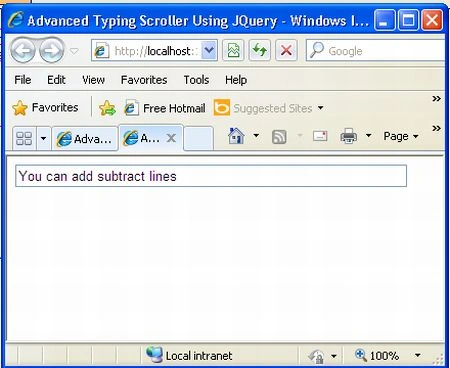
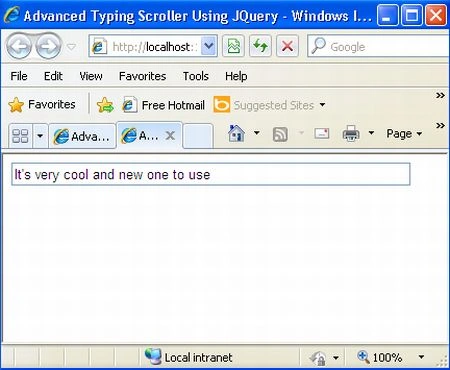
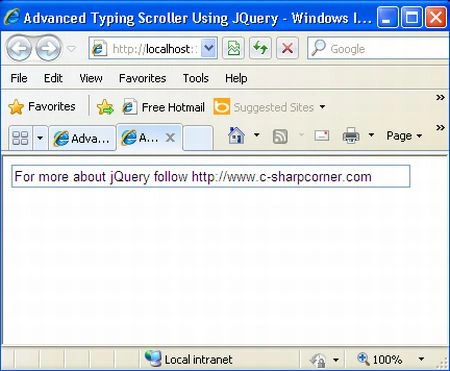
We will see the text in the text field typing out, one letter at a time.
Resources
Gowtham RajamanickamPosted Apr 1, 2015, 4:33 AM
good