

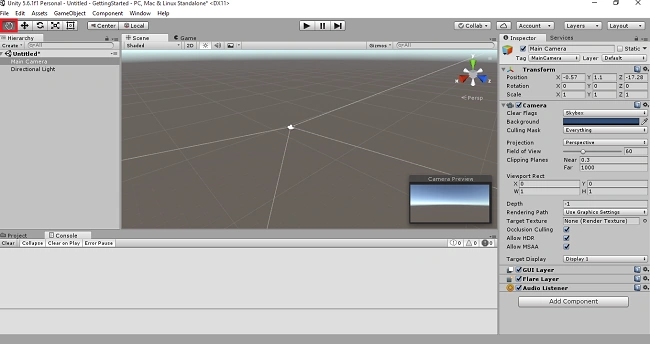
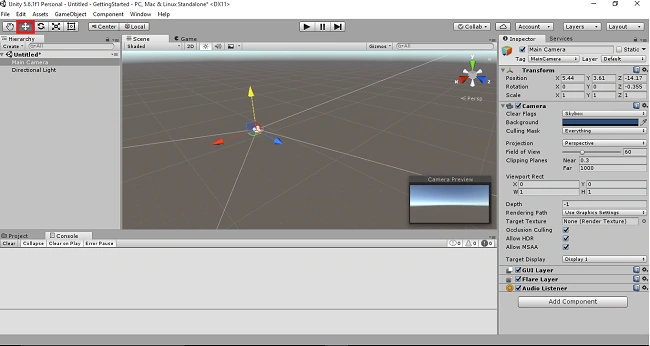
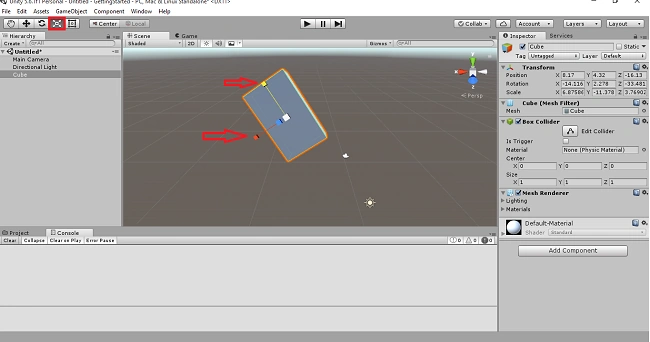
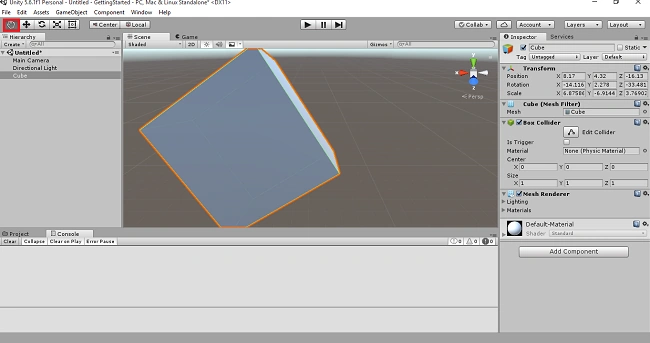
This article demonstrates how to quick start with Unity 3D. Here, we will learn the process of creating a Unity project, the basic menus used in the Unity environment, creating game object and moving the object, increasing & decreasing the size of the object and zoom the Game object in Unity 3D.
Prerequisites
Unity environment version 5.6.1
Creating the Unity3D project
Step1
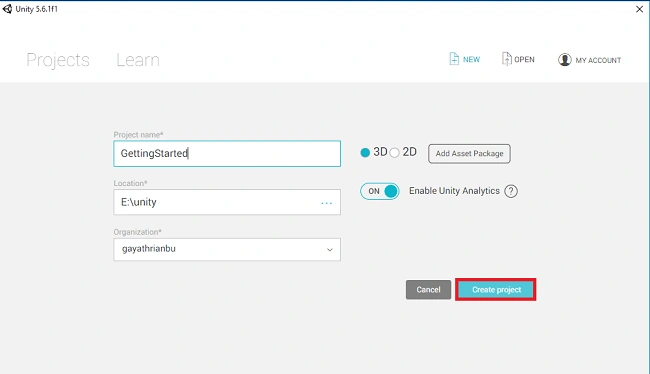
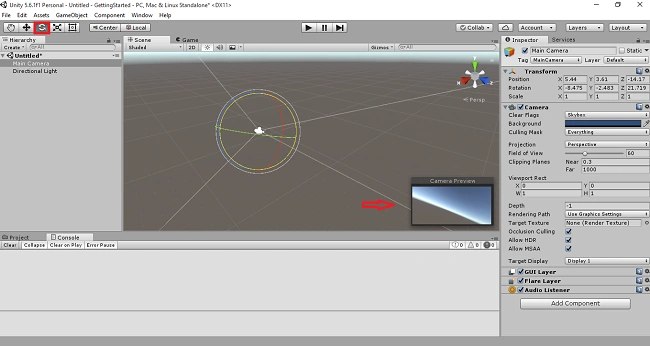
In the Unity Environment, select New Project and give the project name as Gettingstarted. And then, choose the Location to save the project. Select 3D or 2D. I select 3D then click "Create project".
Now, the project window will open.
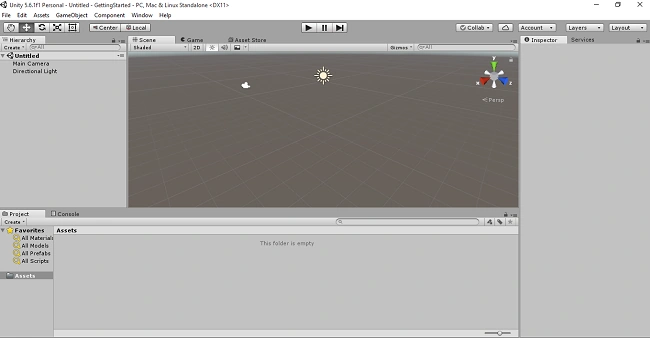
What are the basic menus used in this Unity3D
Let's see the menus one by one.
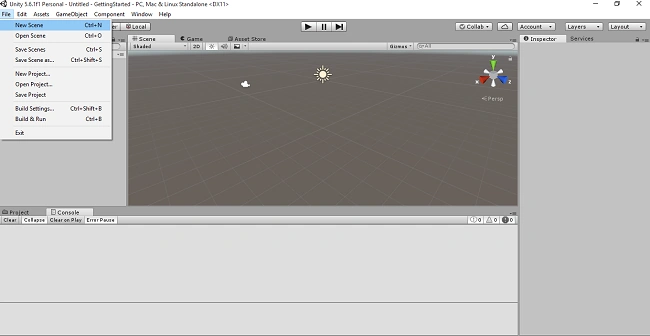
File menu
In this menu, we have New Scene, Open Scene, Save and Save as the Scene, New and Open Project. New scene creates the scene in your game.
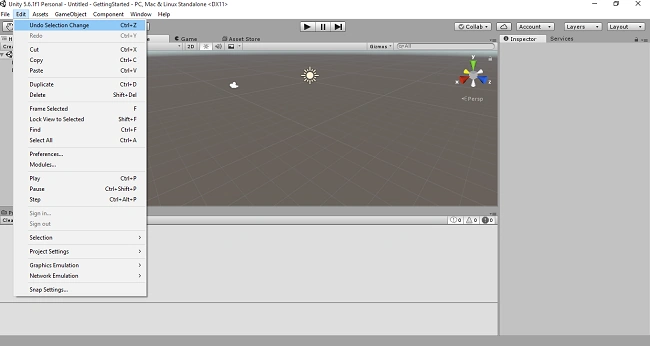
Edit Menu
In this menu, we have cut, copy, paste the scene, and delete the scene.
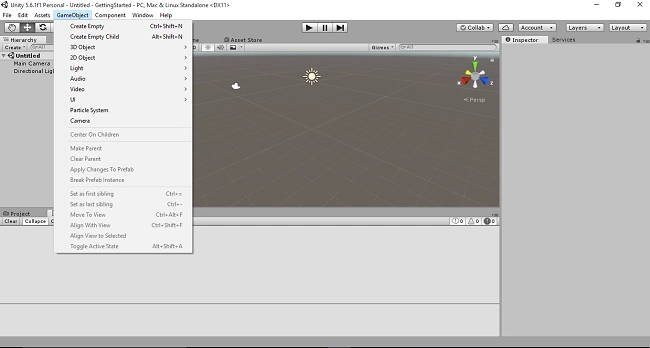
Game Object
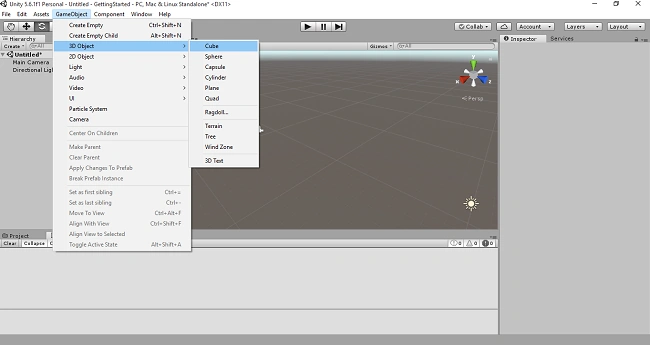
Game object is used to create the object in your game. Here, we choose 3D object or 2D object.
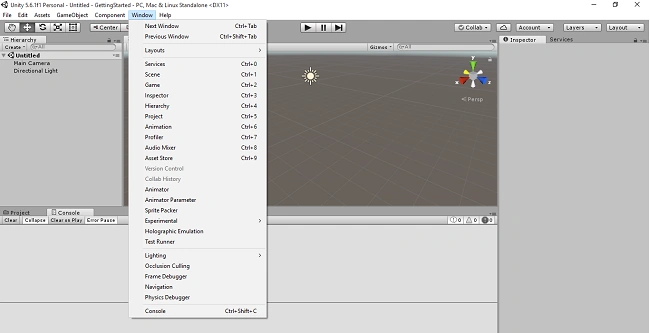
Window menu
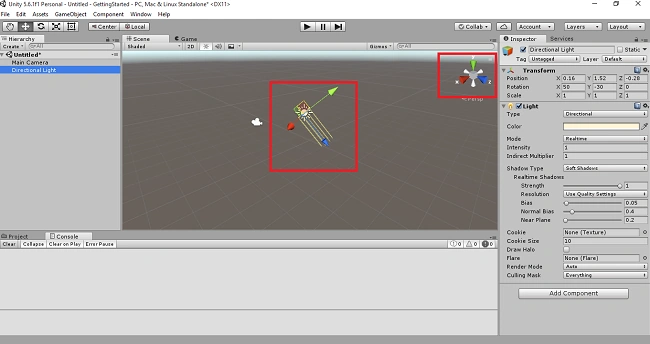
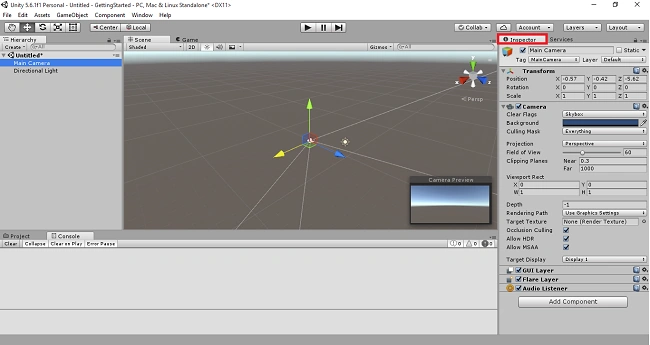
In this menu, we have seen the properties of the Views. It will be displayed on your Unity environment.
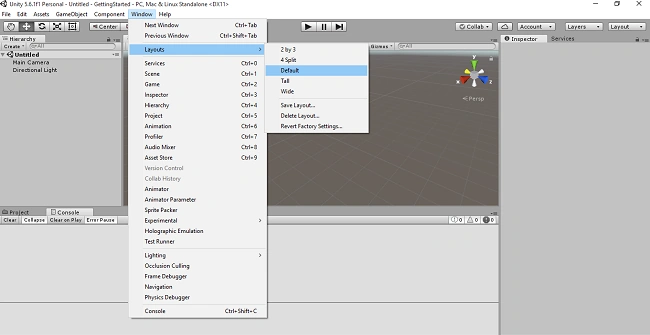
Layout
In the Window Menu, we have Layout. Here, we use to split your window 2 by 3 and split the window in 4 parts. Now, I have set default layout.
Let's see the Views one by one in the Unity Environment.
Project view
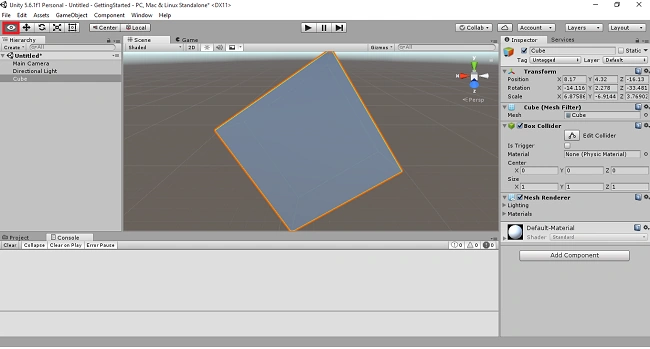
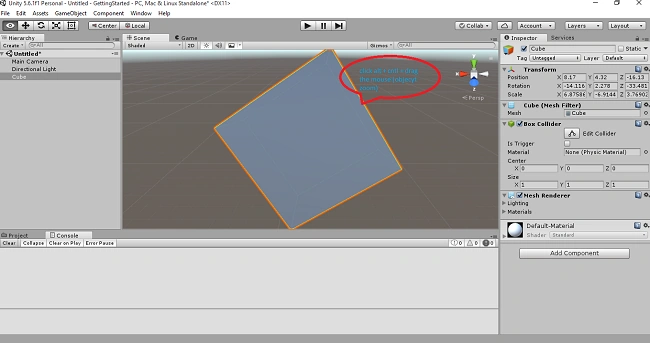
This View shows the assets in your scene. If you use any materials and scripts, it can be added to the Project View. If you want folders in your assets, right click the assets and select Create folder.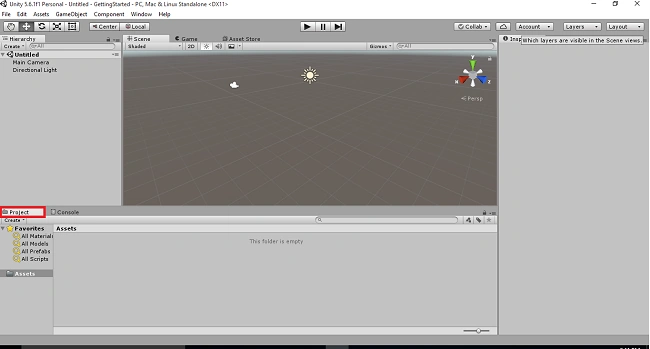
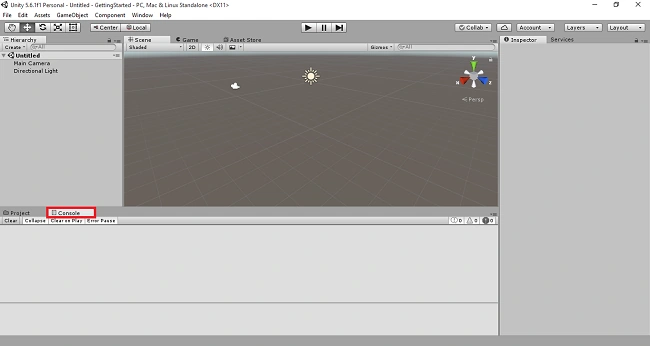
Console View
Munish APosted Oct 26, 2017, 7:22 AM
Nice article sister, is unity compatible to windows 7 version......
Gayathri AnbazhaganPosted Jun 12, 2017, 6:07 AM
Unity software....... if you want download this... follow this article...http://www.c-sharpcorner.com/article/beginners-guide-for-game-development-in-unity/ @ sundar
Thiruppathi RPosted Jun 4, 2017, 9:20 AM
Thank for your reply @Anbu..
Thiruppathi RPosted Jun 4, 2017, 4:21 AM
Nice Article. It is an open source?
Anbu ManiPosted Jun 4, 2017, 1:49 AM
very nice..keep it up