

Introduction
Here are the steps to get access to storage options in Windows 10:
Click Windows Start button and select Settings.

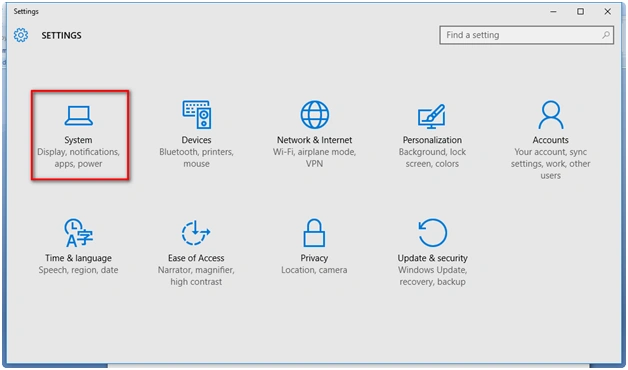
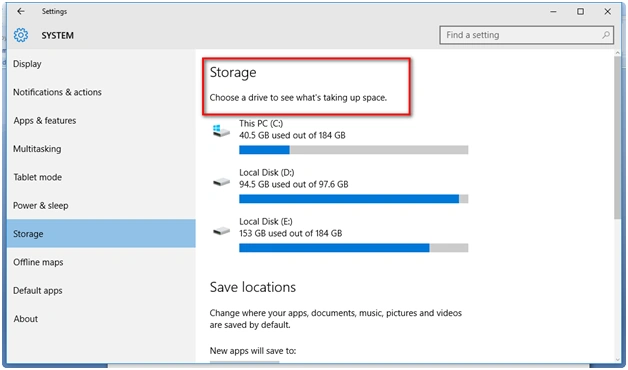
Under System select Storage. Now you can see the drive options with C:, D:, and E: drive
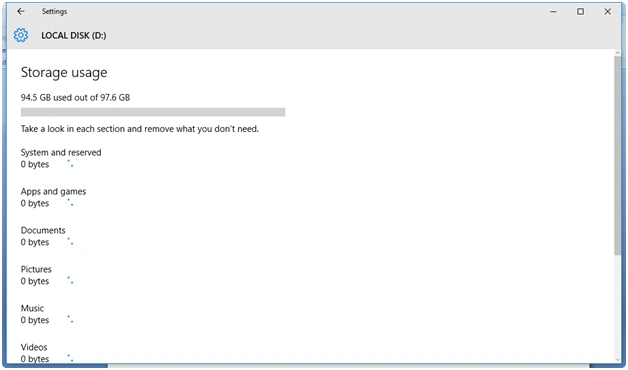
It consists of a section and an option to remove the applications we don't want. In the following figure, you can see 94.5 GB used out of 97.6 GB for D: Drive:
Summary
In this article, we learned about Storage Options In Windows 10.
Vignesh ManiPosted Mar 26, 2016, 8:57 AM
Nice
Mahesh ChandPosted Mar 25, 2016, 6:32 AM
This is more like How do I, not for developers. We will recategorize this as a FAQ in Windows 10.
Debasis SahaPosted Mar 25, 2016, 6:27 AM
Nice
Ammar ShaukatPosted Mar 25, 2016, 6:25 AM
WTF