

Step 1: Open Visual Studio (any version) installed in your machine. I have VS2012,
Click New Project. This opens a new window which looks like the image below.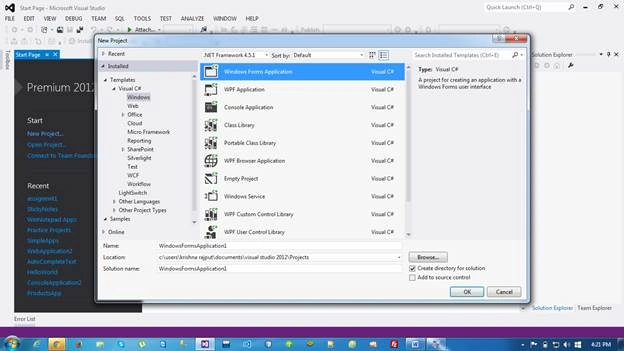
Step 2: Enter your application name and click OK.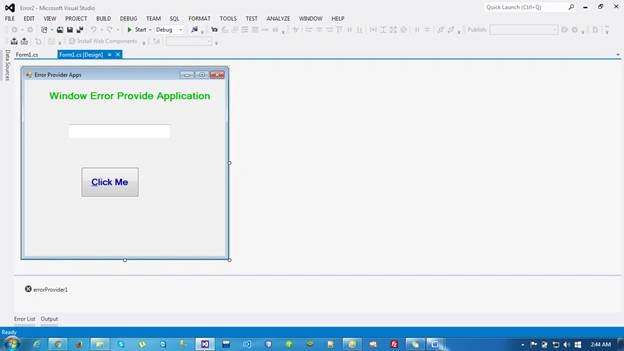
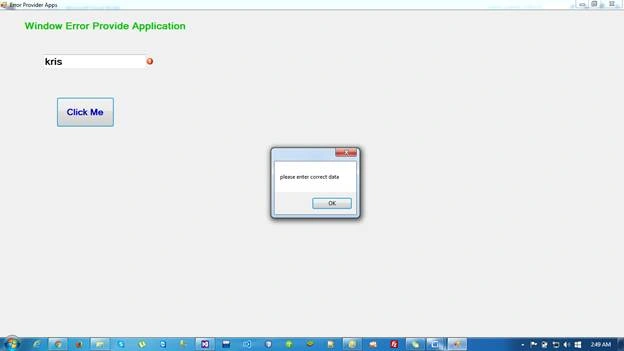
Step 3: Design your Windows application - Drag and drop one textbox, one button, one label and errorProvider. Click the button and add the source code.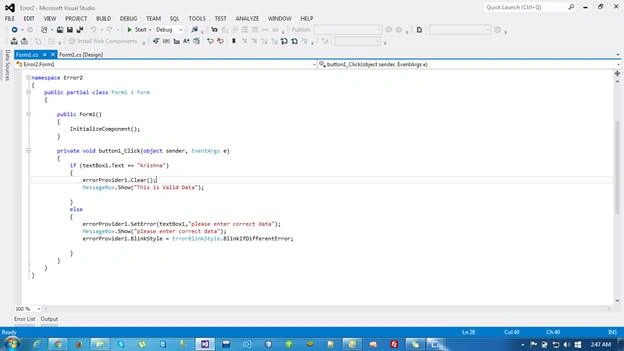
- using System;
- using System.Collections.Generic;
- using System.ComponentModel;
- using System.Data;
- using System.Drawing;
- using System.Linq;
- using System.Text;
- using System.Threading.Tasks;
- using System.Windows.Forms;
- using System.Diagnostics;
- using System.ComponentModel;
- using System.Text;
- namespace Error2
- {
- public partial class Form1 : Form
- {
- public Form1()
- {
- InitializeComponent();
- }
- private void button1_Click(object sender, EventArgs e)
- {
- if (textBox1.Text == "krishna")
- {
- errorProvider1.Clear();
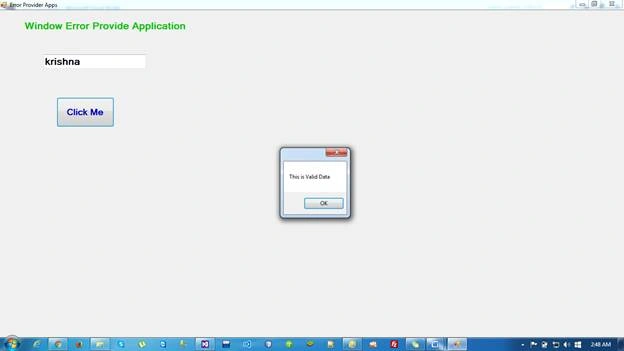
- MessageBox.Show("This is Valid Data");
- }
- else
- {
- errorProvider1.SetError(textBox1,"please enter correct data");
- MessageBox.Show("please enter correct data");
- errorProvider1.BlinkStyle = ErrorBlinkStyle.BlinkIfDifferentError;
- }
- }
- }
- }
Krishna Rajput SinghPosted Jul 11, 2016, 11:10 AM
Thank you so much for you valuable feedback kalu singh rao....:)
kalu singh raoPosted Jul 11, 2016, 2:33 AM
Nice...