
Introduction
Meta elements provide information about a given Web page, most often to help search engines categorize them correctly. They are inserted into the HTML document, but are often not directly visible to a user visiting the site or, Metadata is information about data. The <meta> tag provides metadata about the HTML document. Metadata will not be displayed on the page but will be machine parsable. The HTML <meta> tag is used for declaring metadata for the HTML document. Metadata can include document description, keywords, author, etc. It can also be used to refresh the page or set cookies. The meta tag is placed between the opening/closing <head> </head> tags.
Attributes
Element-Specific Attributes
The following table shows the attributes that are specific to this tag/element.
Attributes Introduced by HTML5
| Attributes | Value | Description |
| Name | author, description |
It provides a name for the information in the content attribute. |
| content | text | Specifies the content of the meta-information |
| http-equiv | content-type, content-style-type |
It provides an HTTP header for the information in the content attribute. |
Global Attributes
The following attributes are standard across all HTML 5 tags.
|
HTML5 Global Attributes
|
||
| accesskey | draggable | style |
| class | hidden | tabindex |
| dir | spellcheck | |
| contenteditable | id | title |
| contextmenu | lang | |
Event Handler Content Attributes
Here are the standard HTML 5 event handler content attributes.
| onabort | onerror* | onmousewheel |
| onblur* | onfocus* | onpause |
| oncanplay | onformchange | onplay |
| oncanplaythrough | onforminput | onplaying |
| onchange | oninput | onprogress |
| onclick | oninvalid | onratechange |
| oncontextmenu | onkeydown | onreadystatechange |
| ondblclick | onkeypress | onscroll |
| ondrag | onkeyup | onseeked |
| ondragend | onload* | onseeking |
| ondragenter | onloadeddata | onselect |
| ondragleave | onloadedmetadata | onshow |
| ondragover | onloadstart | onstalled |
| ondragstart | onmousedown | onsubmit |
| ondrop | onmousemove | onsuspend |
| ondurationchange | onmouseout | ontimeupdate |
| onemptied | onmouseover | onvolumechange |
| onended | onmouseup | onwaiting |
For example
Content Attribute
- <html>
- <head>
- <meta name="description" content="About article" />
- <meta name="keywords" content="C#,asp.net,vb.net,sqlserver" />
- <meta name="author" content="Rohatash" />
- <meta http-equiv="content-type" content="text/html;charset=UTF-8" />
- </head>
- <body></body>
- </html>
Name Attribute
- <html>
- <head>
- <meta name="description" content="About article" />
- <meta name="keywords" content="C#,asp.net,vb.net,sqlserver" />
- <meta name="author" content="Rohatash" />
- </head>
- <body></body>
- </html>
http-equiv attribute
- <html>
- <head>
- <title>Meta Refresh Example</title>
- <meta http-equiv="refresh" content="4;url=http://www.vbdotnetheaven.com/" />
- </head>
- <body style="background-color:#ff9900;">
- <p>Watch me redirect to another page in 4 seconds...</p>
- </body>
- </html>
Internet Explorer

Figure1
After 4 seconds this page will be redirected to vbdotnetheaven.com.
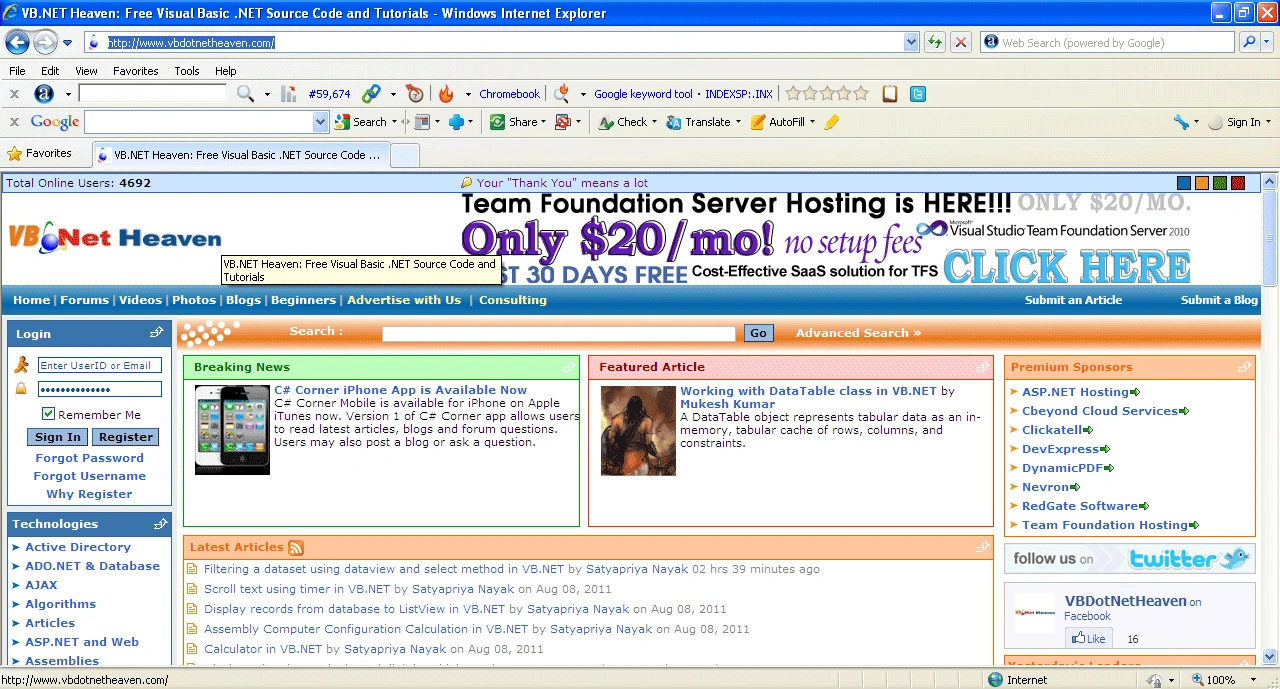
Figure2
FireFox
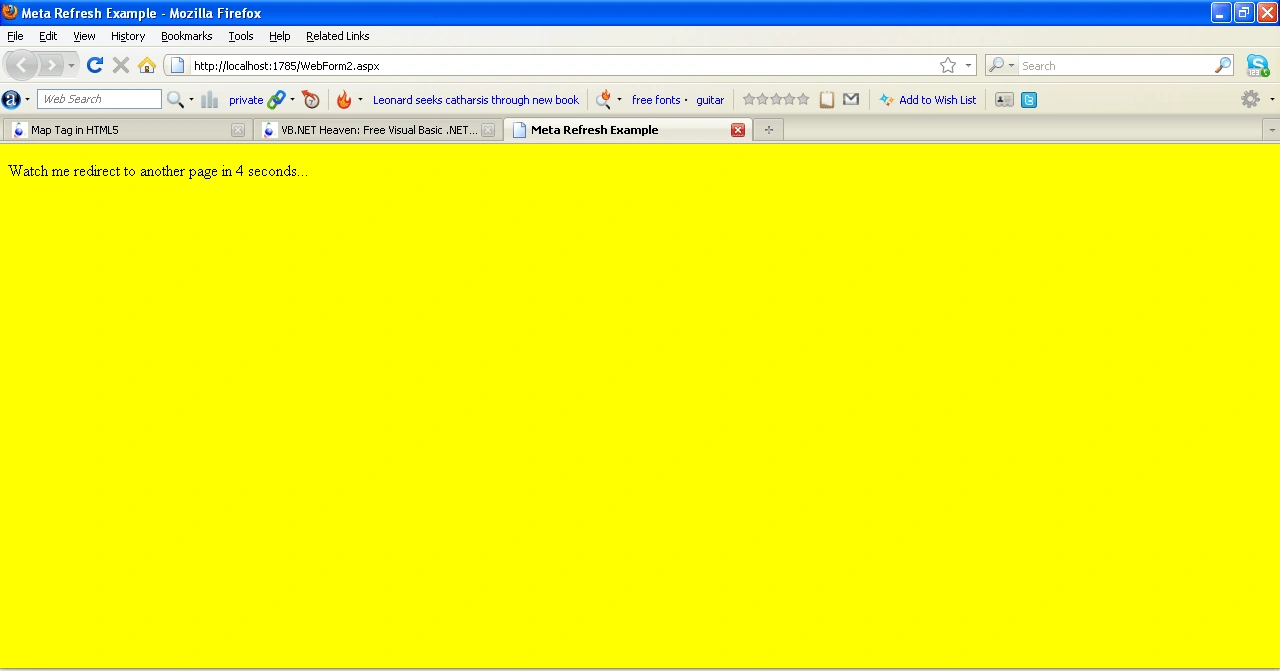
Figure3
Join the conversation! Your thoughts help the community grow.