

Introduction
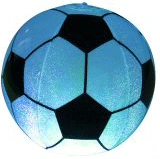
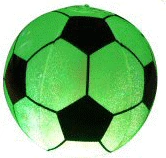
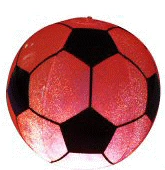
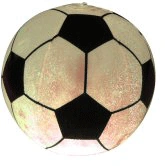
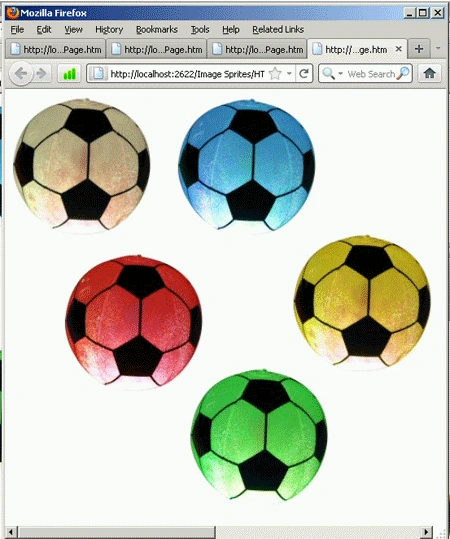
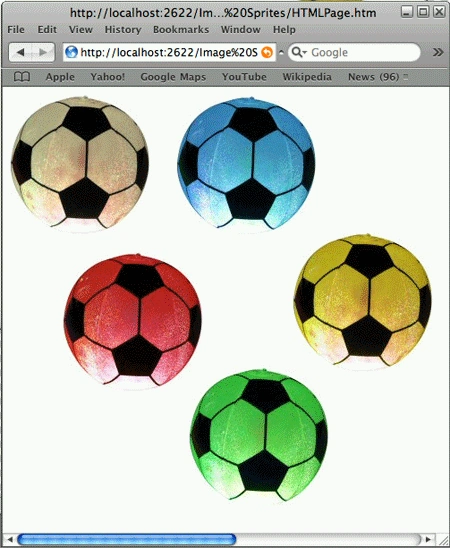
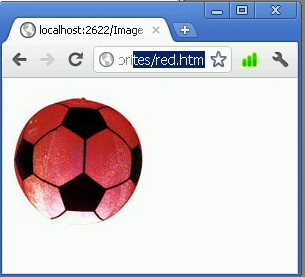
Using image sprites you can divide the portion of one image into other small images. Every single image works standalone. In simple terms, you can say one image is a collection of other small images.
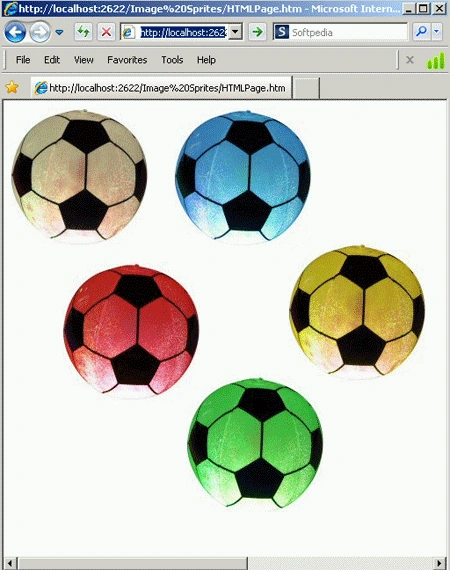
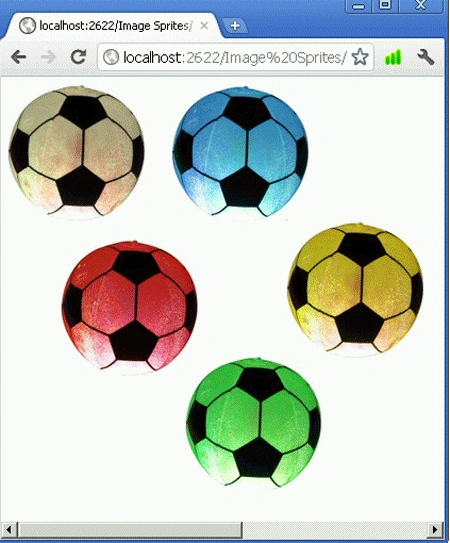
The main benefit of using image sprites is that it reduces the HTTP request and size of an image (see the following figures).
 |
 |
 |
|
 |
|
 |
|
 |
 |
 |
- <!DOCTYPE html>
- <html>
- <head>
- <link href="StyleSheet.css" rel="stylesheet" type="text/css" />
- <title></title>
- </head>
- <body>
- <div class="firstmain">
- <ul id="FirstUL">
- <li id="first"><a href="white.htm"></a></li>
- <li>
- <div id="second">
- <a href="blue.htm"></a>
- </div>
- </li>
- </ul>
- <ul id="SecondUL">
- <li id="third"><a href="red.htm"></a></li>
- <li id="forth"><a href=yellow.htm></a></li>
- </ul>
- </div>
- <div class="secondmain" >
- <a class="fifth" href="green.htm"></a>
- </div>
- </body>
- </html>
- #FirstUL
- {
- margin: 0;
- padding: 0;
- width: 450px;
- float: left;
- height: 160px;
- }
- #FirstUL ul
- {
- list-style: none;
- margin: 0;
- padding: 0;
- }
- #FirstUL li
- {
- padding: 0;
- margin: 0;
- float: left;
- list-style: none;
- top: 0;
- list-style: none;
- }
- #FirstUL a
- {
- height: 157px;
- width: 157;
- display: block;
- }
- #first
- {
- background-image: url('image/all balls.jpg');
- background-position: 0 0;
- background-repeat: no-repeat;
- width: 157px;
- height: 157px;
- }
- #second
- {
- margin-left: 29px;
- background-image: url('image/all balls.jpg');
- background-position: -184px 0;
- background-repeat: no-repeat;
- width: 157px;
- height: 157px;
- }
- #SecondUL
- {
- margin: 0;
- padding: 0;
- width: 850px;
- float: left;
- margin-top: 154px;
- margin-left: -420px;
- height: 157px;
- }
- #SecondUL ul
- {
- list-style: none;
- margin: 0;
- padding: 0;
- }
- #SecondUL li
- {
- padding: 0;
- margin-right: 100PX;
- height: 160PX;
- float: left;
- list-style: none;
- top: 0;
- list-style: none;
- }
- #SecondUL a
- {
- height: 157px;
- width: 157px;
- display: block;
- }
- #third
- {
- margin-left: 29px;
- margin-top: 20PX;
- background-image: url('image/all%20balls.jpg');
- background-position: -9px -174px;
- background-repeat: no-repeat;
- width: 157px;
- height: 157px;
- }
- #forth
- {
- background-image: url('image/all balls.jpg');
- background-position: -293px -152px;
- background-repeat: no-repeat;
- width: 157px;
- height: 157px;
- }
- .firstmain
- {
- margin: 0px;
- padding: 0px;
- height: 330px;
- width: 900px;
- }
- .fifth
- {
- background-image: url('image/all%20balls.jpg');
- background-position: -164px -290px;
- background-repeat: no-repeat;
- padding: 0px;
- width: 157px;
- height: 157px;
- }
- .secondmain
- {
- margin-left: 200px;
- margin-top: -27px;
- width: 157px;
- height: 157px;
- }
- .secondmain a
- {
- margin: 0px;
- padding: 0px;
- height: 157px;
- width: 157;
- display: block;
- }
Valon AdemiPosted Jul 25, 2011, 7:02 AM
Helpful Article...