ARTICLE

Expression Blend Preview for Silverlight 5

Posted by Mahadesh Mahalingappa Articles | Silverlight with C# September 18, 2011
In this article I will demonstrate how to install Expression Blend Preview for Silverlight 5.
Reader Level:

In this article I will demonstrate how to install Expression Blend Preview for Silverlight 5.

Expression Blend Preview for Silverlight 5 provides support for creating Silverlight 5 projects, including Silverlight 5 SketchFlow projects. Expression Blend Preview for Silverlight 5 installs side-by-side with Expression Blend 4.

Expression Blend Preview for Silverlight 5 supports only Silverlight 5 projects. Lets start of by downloading the exe for installation . Downloaded the exe from the Microsoft site as shown below :

http://www.microsoft.com/download/en/details.aspx?id=9503

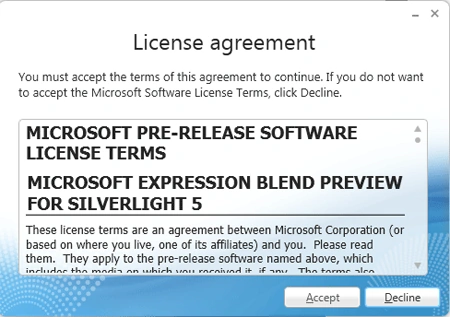
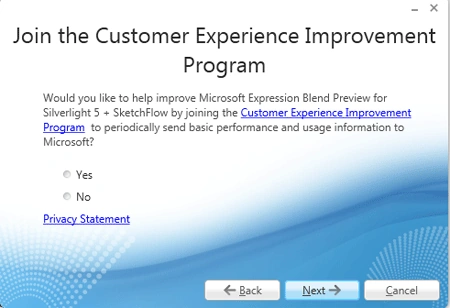
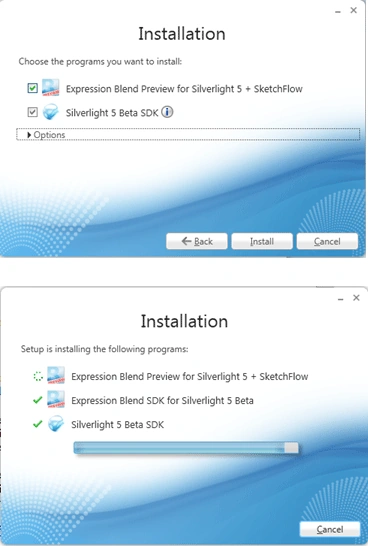
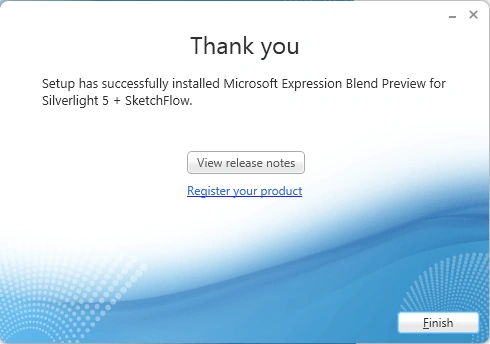
Click on the Exe . Follow the screenshots as below :
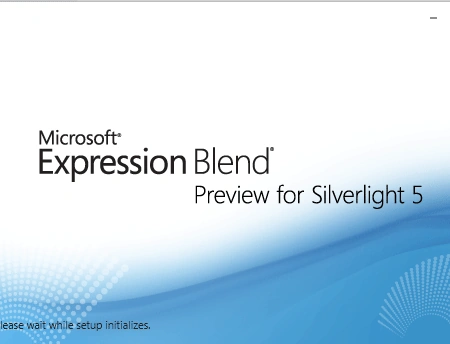
Expression Blend Preview for Silverlight 5

Expression Blend Preview for Silverlight 5

Expression Blend Preview for Silverlight 5

Expression Blend Preview for Silverlight 5

Expression Blend Preview for Silverlight 5

Click on Finish . The Installation is completed . Now we can start up the Expression Blend as shown below :
ExprBlend6.gif

Login to add your contents and source code to this article
comments
COMMENT USING
PREMIUM SPONSORS
DynamicPDF™ product line allows you to dynamically generate PDF documents, merge PDF documents and add new content to existing PDF documents from within your applications.
Join a Chapter
SPONSORED BY
  • PDF reports have never been easier to create. With our included WYSIWYG Designer, you can layout your reports, set up your data source and let DynamicPDF ReportWriter do the rest.
Join a Chapter