

In this article I am showing you a new feature in SharePoint 2010 called Developer Dashboard.
The developer dashboard is a new feature in SharePoint 2010 this will help developers by giving additional performance and tracing information that can be used to debug and troubleshoot issues with page rendering time. It will give somewhat similar functionality of fiddler tool. The dashboard is turned off by default, but can be enabled via the object model or stsadm. Once enabled it will allow the following.
- Tracking infinite loops inside code within web parts
- Find out if pages are loading slowly.
This has three states ON, OFF and On demand. The following are the commands for each state
ON
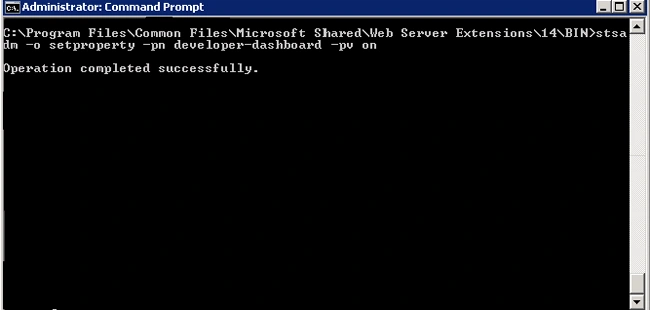
STSADM -o setproperty -pn developer-dashboard -pv on
OFF
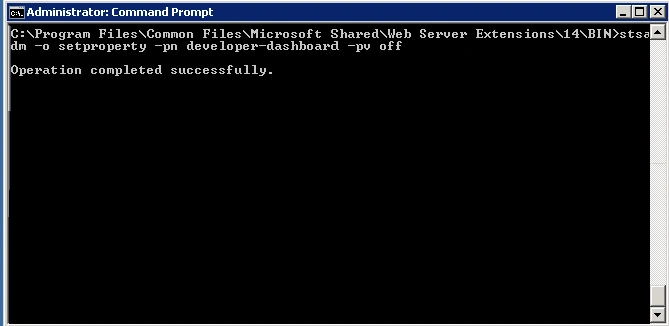
STSADM -o setproperty -pn developer-dashboard -pv off
ON DEMAND
This is very nice feature if you enable this mode you can make the dashboard enabled from SharePoint site itself whenever you need that
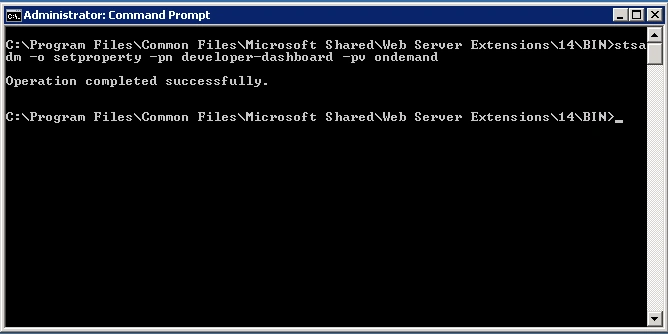
STSADM -o setproperty -pn developer-dashboard -pv ondemand
To enable this you have to go to command prompt then have to move to the following location in command prompt
C:\Program Files\Common Files\Microsoft Shared\Web Server Extensions\14\BIN
Please find the screen shots for each of the state
Turning the Developer Dashboard ON
Turning the Developer Dashboard OFF
Turning the Developer Dashboard ONDEMAND mode
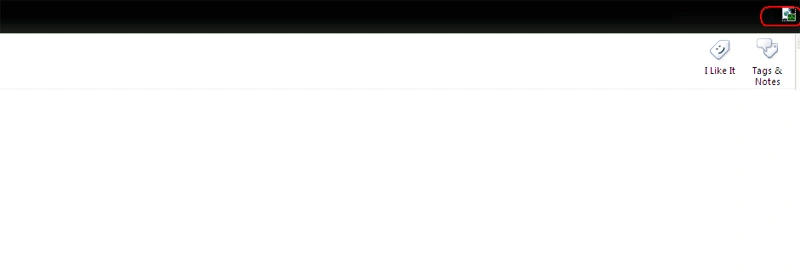
If you chosen on demand mode in SharePoint site you will get an icon as shown below to actvate the Developer dashboard feature.
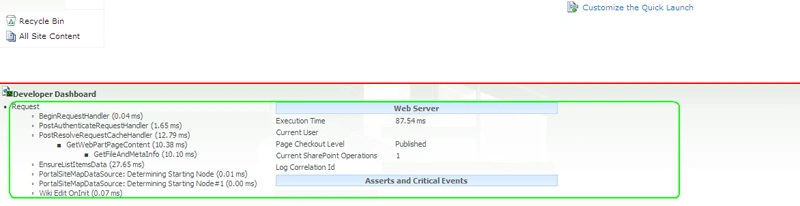
You will get a screen similar to below once you enabled this feature.
Join the conversation! Your thoughts help the community grow.