

Introduction
Computer systems use two kinds of graphics:
(i) Vector
Vector graphics contain the drawing instructions other than the color value in pixels. In Silverlight whatever we design (like lines, curves, points, and polygons) are examples of vector graphics. If a zoom factor is applied to such a graphics, the framework calculates a new view of this image in a smooth way and even the smallest details remain sharp and precise.
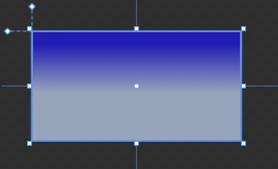
The above image is an example of vector graphics that we design in Silverlight.
(ii) Raster
Raster graphics are an array of pixels with values indicating the color. Raster graphics are defined in pixels. BMP, TIF, GIF, JPG, PNG etc are example of raster graphics. Since sizes are measured in pixels the print dimension depends on the resolution of the printer. BMP records every pixels in the image, so the size is very big even for a small images. Raster graphics does not resize well and when we zoom in too much, pixels can be seen. This gives a nasty look to an image.

Look at the above image; it is a human eye but it is very nasty.
HAVE A HAPPY CODING!!
Join the conversation! Your thoughts help the community grow.