Introduction
In this article we will see how we can wrap a text in Hyperlink Button.
Creating Silverlight Project
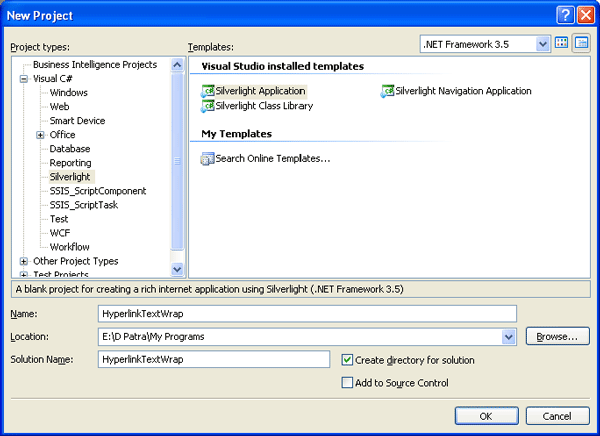
Fire up Visual Studio 2008 and create a new Silverlight 3 Project. Name it as HyperlinkTextWrap.
Before proceeding I wish to tell you that, there is no TextWrapping property for Hyperlink Button.
We can achieve it two ways.
First create two Hyperlink Buttons.
By default the Text is taken by the Content property. So if you are restricting the Hyperlink Button's width the Text will be invisible after the provided width.
We will add a Content Manually as follows and will fix the width.
<HyperlinkButton HorizontalAlignment="Left" VerticalAlignment="Top" Width="123">
<HyperlinkButton.Content>
<TextBlock TextWrapping="Wrap" Text="This is a very very long text This is a very very long text This is a very very long text."/>
</HyperlinkButton.Content>
</HyperlinkButton>
Using the above method wraps the Text of the Hyperlink after a certain width.
If you have Grid Panel used in your application you can use the next method for Text Wrapping. It doesn't need a fixed width but it wraps the Text.
<HyperlinkButton VerticalAlignment="Top" Margin="11,0,26,0" Grid.Column="1" d:LayoutOverrides="Width">
<TextBlock TextWrapping="Wrap" Text="This is a very very long text This is a very very long text This is a very very long text."/>
</HyperlinkButton>
We can provide anything to Hyperlink as it contains the Content property.

Hope this article helps.