

Introduction
In this article we will see how the Print API can be used in Silverlight 4.
Create Silverlight Application
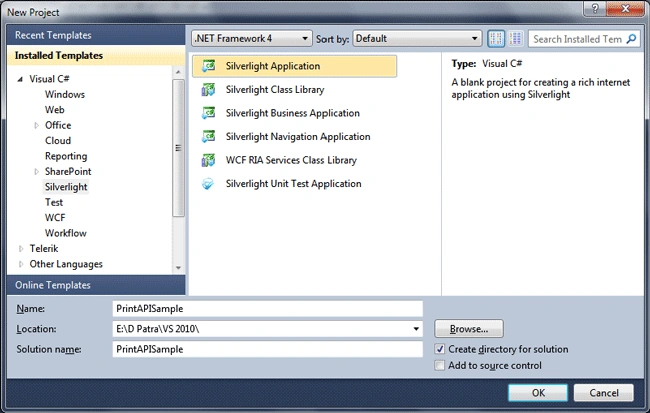
Fire up Visual Studio 2010 and create a Silverlight Application and name the solution as PrintAPISample.
Let's have some control's that would signify the printing.
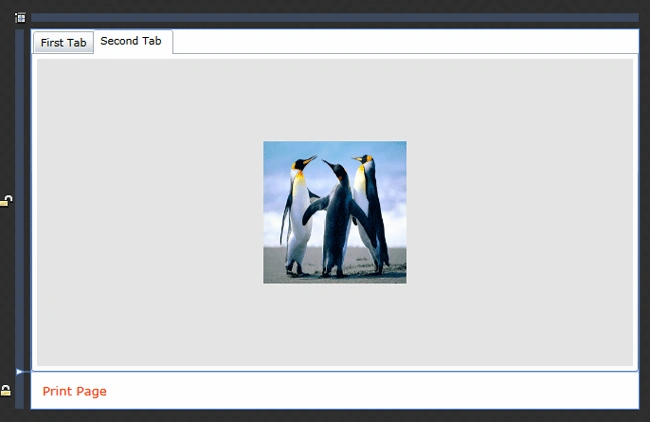
As you see in the above image, we have a Tab control and it consits of two Items, which contains an image each. Then we have a Hyperlink "Print Page", which will print when we click on it.
Let's write the code for printing.
We need the following Namespace to use the Printing classes.

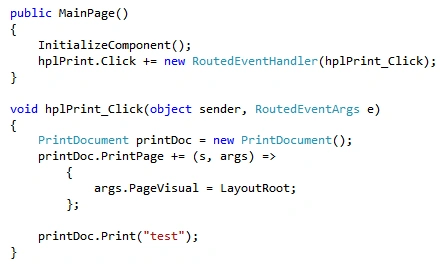
Now let's run the application and click to Print Page.
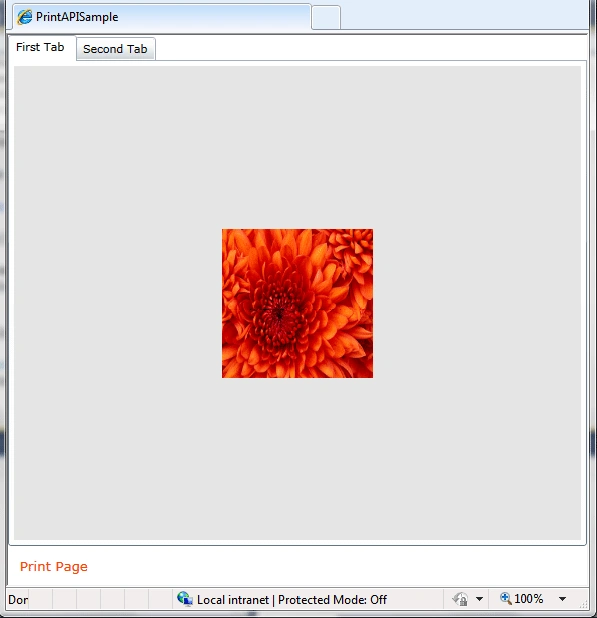
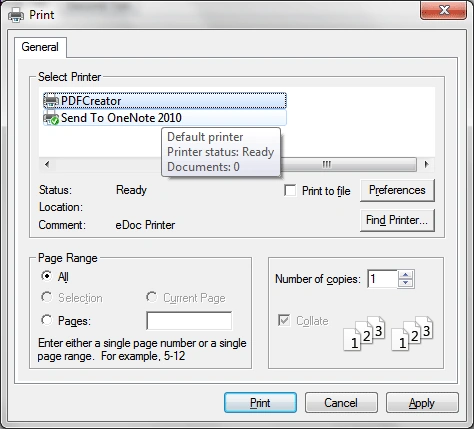
When we click on print the Print Dialog box would open.
Unfortunately the Printer driver is not supported in Windows 7 and I haven't updated so let's print it as a PDF file.
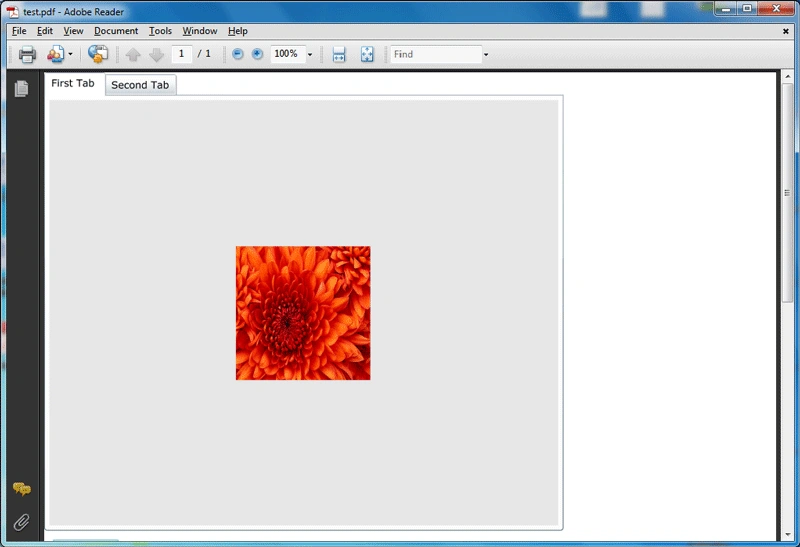
And when the print is completed the file would look like following.
Hope this article helps.
Recommended Readings
Join the conversation! Your thoughts help the community grow.