

Design
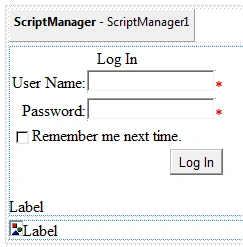
Place ScriptManager control (from the 'Ajax Extensions' tab) on the form.
Place one UpdatePanel control
In this UpdatePanel control, place one Login control and one label.
Place one UpdateProgress control
In this UpdateProgress control, place one Image control and one label.
Right-click on the application in Solution Explorer -> Add Existing Item-> select a progress bar gif image.
Set the 'ImageUrl' property of Image control to locate the progress bar gif image.
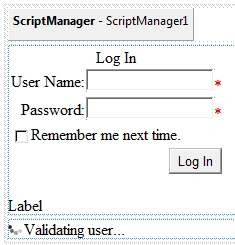
Set the 'AssociateUpdatePanelId' property of UpdateProgress1 control as 'UpdatePanel1'.
Code
using System;
using System.Web.UI.WebControls;

public partial class _Default : System.Web.UI.Page
{
    protected void Page_Load(object sender, EventArgs e)
    {
        LabelMsg.Text = "";
    }

    protected void Login1_Authenticate(object sender, AuthenticateEventArgs e)
    {
        System.Threading.Thread.Sleep(3000);
        LabelMsg.Text = "valid user";
    }
}
Output
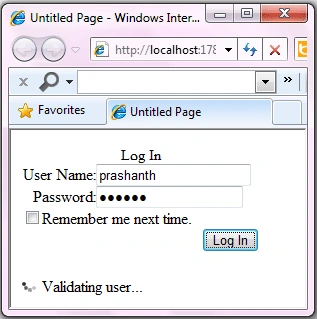
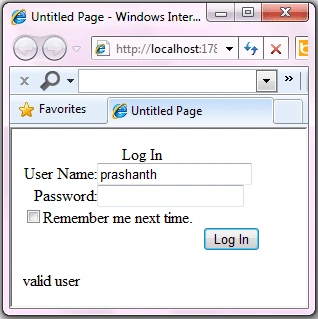
Join the conversation! Your thoughts help the community grow.