

In this mini article, I will show you how you can deploy your application without using Visual Studio 2010.
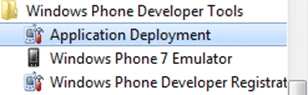
Assuming that you already have a XAP output of your Application, please start "Application Deployment" application.
Which looks like:
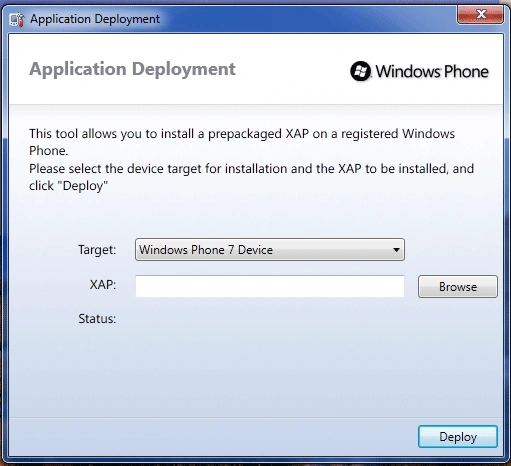
You can choose either Windows Phone 7 Device or Windows Phone 7 Emulator as seen below:
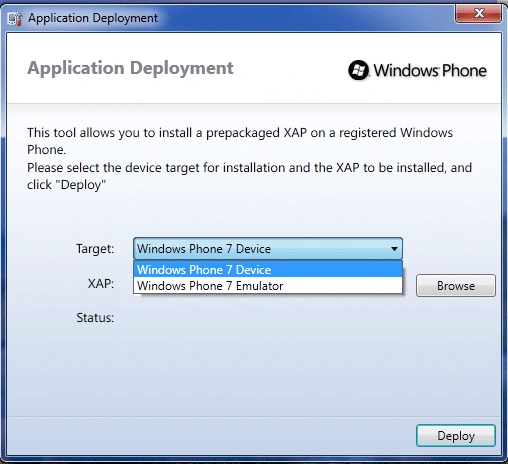
If you have the Windows Phone 7 Device and Zune Software Installed then choose "Windows Phone 7 Device".
To Deploy a XAP file please click on the "Browse" button which is labeled "XAP" on the left.
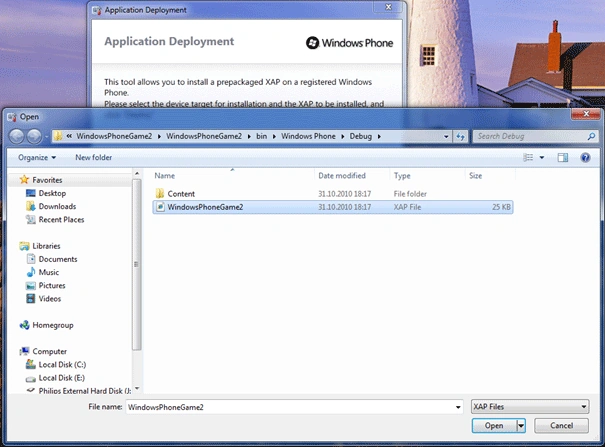
And choose your application. Click Open or Press Enter.
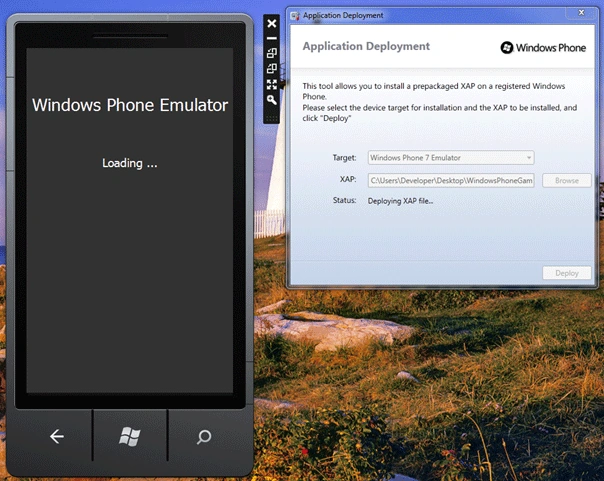
When you click Deploy button it will go Disabled; Windows Phone 7 Emulator will be opening and Status will be "Deploying XAP file...".
It immediately deploys your application on WP7 Emulator. But let me remind you; it can differ depending on how large your XAP file is. If your XAP file is large then it can take much more time.
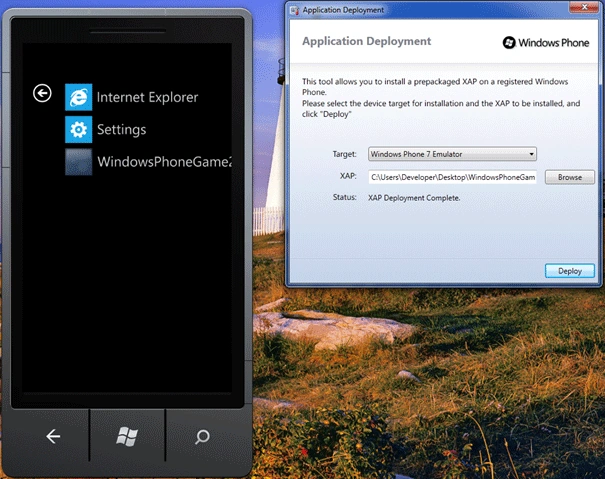
After that Status will become "XAP Deployment Complete" meaning you can run your application on the Emulator. Click on the WindowsPhoneGame2 menu item and run it!
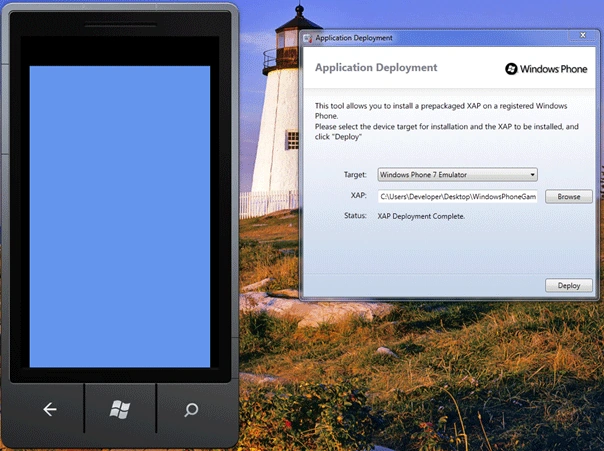
Here it is.
This article was a simple demonstration of how you can deploy your applications built for WP7 no matter what you use(XNA or Silverlight).
I will be writing much more about WP7 so keep in touch!
If you havent already installed latest version of Windows Phone 7 Developer Tools RTW then get it from this link:
Mahesh ChandPosted Nov 1, 2010, 7:51 PM
I had a problem installing on Visual Studio 2010 Ultimate. But Ibrahim suggest and I installed Visual C# 2010 Express and I see Windows Phone project template in Visual C# but still not in Visual Studio 2010.
Raj KumarPosted Nov 1, 2010, 4:39 AM
What did you install to work on WIndows Phone 7??