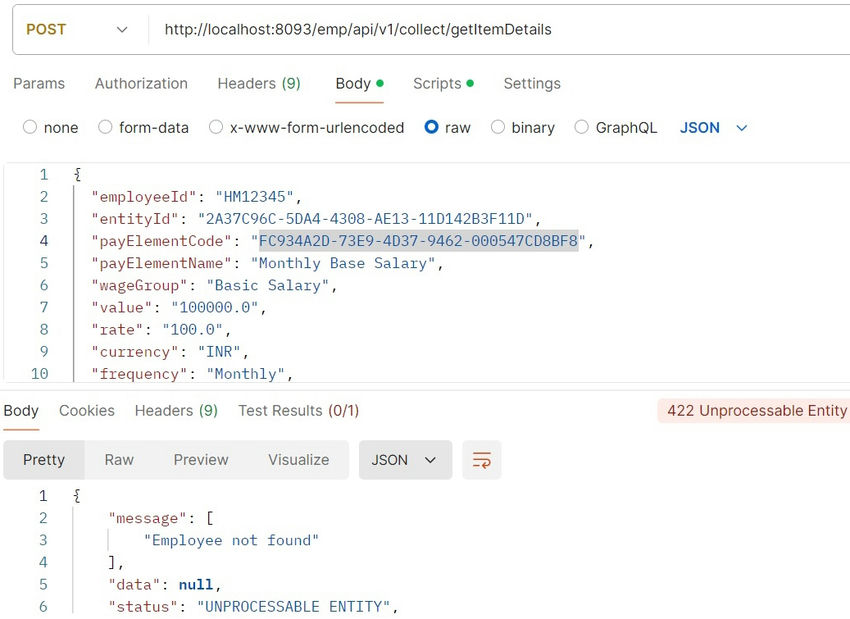
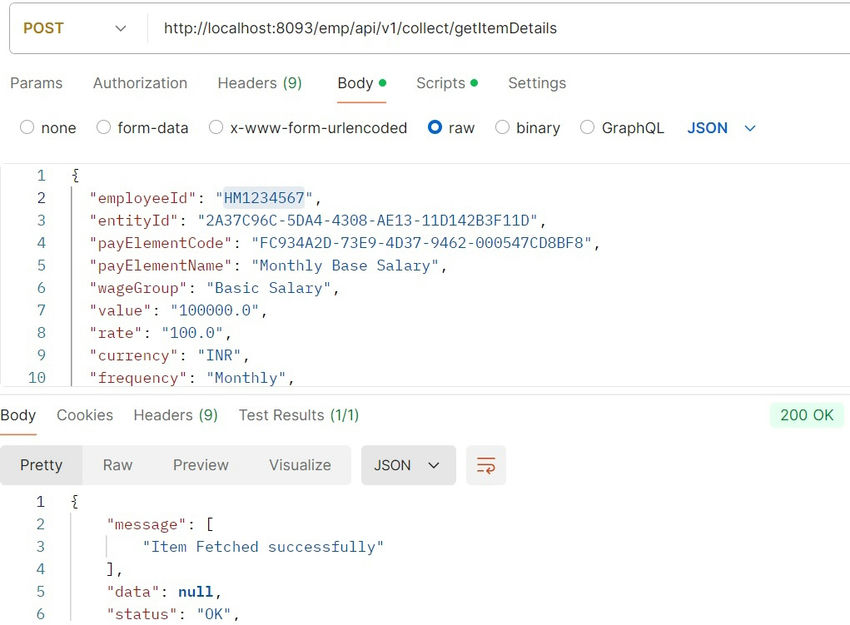
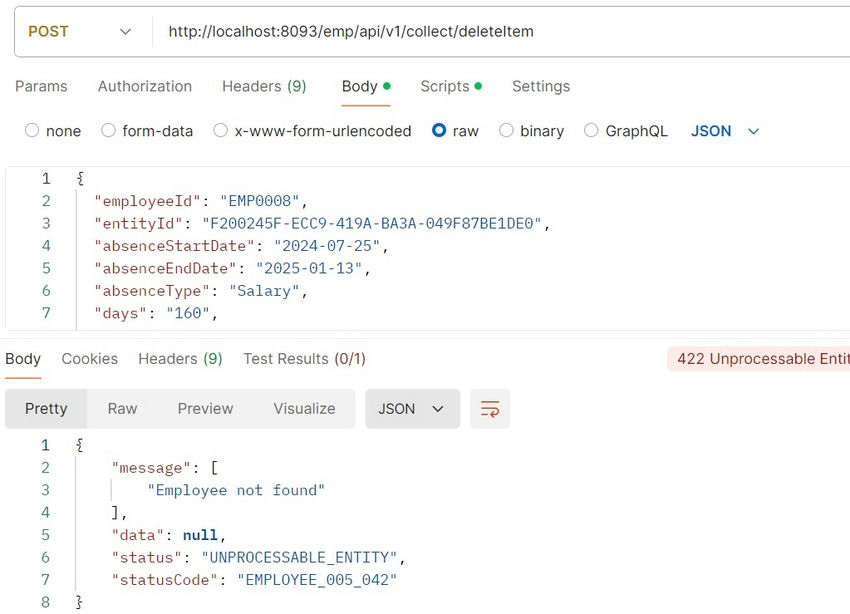
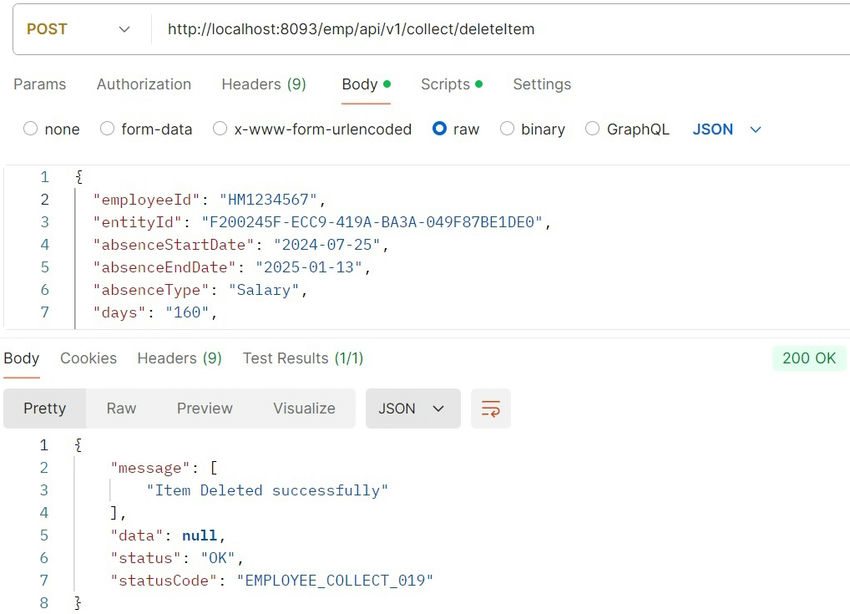
In this article, I'll guide you in making a delete modal dynamic in Java. You need to create a modal popup that can adjust its content based on the specific item you want to delete. This means that when you click the delete button for a particular item, the modal should update to show details about that item and confirm the deletion.
Create the Modal Layout: Start by designing the basic structure of the modal in your HTML or JSP file. This modal should include a title, a message asking if the user is sure they want to delete the item, and two buttons: one to confirm the deletion and one to cancel.
Imagine you have a list of items on a webpage, and each item has a delete button. When you click the delete button, a pop-up appears asking, “Are you sure you want to delete this item?” The pop-up should show the name of the item you’re about to delete and give you two choices: delete it or cancel.
To make this happen, you need to set up your webpage so that when you click delete, the pop-up knows which item you clicked on and shows the right information. Then, if you decide to go ahead with the deletion, the pop-up will tell your Java code to remove the item from your system. After that, the webpage should update to show that the item is gone.
import java.io.Serializable;
import java.util.Date;
import java.util.UUID;

import jakarta.persistence.Column;
import jakarta.persistence.Entity;
import jakarta.persistence.FetchType;
import jakarta.persistence.GeneratedValue;
import jakarta.persistence.GenerationType;
import jakarta.persistence.Id;
import jakarta.persistence.JoinColumn;
import jakarta.persistence.ManyToOne;
import jakarta.persistence.Table;
import jakarta.persistence.Temporal;
import jakarta.persistence.TemporalType;
import lombok.AllArgsConstructor;
import lombok.Data;
import lombok.NoArgsConstructor;

@Data
@NoArgsConstructor
@AllArgsConstructor
@Entity
@Table(name = "Item")
public class Item implements Serializable {

	private static final long serialVersionUID = 7550366616815293436L;

	@Id
	@GeneratedValue(strategy = GenerationType.UUID)
	@Column(name = "paydata_id",unique = true, nullable = false)
	private UUID payid;

	@Column(name = "payrun_id")
	private UUID payrunId;

	@Column(name = "cobalt_entity_id")
	private UUID entityId;

	@Column(name = "pay_element_no")
	private UUID payElementCode;

	@Column(name = "pay_element_name")
	private String payElementName;

	@Column(name = "wage_group")
	private String wageGroup;

	@Column(name = "value")
	private String value;

	@Column(name = "rate")
	private String rate;

	@Column(name = "units")
	private String units;

	@Column(name = "currency")
	private String currency;

	@Column(name = "Recurring")
	private String Recurring;

	@Column(name = "frequency")
	private String frequency;

	@Column(name = "effective_date")
	private Date effectiveDate;

	@Column(name = "status")
	private String status;

	@Column(name = "created_by")
	private UUID createdBy;

	@Temporal(TemporalType.TIMESTAMP)
	@Column(name = "created_at")
	private Date createdAt;

	@Temporal(TemporalType.TIMESTAMP)
	@Column(name = "updated_at")
	private Date updatedAt;

	@Column(name = "updated_by")
	private UUID updatedBy;
}
@RestController
public class ItemController {
    @GetMapping("/getItemDetails")
    public ResponseEntity<Item> getItemDetails(@RequestParam("employeeId") Long employeeId) {
        // Fetch item details from the database
        Item item = itemService.findById(itemId);
        return ResponseEntity.ok(item);
    }
    @PostMapping("/deleteItem")
    public ResponseEntity<String> deleteItem(@RequestParam("employeeId") Long employeeId) {
        // Delete item from the database
        itemService.delete(itemId);
        return ResponseEntity.ok("Item deleted successfully");
    }
}
@Service
public class ItemService {
    @Autowired
    private ItemRepository itemRepository;
    public Item findById(Long itemId) {
        return itemRepository.findById(itemId).orElseThrow(() -> new ItemNotFoundException("Item not found"));
    }
    public void delete(Long itemId) {
        itemRepository.deleteById(itemId);
    }
}
@Repository
public interface ItemRepository extends JpaRepository<Item, Long> {
}
Why This Approach Is Useful?
In essence, making the delete modal dynamic ensures that the user interacts with exactly the right data in a quick and efficient manner, improving both usability and safety in the web application.
This way, the delete pop-up works for any item on your list, making it “dynamic,” or flexible enough to handle different items without needing separate code for each one.