Last night I was doing an application using Flash Builder 4.6. I was stuck in a point about transitions in an iOS application.
I could have used an Add-Delete View plan but instead I tried something else.
Instead I could have used Add-Delete View plan; I tried another:
navigator.pushView(YourViewNameWithoutExtension);
|
Assume we have 2 mxml pages in our application. "iMediaHomeView" and "Facebook" for example.
FaceBook.mxml:
<?xml version="1.0" encoding="utf-8"?>
<s:View xmlns:fx="http://ns.adobe.com/mxml/2009"
xmlns:s="library://ns.adobe.com/flex/spark"
actionBarVisible="true" color="#FF0000" overlayControls="false" tabBarVisible="true"
title="Facebook">
  <fx:Script>
    <![CDATA[
function GetBack()
{
navigator.pushView(iMediaHomeView);
}
]]>
  </fx:Script>
  <fx:Declarations>
    <!-- Place non-visual elements (e.g., services, value objects) here -->
  </fx:Declarations>
  <s:Button x="25" y="734" label="All Sites" color="#000000"/>
  <s:Button x="515" y="735" label="Exit" color="#030303"/>
  <s:Button x="289" y="734" label="Back" color="#000000" click="GetBack();"/>
</s:View> |
iMediaHomeView.mxml:
<?xml version="1.0" encoding="utf-8"?>
<s:View xmlns:fx="http://ns.adobe.com/mxml/2009"
xmlns:s="library://ns.adobe.com/flex/spark"
actionBarVisible="true" color="#FF0000" overlayControls="false" tabBarVisible="true"
title="iMedia">
  <fx:Script>
    <![CDATA[
function Show_Facebook()
{
navigator.pushView(Facebook);
}
]]>
  </fx:Script>
  <fx:Declarations>
    <!-- Place non-visual elements (e.g., services, value objects) here -->
  </fx:Declarations>
  <s:Image x="177" y="24" width="128" height="128" scaleMode="stretch" smooth="true"
  smoothingQuality="high" source="assets/facebook.png" click="Show_Facebook_();"/>
  <s:Button x="515" y="735" label="Exit" color="#030303"/>
</s:View> |
Let me show you the output images:

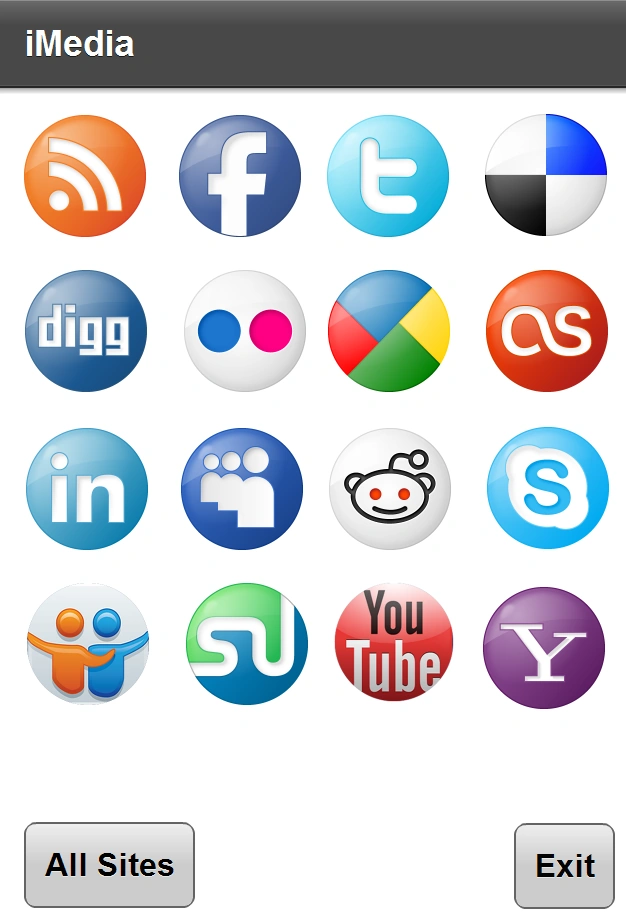
As Default iMediaHomeView.mxml file is being displayed according to my application.
After we click on Facebook icon it links to my FaceBook view object.
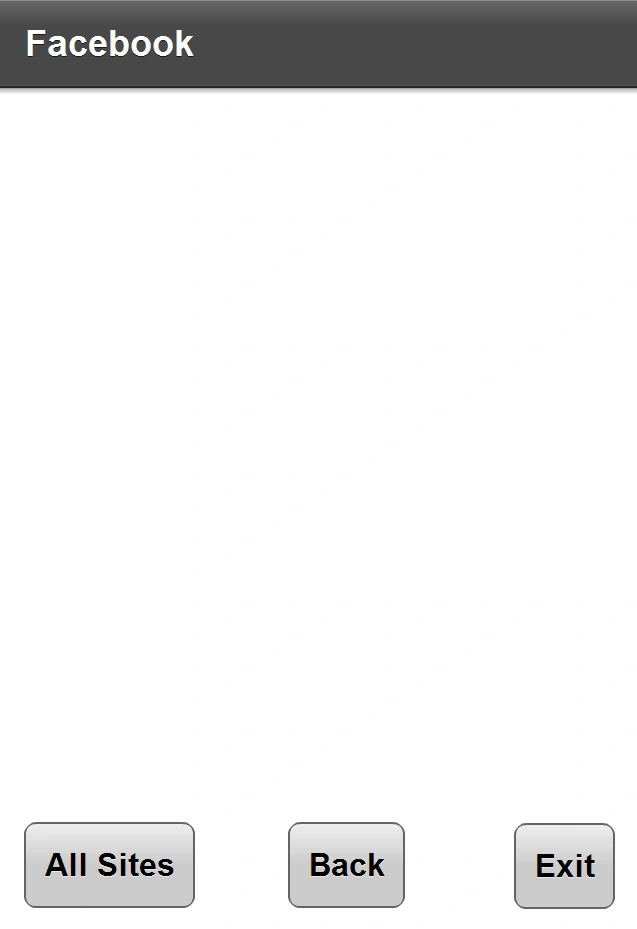
When I click on the Back button it again shows my homepage "iMediaHomeView".
That way I found a way to wander between views.
Hope it will be useful for you, too.


Arjun PanwarPosted Feb 1, 2012, 11:24 AM
Thanks for good work
Ibrahim ErsoyeditedPosted Feb 1, 2012, 7:15 AMEdited Feb 1, 2012, 7:17 AM
Thank you all for your feedbacks! @Mahesh: if we had like button,i'd click on your comment :) yes until Feb 8th :) But i will write as much as possible until that time. @Abhishek: yes,normally before going to army i was interested fully in Microsoft Technologies,later i realised something and began writing in different techs for comparison.That means in the future i will write not only in Microsoft Techs.
Abhishek DubeyPosted Feb 1, 2012, 5:19 AM
thanks for sharing it I hope that you shared as different article......in future
Alok PandeyPosted Feb 1, 2012, 3:20 AM
Very useful article. Thanks for sharing.
Sanjoli GuptaPosted Feb 1, 2012, 3:20 AM
thnx for sharing sir and keep posting.....
Sonakshi SinghPosted Feb 1, 2012, 3:14 AM
good implementation really.
Aaron CronjePosted Feb 1, 2012, 3:14 AM
Good Work...
Monika AroraPosted Feb 1, 2012, 3:13 AM
Hi Ibrahim. Nicely presented article. Thanks for sharing it.
Mahesh ChandPosted Feb 1, 2012, 1:00 AM
Are you back? Or stealing sometime from work here and there.
Ibrahim ErsoyPosted Jan 31, 2012, 6:57 AM
Thank you Dinesh! Missed writing again :)
Dinesh BeniwalPosted Jan 31, 2012, 12:52 AM
Welcome Back Ibrahim.