

This Example show you how to insert an record in table using simple stored procedure using T-SQL.
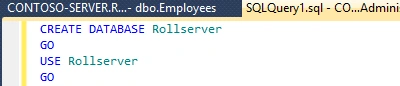
- Query for creating Database, you can name the database what you want.
- Now Second Step is to Create Table for inserting Records of Employees.
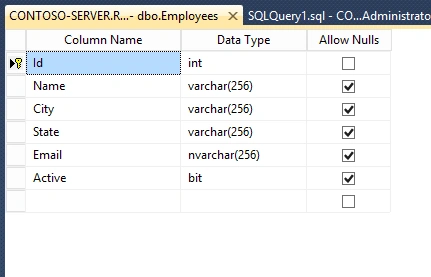
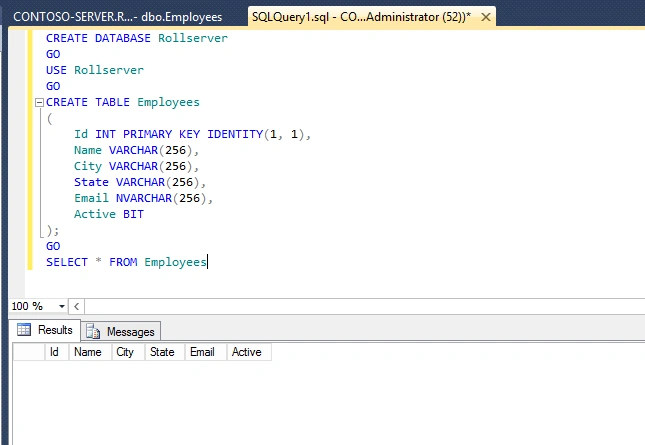
- Query for Creating Table is given below.
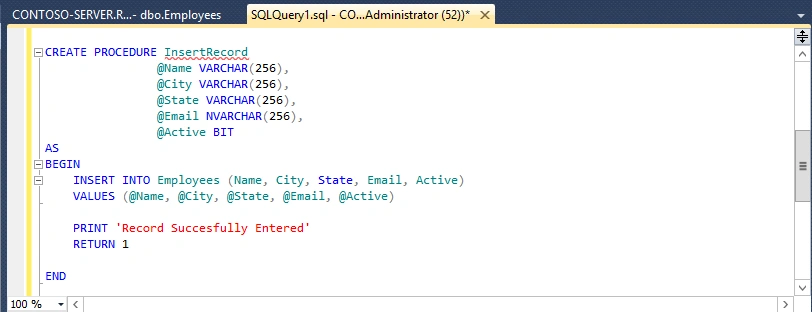
- Now Create an Stored Procedure for inserting Record in Employees Table, Query for creating Stored procedure is given below.
- Now Run the Stored procedure you will get an Message 'Record Successfully Entered".
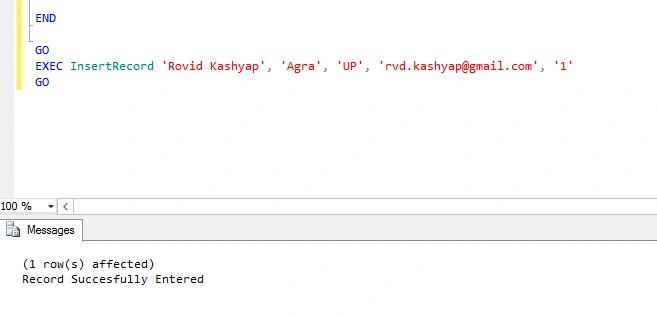
- Now Check the Table to see that record inserted or not
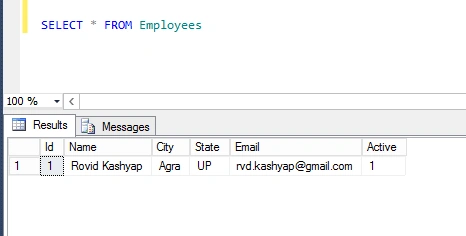
So We Finally Enter the Record Using Simple Insert Stored Procedure.
Rovid KashyapPosted Sep 12, 2015, 3:53 PM
trying to remember these thing on next tutorials
ashish raghuvanshiPosted Sep 12, 2015, 3:44 PM
Use RETURN @@IDENTITY to return key of newly created employee
Rovid KashyapPosted Aug 27, 2015, 2:20 PM
yes you are right but this is just demo entry to show how records are inserted by simple stored procedure
pertti jarvaPosted May 10, 2015, 3:39 PM
Using varchar(256) for all text fields is really bad habit. You should always define the length as per requirement.