Step 1
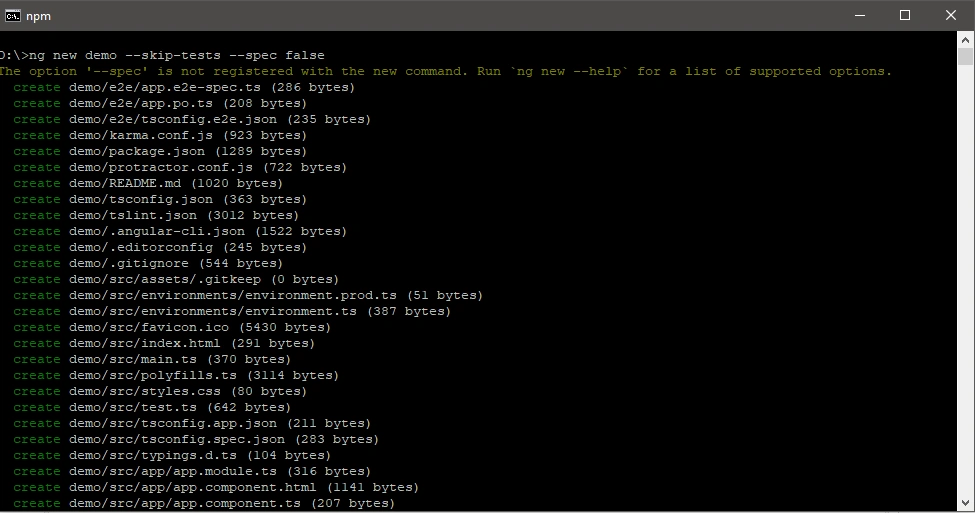
First, we create an Angular project using Angular cli.
ng new demo --skip-tests --spec false
--skip-tests command is for removing test projects
--spec false command is for skip test file generation
Step 2
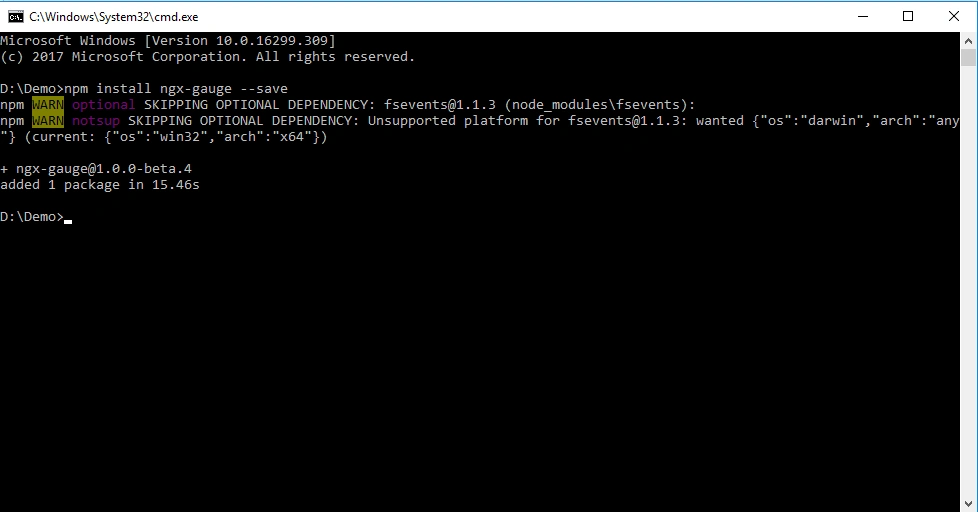
Install Gauge module in our project.
npm install ngx-gauge --save
--save command is for adding external property.
Step 3
Import the NgxGaugeModule in our app.module.ts
- import { NgxGaugeModule } from 'ngx-gauge';
-
- @NgModule({
- imports: [
- NgxGaugeModule
- ],
- })
Step 4
We need to configure gauge and put ngx-gauge component in app.component.html.
- <ngx-gauge [type]="gaugeType" [value]="gaugeValue" [label]="gaugeLabel" [append]="gaugeAppendText"></ngx-gauge>
Step 5
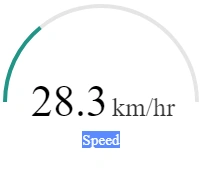
Add Property inside App component
- export class AppComponent {
- gaugeType = "semi"; //full, arch
- gaugeValue = 28.3;
- gaugeLabel = "Speed";
- gaugeAppendText = "km/hr";
- }
Step 6
Run your application
ng serve -o
Source Code
Conclusion
Thanks a lot for reading. I hope you liked this article. Please share your suggestions and feedback.
| | | | | | | | | |
Text-to-speech function is limited to 200 characters

Join the conversation! Your thoughts help the community grow.