

Introduction
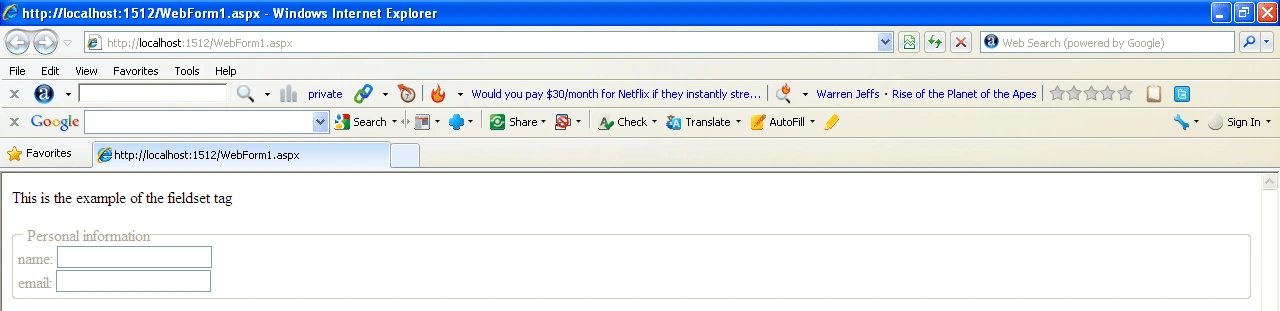
The <fieldset> is a useful tool for organizing and grouping related items within a HTML form. The <fieldset> tag is supported in all major browsers. It has the effect of creating a box around the grouped items and showing a description to the right of each item. By using the <fieldset> tag and the <legend> tag, you can make your forms much easier to understand for your users. The <legend> tag defines a caption for the fieldset element.
Syntax
This element uses separate opening and closing tags.
<fieldset>...</fieldset>
Attributes
HTML tags can contain one or more attributes. Attributes are added to a tag to provide the browser with more information about how the tag should appear or behave. Attributes consist of a name and a value separated by an equals (=) sign, with the value surrounded by double-quotes. There are 3 kinds of attributes that you can add to your HTML tags: Element-specific, global, and event handler content attributes.
Element-Specific Attributes
The following table shows the attributes that are specific to this tag/element.
Attributes Introduced by HTML5
| Attributes | Description |
| disabled | Disables all form control descendants of the <fieldset> element. |
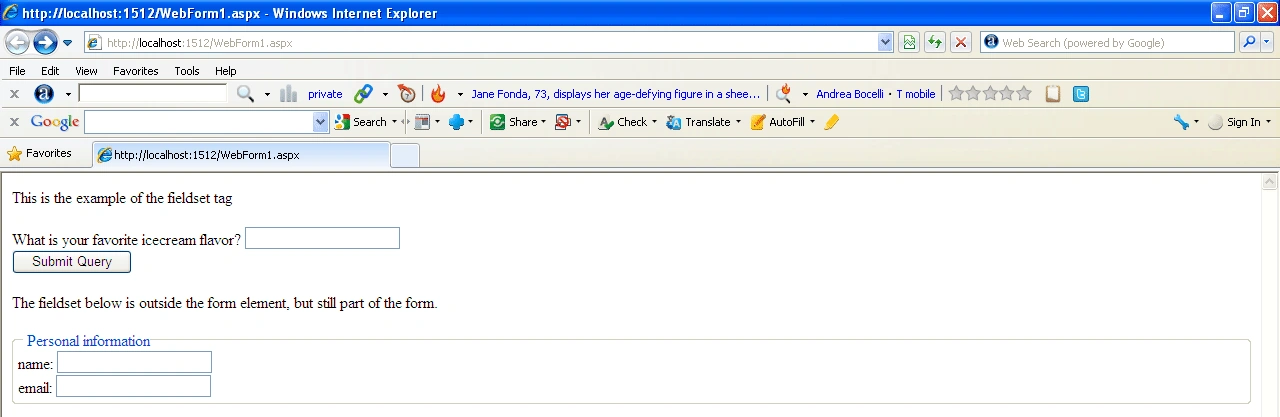
| form | Specifies a form to associate this <fieldset> element with. The value must be an ID of a form element. |
| name | Specifies the name of the <fieldset>. |
Global Attributes
The following attributes are standard across all HTML 5 tags.
| HTML5 Global Attributes | ||
| accesskey | draggable | style |
| class | hidden | tabindex |
| dir | spellcheck | |
| contenteditable | id | title |
| contextmenu | lang | |
Event Handler Content Attributes
Event handler content attributes enable you to invoke a script from within your HTML. The script is invoked when a certain "event" occurs. Each event handler content attribute deals with a different event. Here are the standard HTML 5 event handler content attributes.
| onabort | onerror* | onmousewheel |
| onblur* | onfocus* | onpause |
| oncanplay | onformchange | onplay |
| oncanplaythrough | onforminput | onplaying |
| onchange | oninput | onprogress |
| onclick | oninvalid | onratechange |
| oncontextmenu | onkeydown | onreadystatechange |
| ondblclick | onkeypress | onscroll |
| ondrag | onkeyup | onseeked |
| ondragend | onload* | onseeking |
| ondragenter | onloadeddata | onselect |
| ondragleave | onloadedmetadata | onshow |
| ondragover | onloadstart | onstalled |
| ondragstart | onmousedown | onsubmit |
| ondrop | onmousemove | onsuspend |
| ondurationchange | onmouseout | ontimeupdate |
| onemptied | onmouseover | onvolumechange |
| onended | onmouseup | onwaiting |
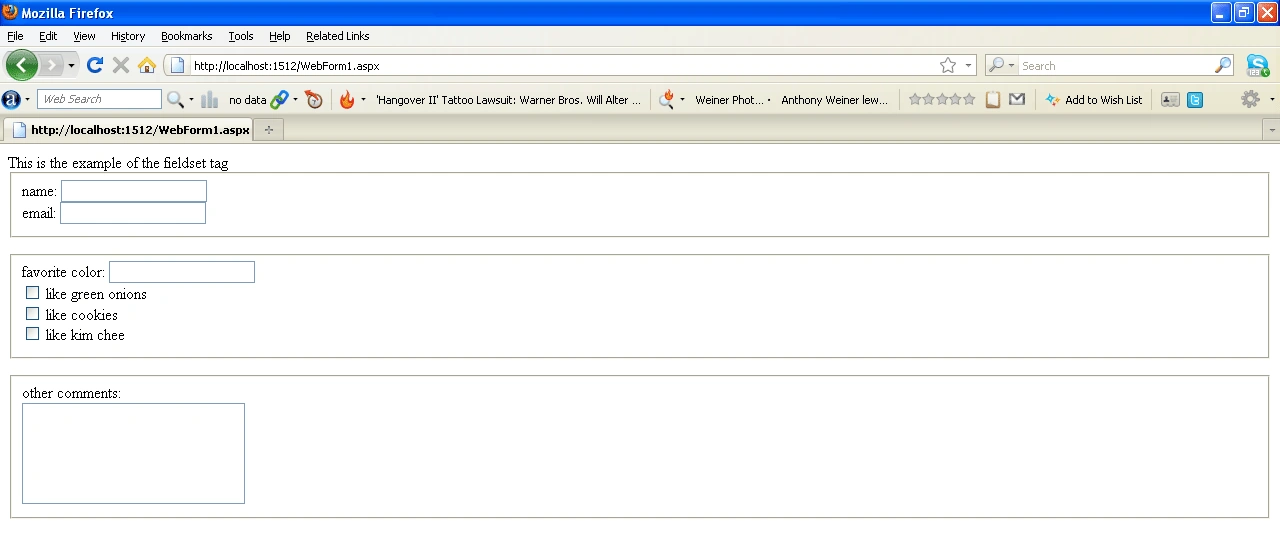
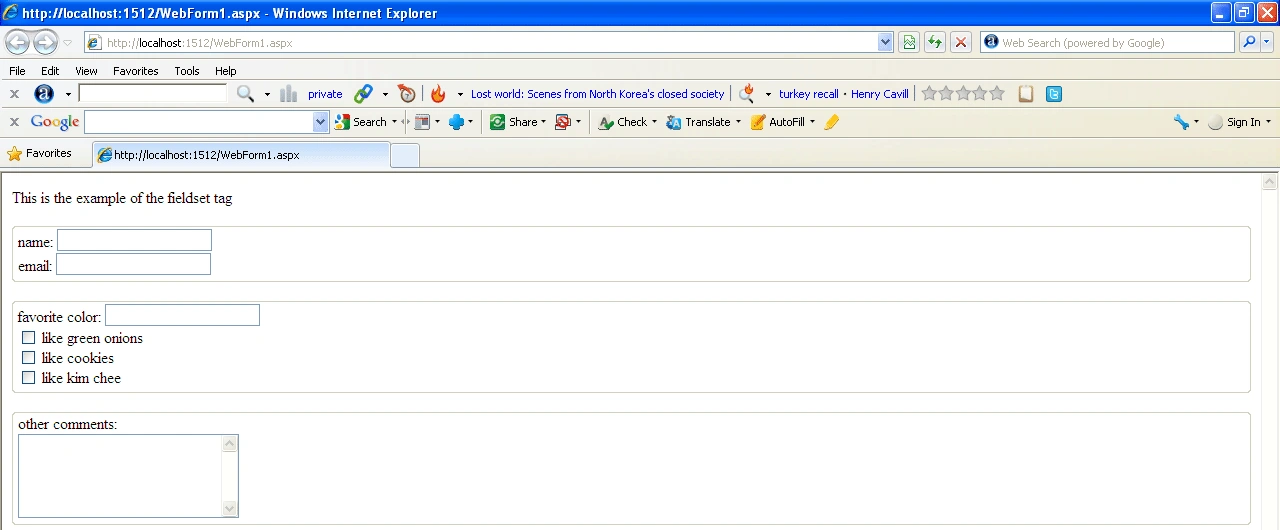
For example
- <html>
- <head >This is the example of the fieldset tag
- </head>
- <body>
- <form>
- <FIELDSET>
- name:
- <INPUT NAME="realname">
- <BR>
- email:
- <INPUT NAME="email">
- </FIELDSET>
- <p>
- <FIELDSET>
- favorite color:
- <INPUT NAME="favecolor">
- <BR>
- <INPUT TYPE=CHECKBOX NAME="onions"> like green onions
- <BR>
- <INPUT TYPE=CHECKBOX NAME="cookies"> like cookies
- <BR>
- <INPUT TYPE=CHECKBOX NAME="kimchee"> like kim chee
- <BR>
- </FIELDSET>
- <P>
- <FIELDSET>
- other comments:
- <BR>
- <TEXTAREA NAME="comments" ROWS=5 COLS=25></TEXTAREA>
- </FIELDSET>
- </form>
- </body>
- </html>

Join the conversation! Your thoughts help the community grow.