

Here we will see how to establish relationships between tables in LightSwitch Applications (Visual C#) in Visual Studio 2012.
The following is the procedure for establishing a relationship between tables.
Step 1
Open the Solution Explorer.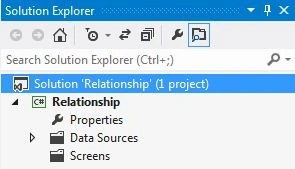
Step 2
In the Solution Explorer, right-click on the Server and choose "Add Table".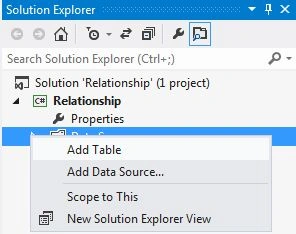
Step 3
The table appears.
Employee Table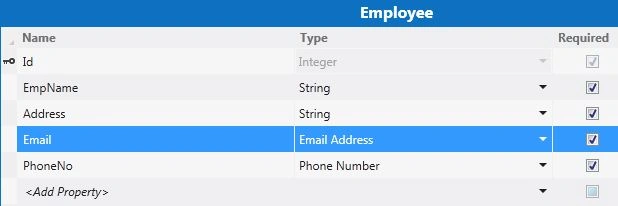
Item Table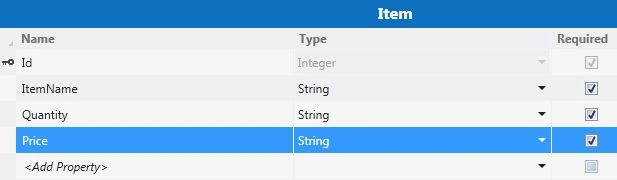
Step 4
Go to the menu bar and click on the "Add Relationship" button.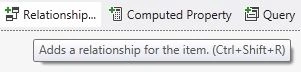
The relationship dialog box appears on the screen.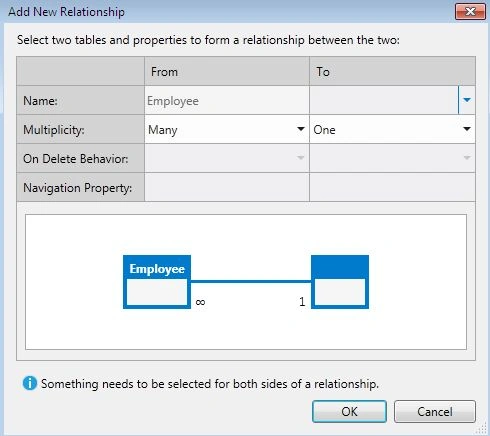
Step 5
There are various types of relationships; they are:
1. One to Many
2. Zero or One to One
3. Many to One
Step 6
Establishing a one to many relationship between tables.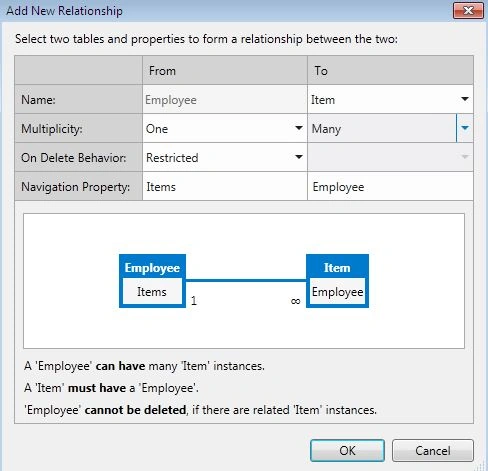
The relationship between two tables is as in the following: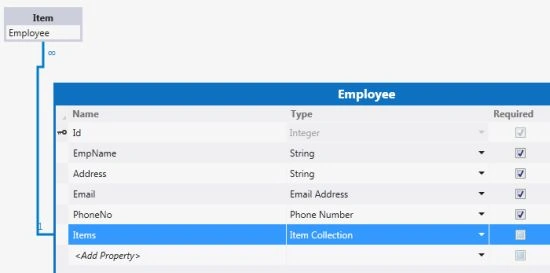
Step 7
Establishing a many to one relationship between tables.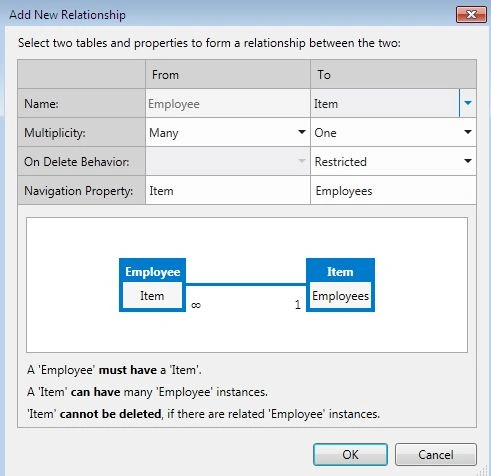
The relationship between two tables is as in the following: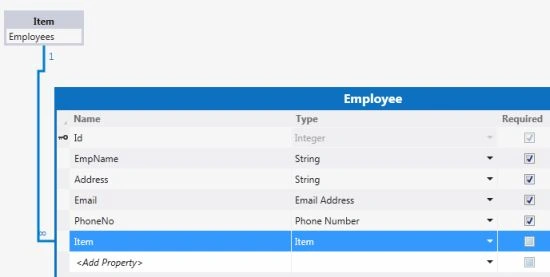
Step 8
Establishing one to one relationship between tables.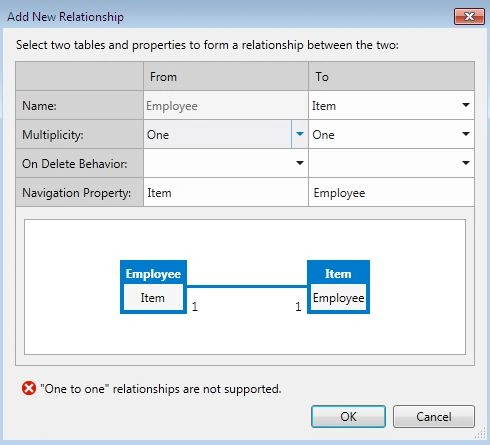
The relationship shown between two tables is not supported in LightSwitch 2012.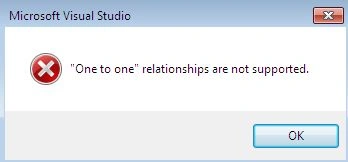
Step 9
Establishing a zero or one to one relationship between tables.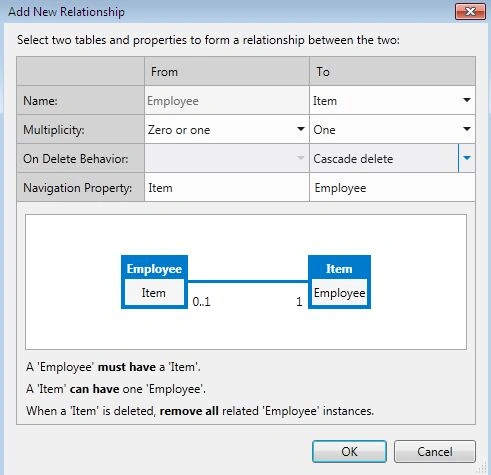
The relationship between two tables is as in the following: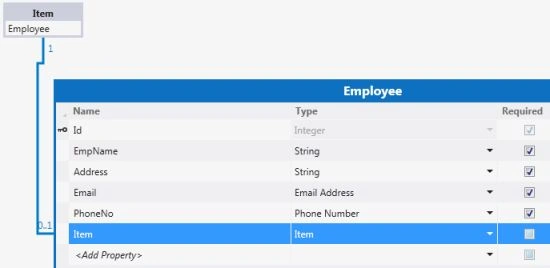
Join the conversation! Your thoughts help the community grow.