
This article explains “Scrum” (one of the best agile software development practices in use today) with all the possible screenshots for better/quick understanding.

Figure 1
This article explains why “Scrum” is important in developing software and I also cover all the core parts of Scrum, like Product backlogs, Release backlogs, Team roles, Sprints, Burndown Charts and more.
Let us assume we want to develop a product.

Figure 2
For developing this product, we need to get many kinds of features requests from:
- Customers
- Executives
- Or even other team members
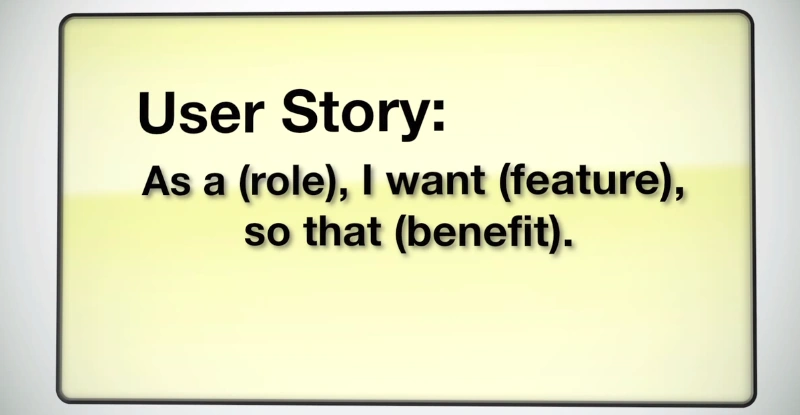
Figure 3
Product Backlog: The collection of all these user stories are known as a product backlog.
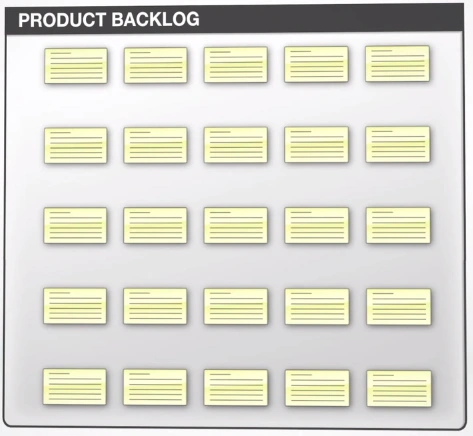
Figure 4
Another term we can use for this product backlog is “Wish List”.
Figure 5
After preparing our Wish List/Product Backlog we need to think of all the user stories that would make our product great.
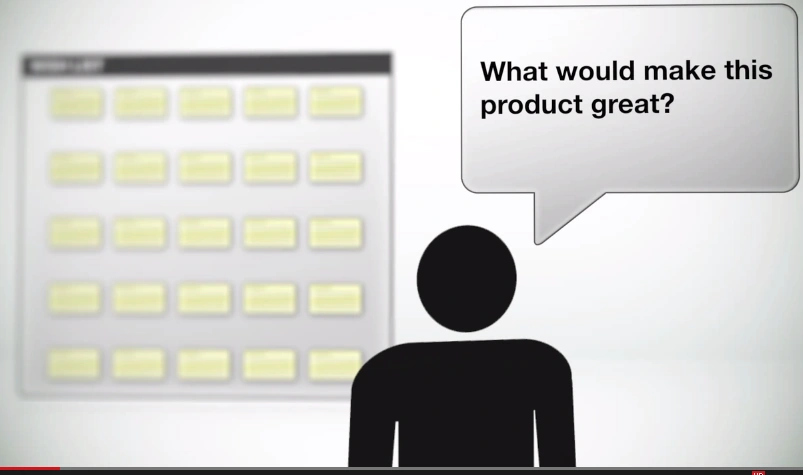
Figure 6
And we should select some specific user stories to be put into a release backlog.
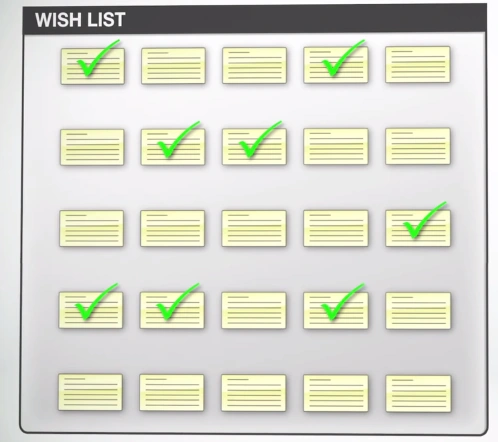
Figure 7
Release Backlog
This release backlog contains only identified user stories.
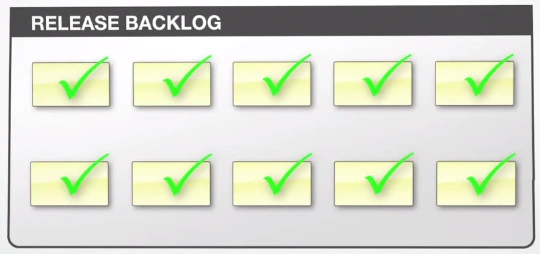
Figure 8
To build our product, we need to have a few people who're going to play a variety of roles. Let us see them.
Product Owner
The product owner helps ensure the right features make it into the product backlog representing the user/customer.
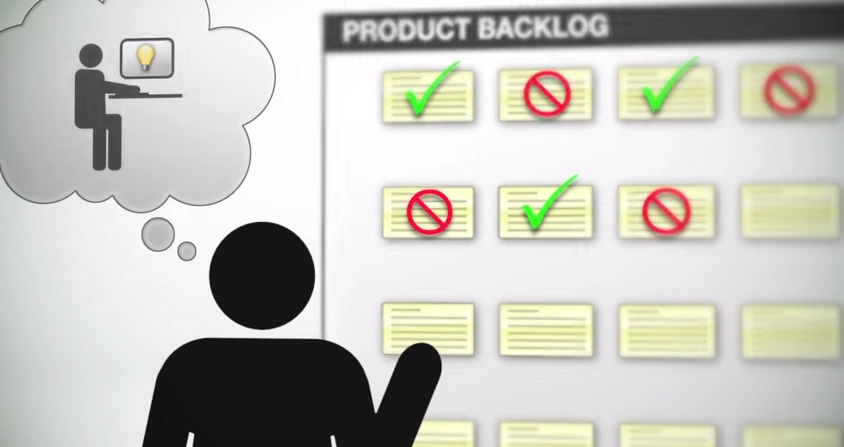
Figure 9
Scrum Master

Figure 10
The job of this Scrum Master is to ensure the project is progressing smoothly and setting up meetings team members.

Figure 11
And also monitors the work being done and facilitates the release planning.

Figure 12
Developers: These guys build the product.

Figure 13
Testers: These guys test the product to ensure the product is working accordingly.
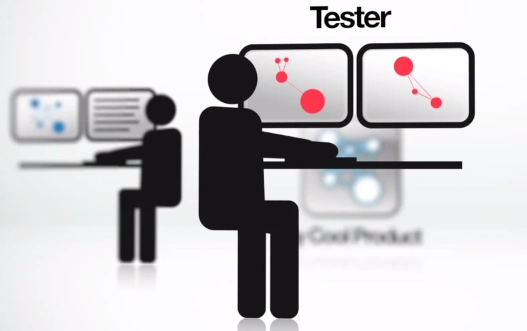
Figure 14
Customers: And these guys use the product and pay for it.
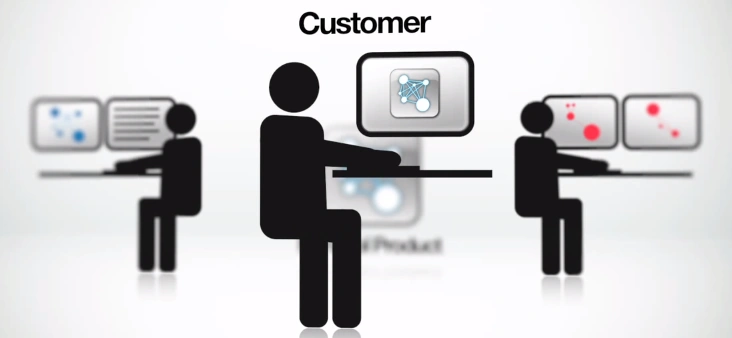
Figure 15
Executives: Without these guys, we can't build the product.

Figure 16
Release Planning

Figure 17
To plan a release, the team starts with a “Product Backlog” then they identify the user stories they want to put into the “Release backlog”.
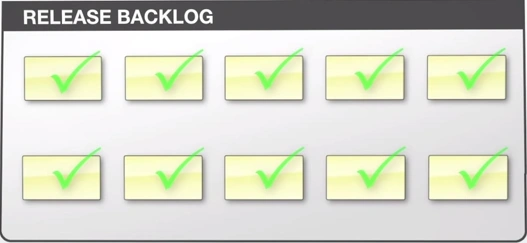
Figure 18
The team then prioritizes the user stories and estimates the amount of work involved for each item.
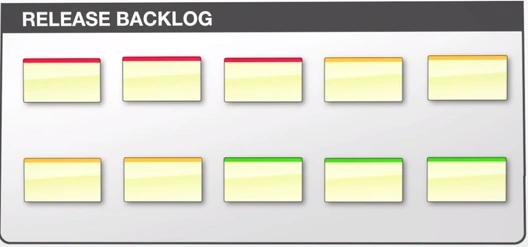
Figure 19 Prioritized user stories
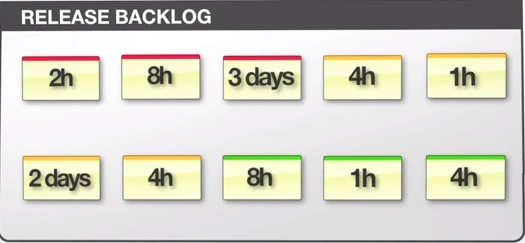
Figure 20 Estimating the time for each user story
Sometimes larger user stories (see the preceding figure) are broken down into smaller, more manageable chunks.
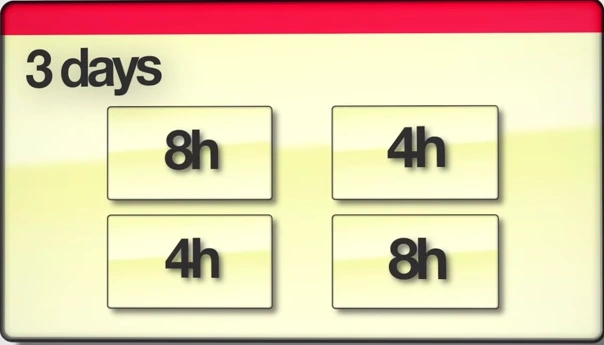
Figure 21
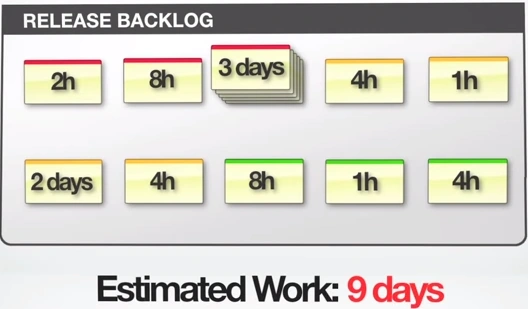
Figure 22
The collection of all the estimates provide a rough idea of the total amount of work involved to complete the entire release (for example it is 9 days in the preceding product release).
Creating Good Estimates
There are many techniques for creating good estimates.
Estimate in hours (less than 1 day):
- For example things take less than 1 day to complete and will be estimated in:
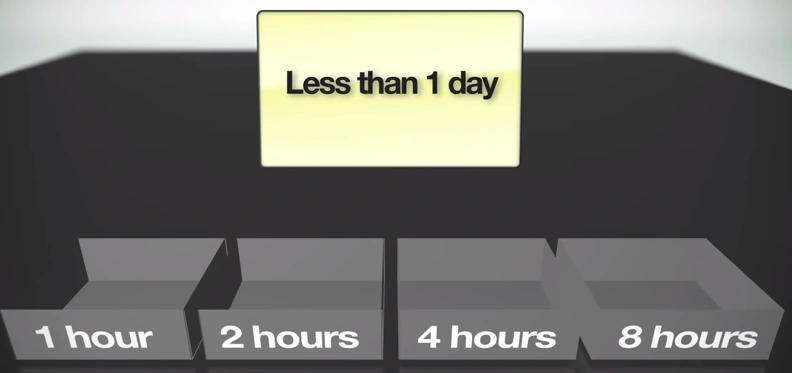
Figure 23
Every item will fall into one of these buckets. If the estimated time is “3Hr” It would fall into a “4Hr” bucket.
- Larger items will be estimated in:
- Extremely large items are estimated in months:
But in the reality, these large items will be broken down before the work actually begins.
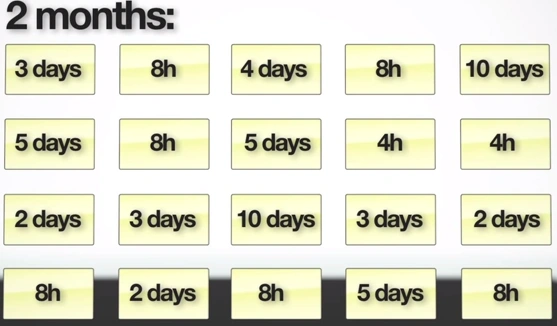
Figure 24
Sprints
Now with the prioritized user stories and estimates of the amount of work at hand (see the release backlog in Figure 22) we are now ready to plan out several sprints to get the work done.
Sprints are short duration milestones that allow teams to tackle a manageable chunk of the project and get it to a ship-ready state. We split it out the release backlog into several sprint backlogs as shown below.
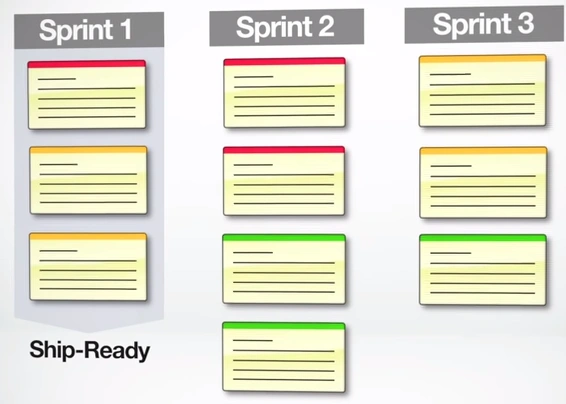
Figure 25
Sprints generally range from a couple of days to as much as 30 days in length depending on the product release life cycles. The shorter the release life cycles, the shorter each sprint should be.
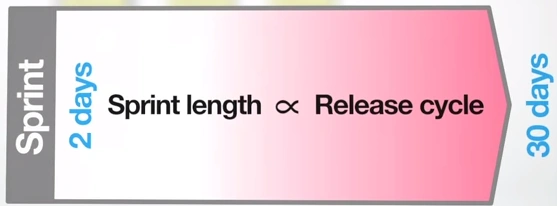
Figure 26
One of the most important things to remember about sprints is the goal of the each sprint is to get a subset of a release backlog to a ship-ready state.
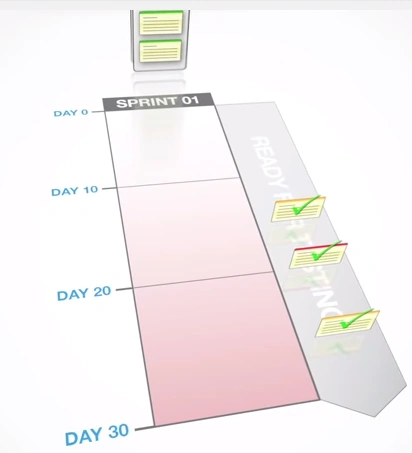
Figure 27
So at the end of the each sprint we should have a fully tested product with all the features of the sprint with 100% ship-ready state.
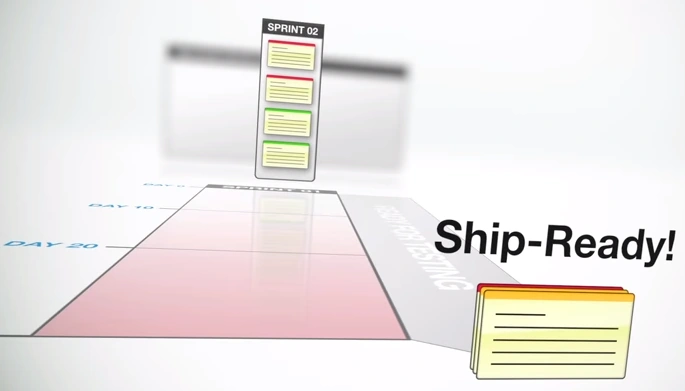
Figure 28
It's extremely important to monitor the progress of each sprint. We can do this using a Burndown Chart.
Burndown Chart
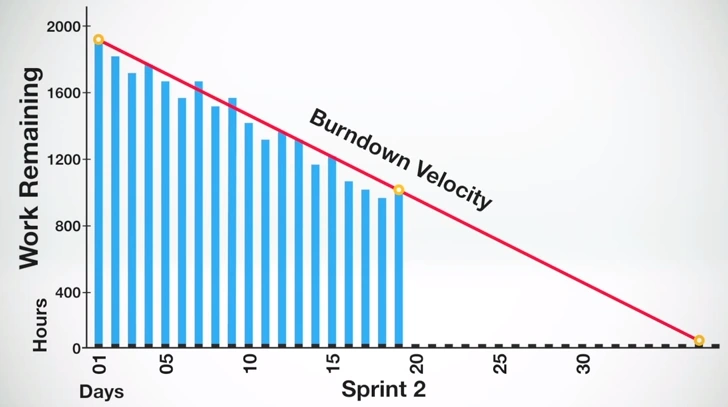
Figure 29
A Burndown Chart is the main reason for Scrum's popularity. It is one of the best project visibility tools to ensure a project is progressing smoothly. It provides the day by day measure of the amount of work that remains in a given sprint.

Figure 30
Daily Scrum: The daily scrum is an essential tool to providing the communication flow freely among the team. This is a stand-up meeting where the team members:
- List the work they have done
- Identify obstacles
- Determine the work they're going to do





This daily scrum ensures the team is always in sync.
Sprint Retrospective:
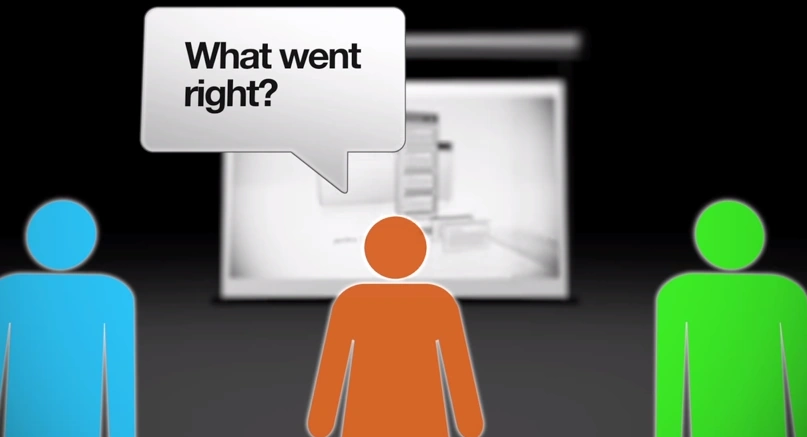
Finally as each sprint ends it's important to have a sprint retrospective meeting where the team can reflect on what went wrong. What went right? How can we improve the next time around?
That's all about Scrum. I hope I covered all the steps involved in scrum. If you find any mistakes/errors in this article then please specify in the comments section below. Thank You.
Reference: Hamid Shojaee (@hamids)
RakeshPosted May 25, 2015, 11:44 PM
Thank you
Riva LinPosted May 24, 2015, 1:47 AM
Great! It's very helpful!
RakeshPosted Apr 14, 2015, 12:56 PM
Thanks Akash
Akash NaginaPosted Apr 14, 2015, 9:21 AM
Great Work!!
Ravi PatelPosted Mar 18, 2015, 8:41 AM
superb
Sandeep Singh ShekhawatPosted Mar 16, 2015, 9:06 AM
Great!!
NitinPosted Mar 16, 2015, 2:46 AM
excellent article
Gowtham RajamanickamPosted Mar 16, 2015, 2:26 AM
good...
Rahul Kumar SaxenaPosted Mar 15, 2015, 6:41 AM
Good Show...
Vithal WadjePosted Mar 14, 2015, 2:59 PM
nice Rakesh sir ,day by day you are rocking keep it up