

Introduction
In ASP.NET, there are two places in which we can store state information.
- Application
- Session
In this article, I am going to describe only the applications way. For the description of the session, way read my last article Using Session State in a Web Service.
XML Web services can use Application objects for managing the state. The Application object can be used as a shared container for state management. The Application object will allow us to store the variables or object references that are available to all the visitors to the XML Web service for the lifetime of the web service. The Application object is "in-process" which implies that it can run in the same process as ASP.NET.
Application
The Application object provides a mechanism for storing data that is accessible to all code running within the Web application. The application stores data for the server application. The data is stored in memory all through the lifetime of the server application (not the server), starting from the first page being requested. Each server application has its own Application. If the server application terminates, this Application data is lost.
One difference to be noted between Session and Application is that the Application object does not require the EnableSessionProperty to be set in the webmethod attribute. The Application is enabled by default for web services.
For example, let us examine the following code. We do not need to set the EnableSessionProperty = True as we did in the Session object. Because any class deriving from the Web service will have automatic access to the application object.
- [WebMethod]
- public int GetTotalClickCount()
- {
- int count;
- if (Application["ConnectCount"] == null)
- count = 1;
- else
- count = (int)Application["ConnectCount"] + 1;
- Application["ConnectCount"] = count;
- return count;
- }
To implement the above code first we need a Web Service. I created a basic Web Service.
Creating an XML Web Service in .Net
Here is the sample code I use to create and consume ASP.NET Web Services.
Example of Testing Web Service in .Net
Step 1: Create an ASP.NET. Web Service Source File.
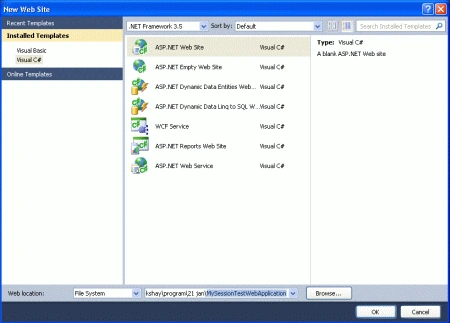
Open Visual Studio 2010 and create a new web site.->Select .Net Framework 3.5. ->Select ASP.NET Web Service page -> Then, you have to give the name of your service. In this example, I am giving it the name "MyApplicationWebService". Then click the OK button. A screenshot of this activity is shown below.
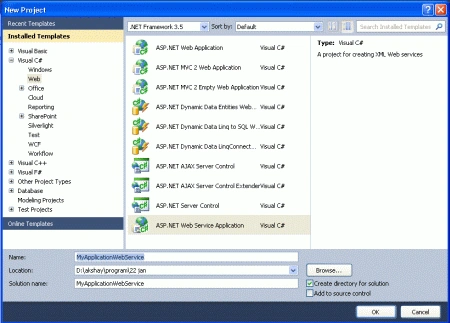
Step 2: Click on the "OK" button; you will see the following window.
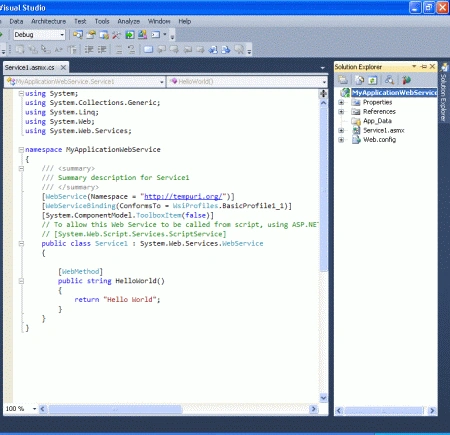
Here (in the above figure), you will note that there is a predefined method "HelloWorld" which returns the string "Hello World". You can use your own method and can perform other operations.
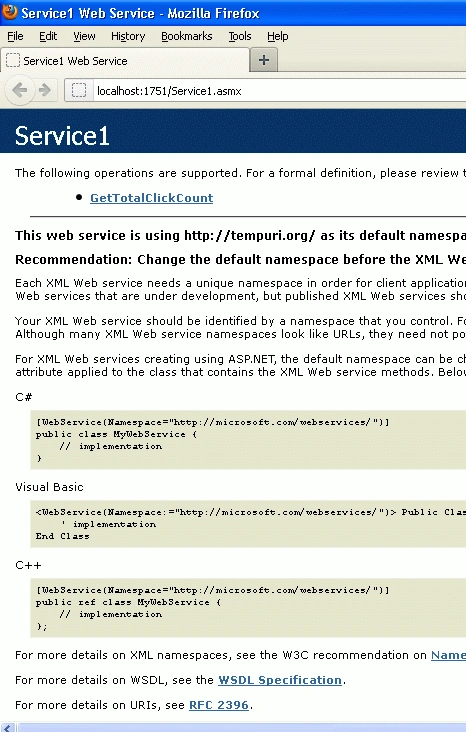
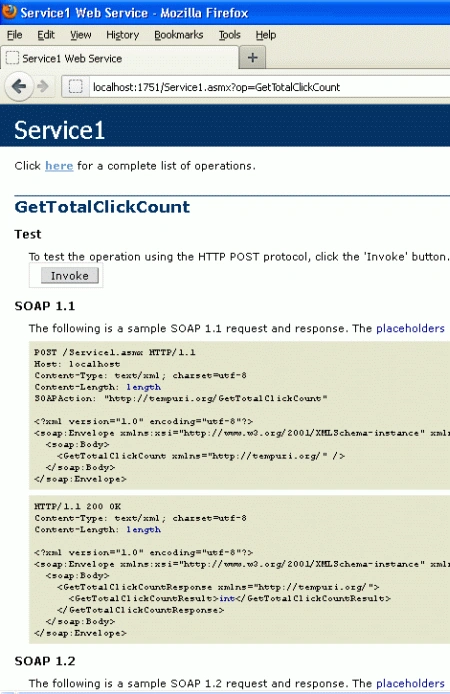
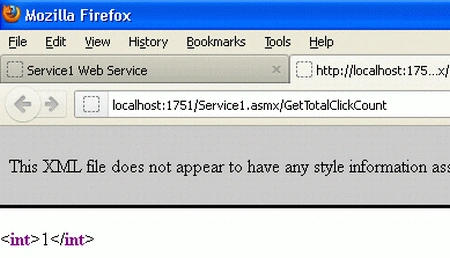
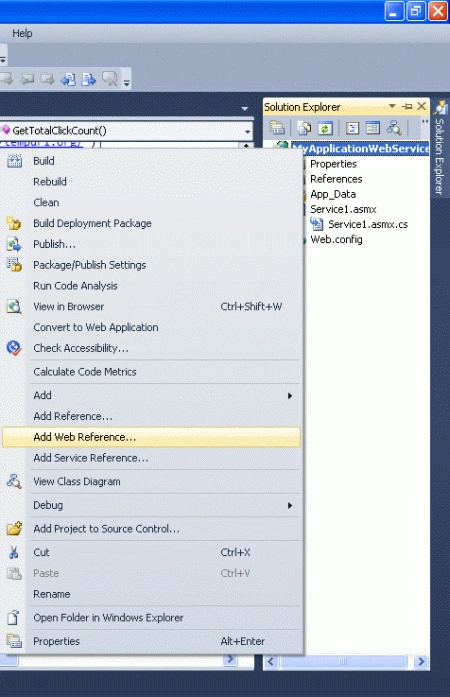
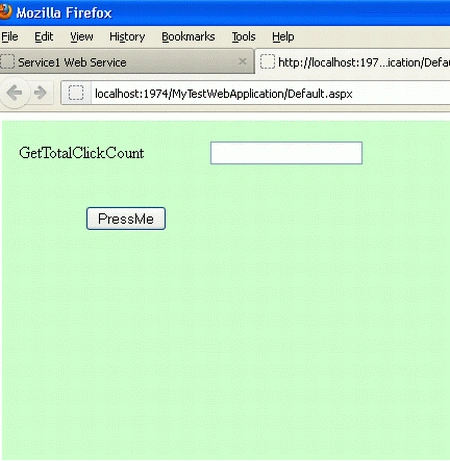
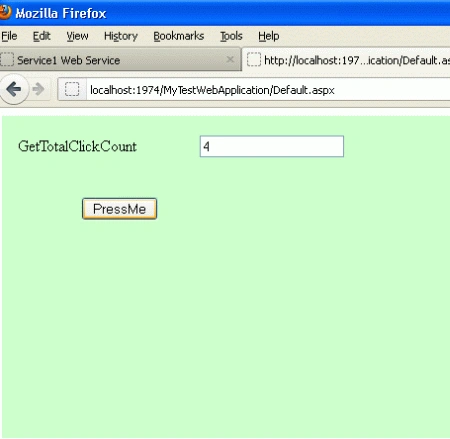
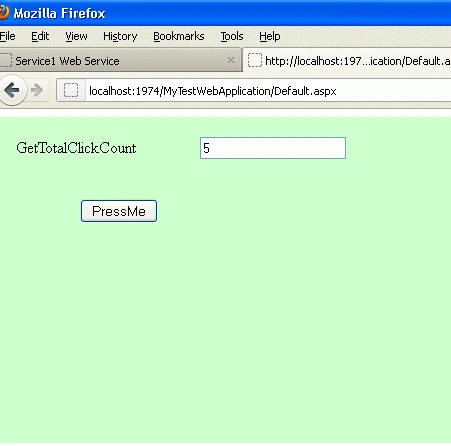
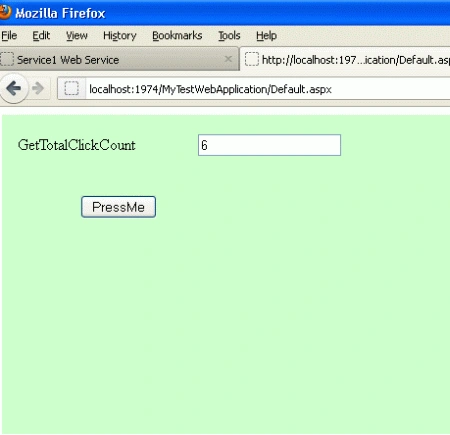
Here I made a simple method "GetTotalClickCount()" which returns an integer value.
Service.cs
Join the conversation! Your thoughts help the community grow.