

Step 1: Login into SharePoint online as an administrator.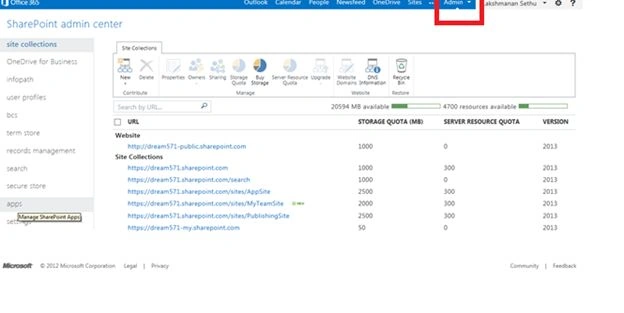
Step 2: Select SharePoint under Admin and select Apps as depicted below: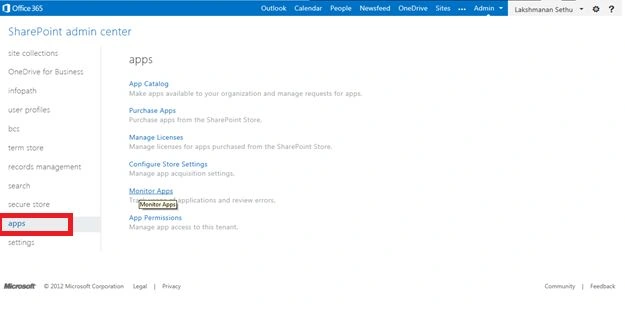
Step 3: Click on Monitor Apps to do the initial set up.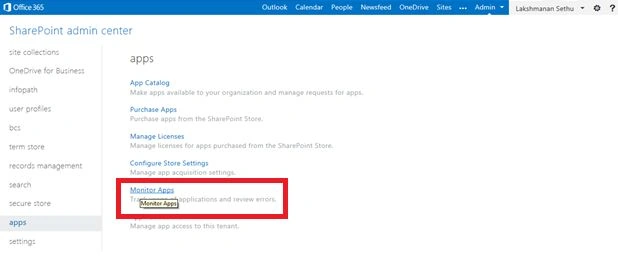
Step 4: Click on Add App to choose the app that you want to view information for then select the check box that appears.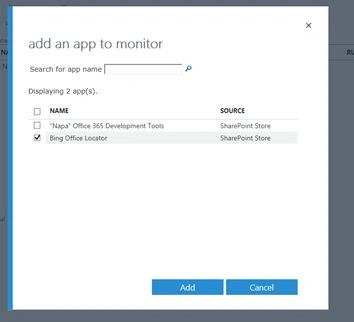
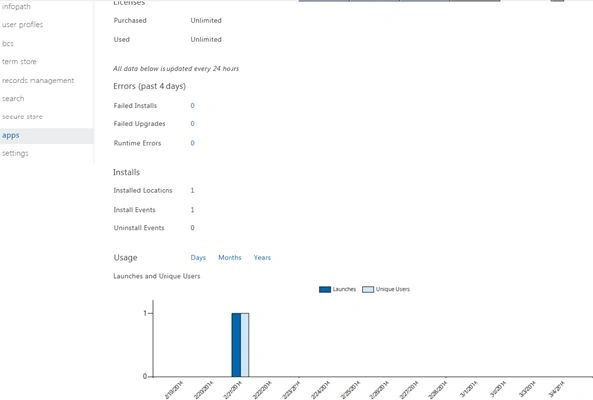
Step 5: Finally click on the App name, to view the usage information such as:
- Failed Installs
- Failed Upgrades
- Runtime Errors
- Installs
- Installed Locations
- Install Events
- Uninstall Events
Join the conversation! Your thoughts help the community grow.