

Here we are using a FilePicker to open a file and a MediaElement to play the same.
Step 1: Open a blank app and add a MediaElement and a TextBlock either from the toolbox or by copying the following XAML code into your grid:
- <TextBlock Text="Video" FontSize="20"></TextBlock>
- <StackPanel Margin="0,40,0,0">
- <Button Name="open" Content="Open" Margin="15,0,0,0" Width="120" Height="30" Click="open_Click"></Button>
- <MediaElement x:Name="myMedia" AutoPlay="False" Margin="5" HorizontalAlignment="Stretch" AreTransportControlsEnabled="True"></MediaElement>
- </StackPanel>
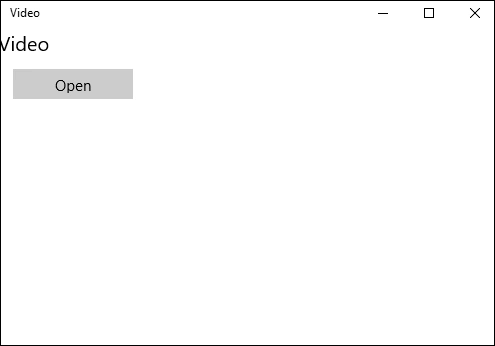
Step 2: Add the following namespaces to your project, which is needed in further C# code.
- using Windows.Media.Core;
- using Windows.Storage;
- using Windows.Storage.Pickers;
Step 3: Copy and paste the following code to the cs pag, which will be called on button click event.
- private async void open_Click(object sender, RoutedEventArgs e)
- {
- FileOpenPicker openPicker = new FileOpenPicker();
- openPicker.ViewMode = PickerViewMode.Thumbnail;
- openPicker.SuggestedStartLocation = PickerLocationId.VideosLibrary;
- openPicker.FileTypeFilter.Add(".mp4");
- openPicker.FileTypeFilter.Add(".mkv");
- openPicker.FileTypeFilter.Add(".avi");
- StorageFile file = await openPicker.PickSingleFileAsync();
- myMedia.AutoPlay = true;
- myMedia.SetPlaybackSource(MediaSource.CreateFromStorageFile(file));
- myMedia.Play();
- }
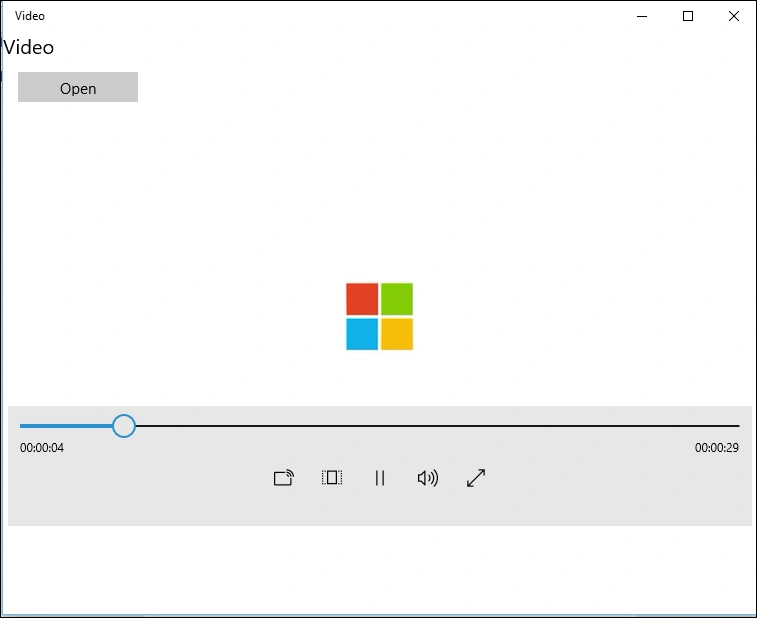
Step 4: Run your application and test yourself.
Santhakumar MunuswamyPosted Jan 17, 2016, 2:29 PM
Thanks for nice share
Debasis SahaPosted Jan 14, 2016, 1:23 PM
Good one..
Nanddeep NachanPosted Jan 14, 2016, 3:29 AM
Nice