

Introduction
Today, in this article let's play around with one of the interesting and most useful concepts in SharePoint 2010.
Question: What is BCS (Business Connectivity Service)?
In simple terms "It is used to create, manage and consume any external data source".
Step 1: Open SharePoint 2010 Central Administration and navigate to a specific site.
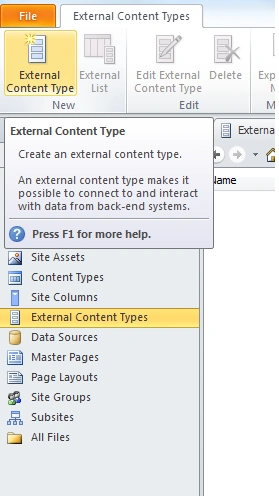
Step 2: Open SharePoint designer 2010 and choose an "External Content Type" option as in:
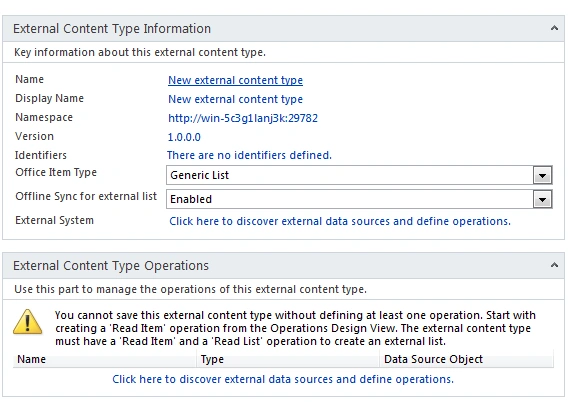
Step 3: The external new content type looks like this:
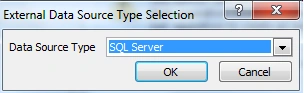
Step 4: Adding data source type:
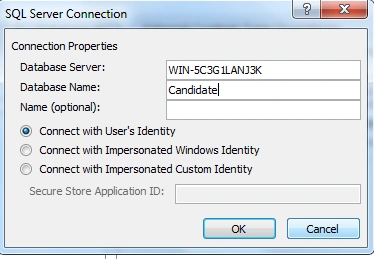
Step 5: Providing server details output of application looks like this:
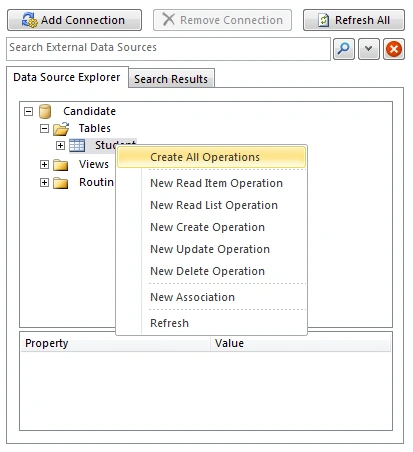
Step 6: Connection established and choose a create all operations:
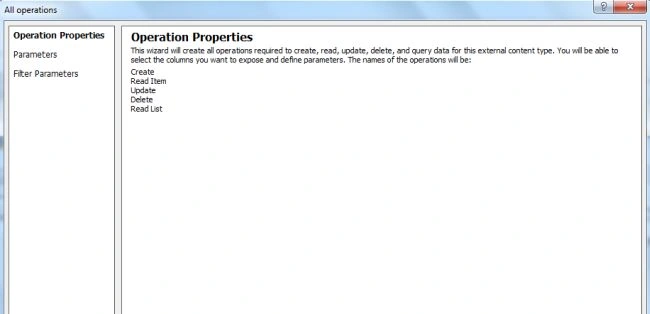
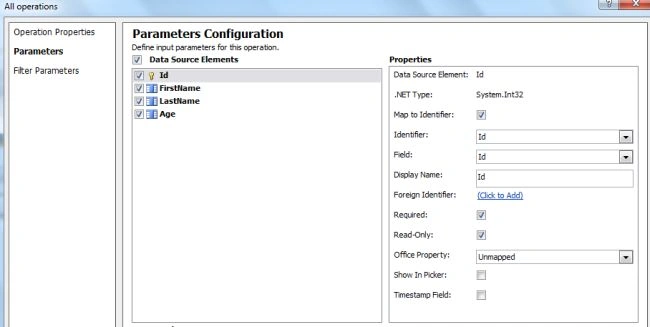
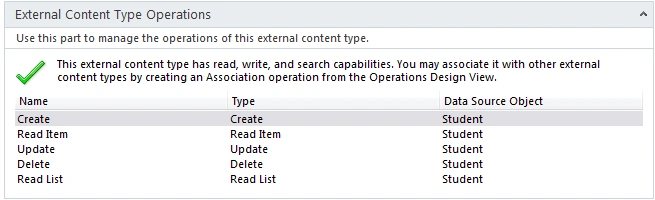
Step 7: Operations are now configured:
Step 8: Create a new external list and use up the created content type:
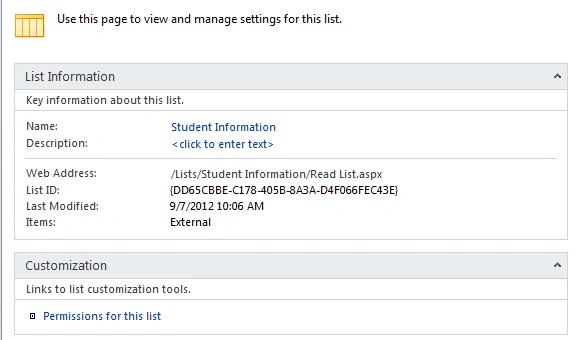
Step 9: The list published on the server looks like this:

I hope this article is useful for you.
Join the conversation! Your thoughts help the community grow.