

Welcome to an article about an action Switch in Nintex Workflows through SharePoint 2013 and Office 365. This article will display the action “Switch” and how to configure it.
This action will help us to determine the flow of the workflow with a defined value where the flow will be selected by the variable which contains a value in it.
Let’s see how we’ll do it
- Create a list, Dev Testing.
- Click on the List tab on the Top ribbon and click on Nintex Workflows.
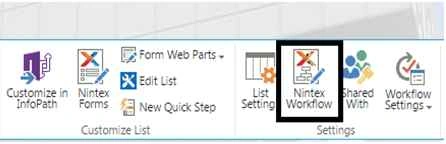
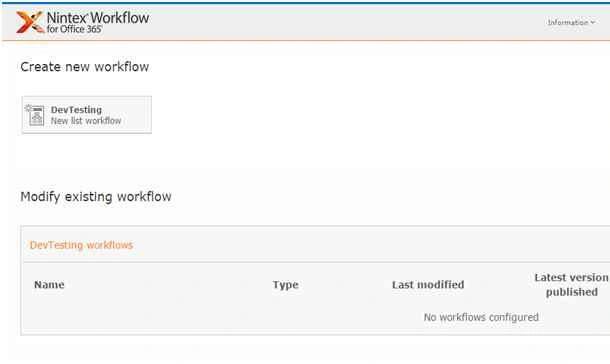
- You will see the following screen, to create a new workflow.
- Click on “Create new workflow”.
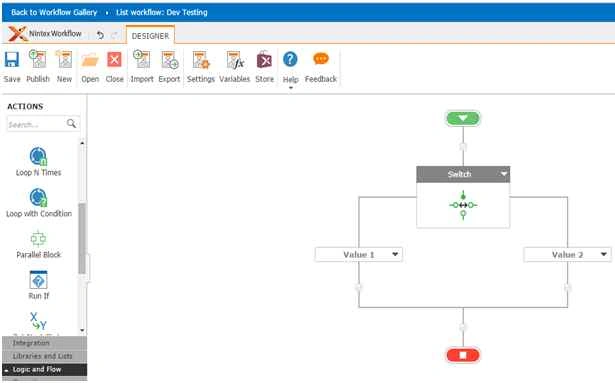
- You will come to the design phase of the Nintex workflows.
- Add the action, “Switch” either by right clicks on the workflow or by dragging and dropping from the left toolbox.
- Let’s see it closely.
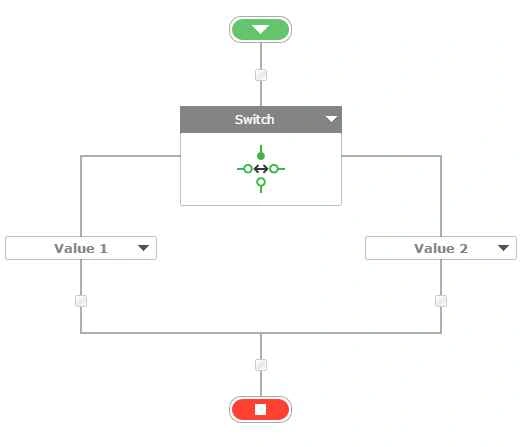
- When you double click on the action, you will see the following.
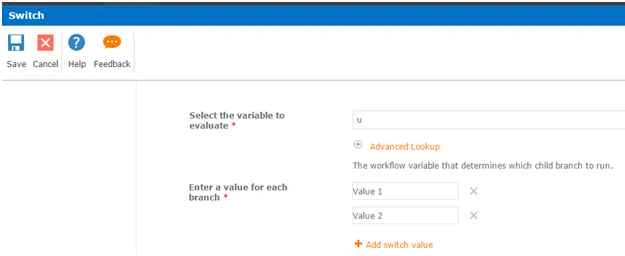
Configuration
- Select the variable to evaluate:
Here you have to assign a value which the switch should pick up and validate with the two values, value 1 & 2.
- Enter a value for each branch:
Here you have to define the values if you want value 1 branch to get executed if defined value is equal to value 1 or similarly with value 2.
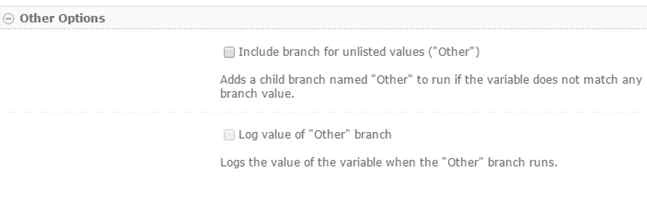
- Other Options:
If none of them are matching the value, you can still have your workflow run according to your requirement using a new branch named as “Other” by checking the option, “Include branch for unlisted values”
- Log value of “Other” branch
When you check in this option, it will store the value which didn’t match in the switch condition and will store it in a variable.
If the variable defined true to any one of the switch value, they will execute as expected or the workflow will execute using the Other path as we can see form the screenshot below.
Was not this an exciting action
Yes it was as it will help us a lot during our development based on variable values. So in this article we saw about the Action: Switch in Nintex Workflows. We’ll see more in my other articles. Until then, Keep learning!
Gowtham KPosted Oct 29, 2015, 1:36 PM
Nice One, Thanks for sharing
Priyaranjan K SPosted Oct 29, 2015, 12:49 PM
Good One