

Here in this article we will see our new Discussion Board in SharePoint 2013 with many new features and a new rich look.
Let's go for it.
- Go to the Site Contents of the site and click on Add an App.

- Search for Discussion Board and click on it.
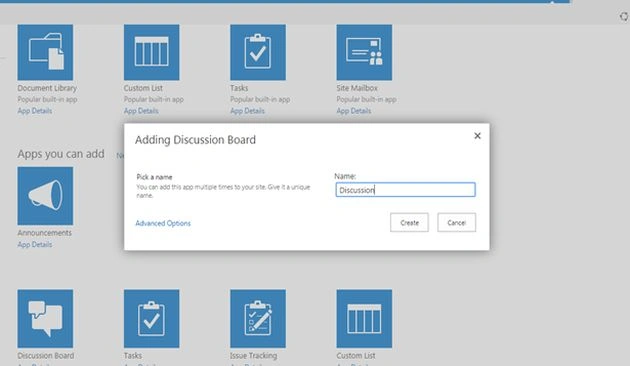
- The following dialog box will open and you will be asked to add the name to the discussion board.
- Click on Create after giving a name.
- You will be redirected to the Site contents page and you will see the Discussion board created as in the screen below.
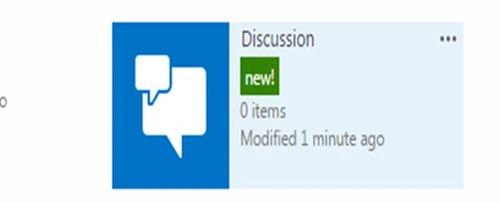
- Let's go inside and see what it offers.
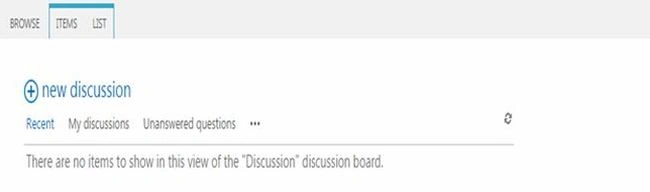
- Welcome to the Discussion Board.
- As it does not have anything, click on New Discussion.
- The form will open as below.
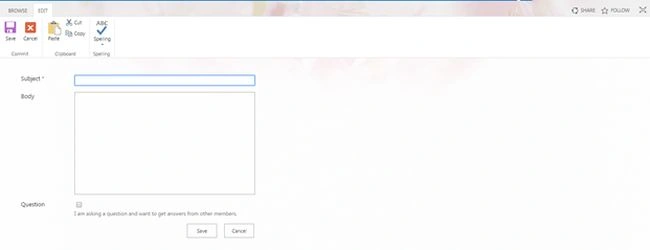
- Fill in the subject of Discussion
- The Body
- Question: You can click the radio button whether you want this discussion as a question or not.
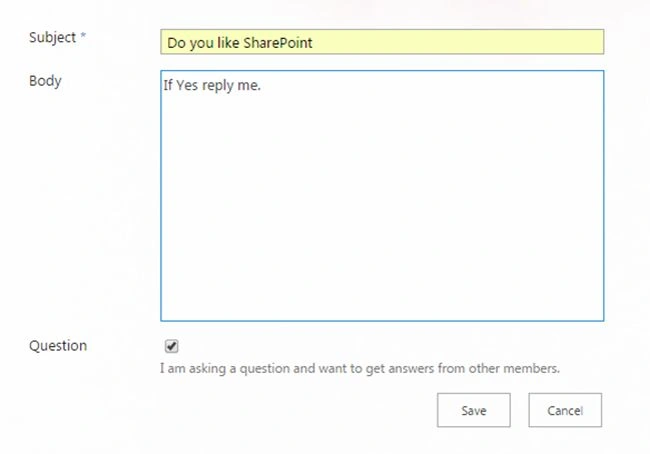
- Once you click on Save it goes to the screen below.
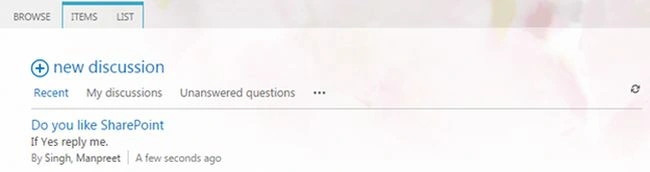
- Click on the discussion, you will see the following screen where all users can reply to the post.
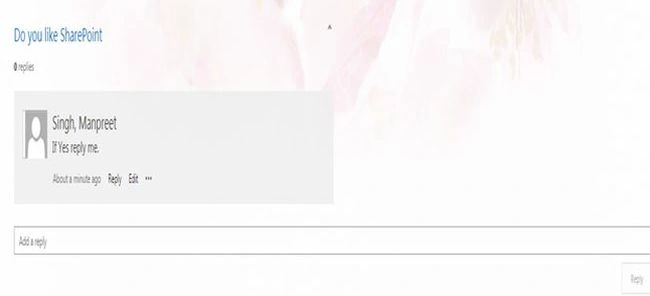
- The Edit option will only be visible to the user who created it.
- Others users can reply.
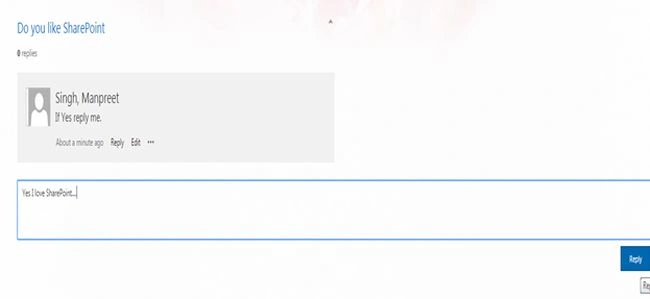
- Once they reply they click on Reply and the following screen opens up.
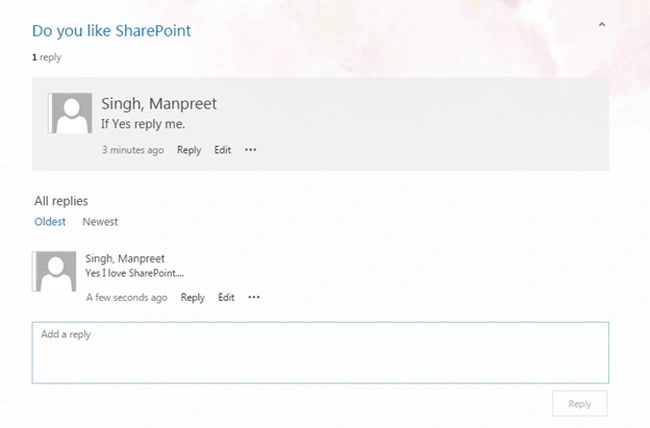
Here we can see the question on the top that has been answered below.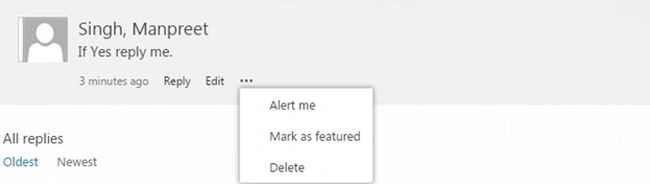
- As a creator of this post I can add the following functionalities to the post:
- Alert me: To get an alert when anyone replies to the post.
- Mark as featured: It will be added as a featured blog and will be set as featured in your blog.
- Delete
- Best Reply: You can mark it as a best answer.
- Delete: Or delete it.
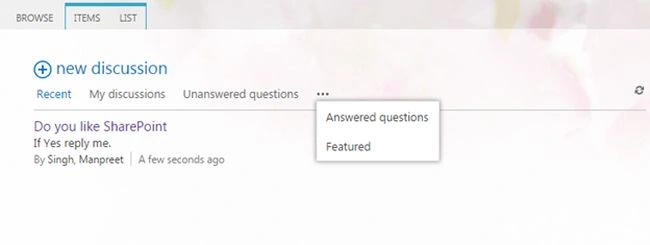
Here on the preceding screen you can see Discussions classified as all discussions, my discussions that are created by you, Unanswered Questions view, Answered Questions view and lastly the Featured View.
- Alert me: To get an alert when anyone replies to the post.
Thereby providing a look & feel as our social sites like Facebook & Twitter.
A new learning, a new concept.
Keep Learning!
Cheers.
Sagar RathodPosted Jan 3, 2019, 6:05 AM
Informative content but can you please share about the SharePoint Server 2019..!
Humayun Kabir MamunPosted May 26, 2016, 1:56 AM
Nice...
Sr KarthigaPosted Apr 19, 2016, 10:14 PM
good one
Sr KarthigaPosted Apr 19, 2016, 10:14 PM
Nice explanation
Kumaresh RajalingamPosted Feb 20, 2016, 4:41 AM
Nice explanation
Vijai Anand RamalingamPosted Sep 25, 2014, 9:34 PM
nice!!!