

Welcome to an article on Nintex Forms in SharePoint 2013 / Office 365. Here we will see how to use Nintex forms; I will be showing everything in detail so even a first time user doesn't have any issue.
So let's go for it.
Go to the Site Contents of the site and click on Add an App.
On the search page of the app write Nintex form, you will be able to see the screen below.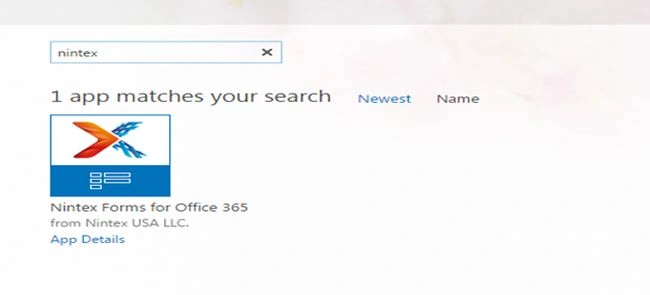
Click on Trust it and install it to your site.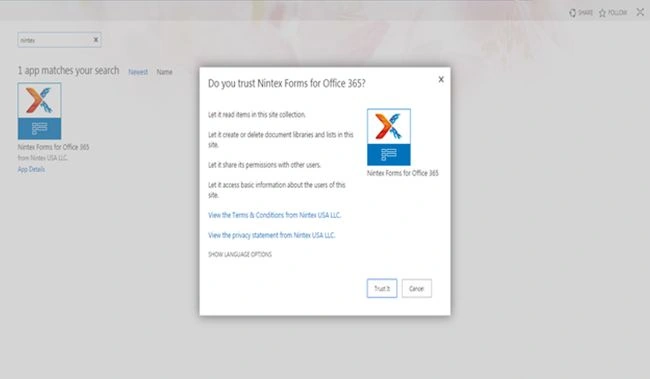
Now the icon Nintex forms will be available extensively throughout all the lists and document libraries in the site.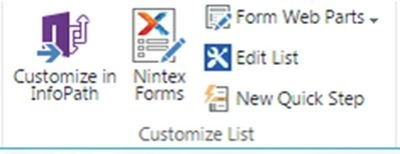
So let's click on it.
As you can see below we have our list form open in design mode. I will take you through all the functionalities down the line one by one.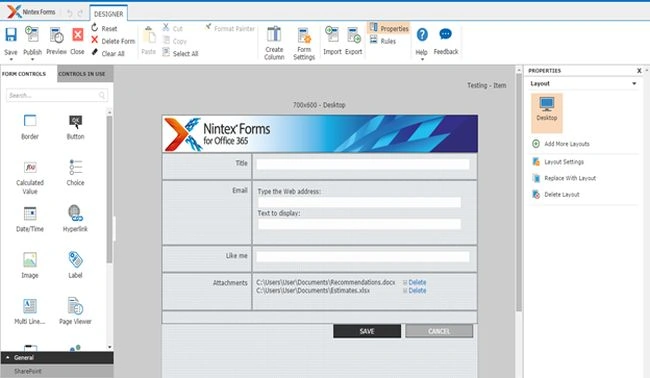
Let's start discussing the top links in the Nintex form Designer.
- Save: To save your actions implemented in the workflow.
- Publish: To publish your workflow to your site's List and Document Library.
- Preview: To have a view of your form in new , edit and view mode.
- Reset: Reset it back to normal mode.
- Delete Form: Delete your form and move back to the basic SharePoint form.
- Clear All: Clear all custom settings.
- Cut, Copy, Paste of Controls.
- Select All: Selects all the controls.
- Format Painter: Change the look and feel of all the controls.
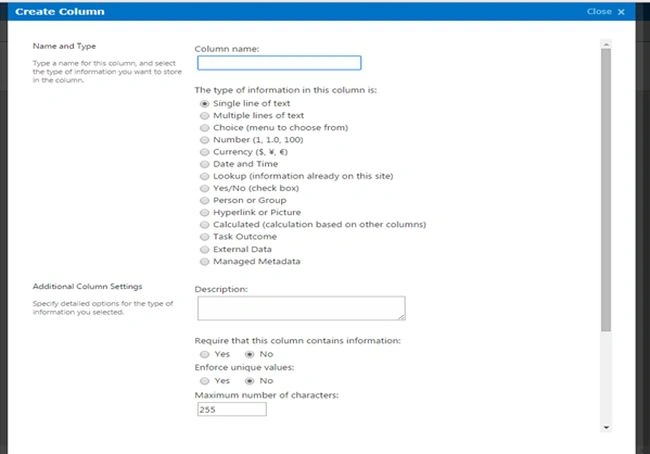
- Create Column: You can create a column in your respective list or Document Library directly from the Nintex Designer.
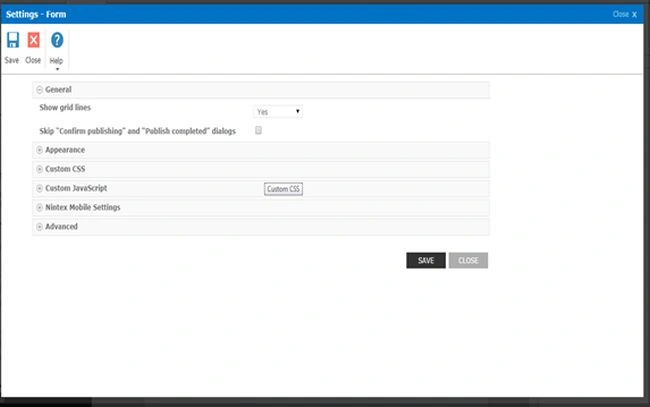
- Then we have Form Settings where a user has many functions like
- General: Show Grid lines where you can select yes or no depending on your requirements if you need grid lines on the structure of your forms and skip the message box as well.
- Appearance: Here you can set up the borders, width, height and color of the form
- Custom CSS: Here you can add up custom CSS File
- Custom JavaScript: Here you can add up your custom JavaScript files
- Nintex Mobile Settings:
Here you can configure your mobile settings providing a name and a description, assigning it a category, Icon and an option to select the timezone.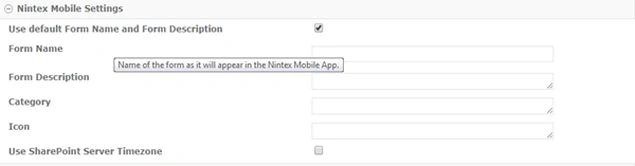
- Advanced: Here you can add in your custom CSS and JavaScript.
- Control Settings
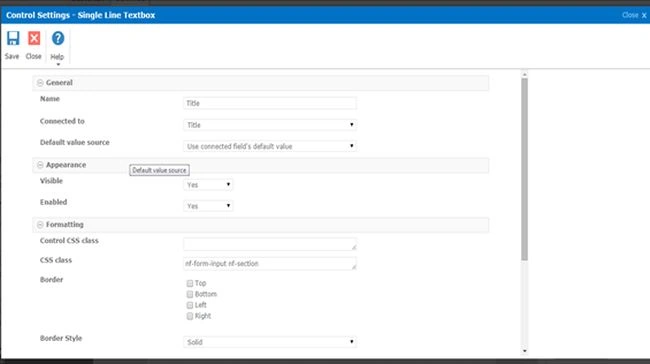
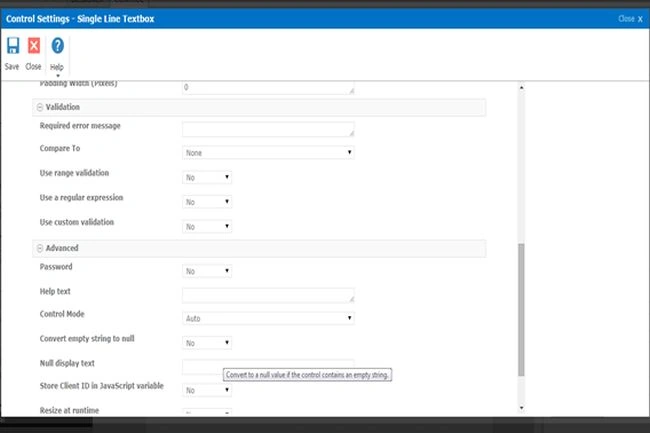
Here are the control settings:
- General: Name of the control, Connected to the column and the default value source.
- Appearance: You can set up the fields if you want it to be visible and to enable it. You can also put rules on the configuration on the rules that when is it visible or enable.
- Formatting: Then we have an option to format or we can say configure the Control CSS class, CSS Class, Border and Border Style
- Then we have a Validation category where we have required error messages, compared to where you can validate with other fields, use range validation, use a regular expression and use custom validation.
- Then we have an advanced feature where you can have a check on the controls using a password. Then a help text under the field, then a control mode to control the actions on the control. Then we convert an empty string to the null option, the null display default text you want users to see, store a value in a JavaScript variable and lastly resize at runtime.
- Import
- Export
You can Import and Export the workflows to various sites or collections thereby saving a lot of time and effort.
- Properties: Properties setting shows us the properties of the control
- Help: Here you have a page to help you with information about the configuration
- Feedback: Lastly you have Feedback where you can state your queries directly to Nintex and get it answered from them or provide them with feedback to improve certain behavior.
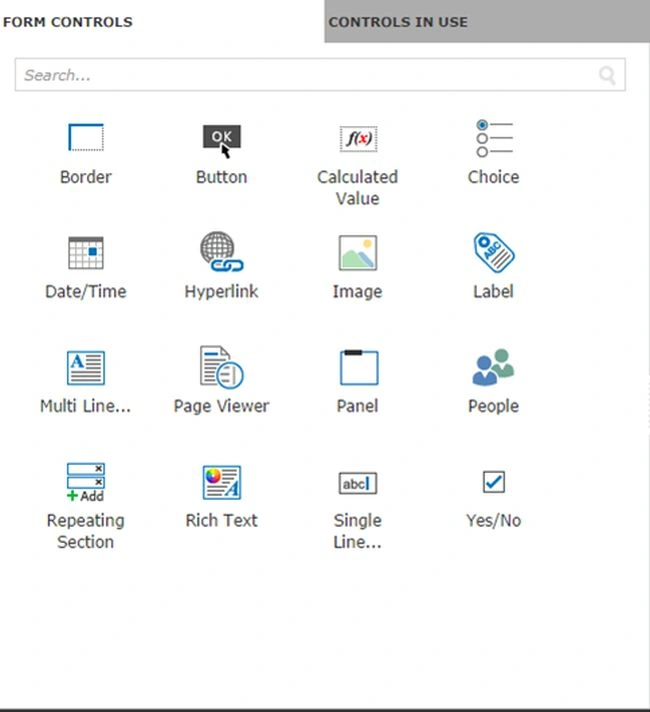
Then on the left part of the screen we can see Form Controls as in the screen shot. The controls have been based on categories such as the following.
- General
- Border
- Button
- Calculated Value
- Choice field
- Date/ Time field
- Hyperlink
- Image
- Label
- Multi Line Of Text
- Page Viewer
- Panel
- People Picker
- Repeating Section
- Rich Text
- Single Line of Text
- Option as Yes or No
- SharePoint
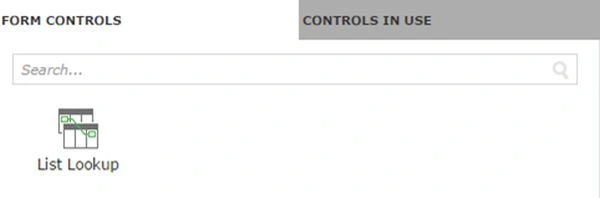
- List Lookup
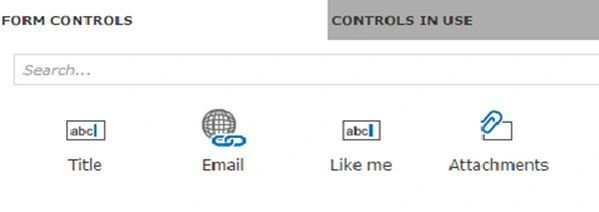
- List Columns
- List Lookup
You can also set up Rules for your control as in the screen shot below that can provide you the same logic as InfoPath.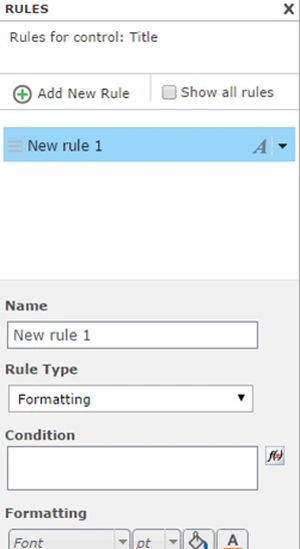
On the right side you will be able to see the Form Properties. Here you have:
- Add more Layouts
- Layout Settings
- Replace with Layout
- Delete Layout
Here you can assign the width, height and appearance of the layouts of the form you are using in your list or Document Library.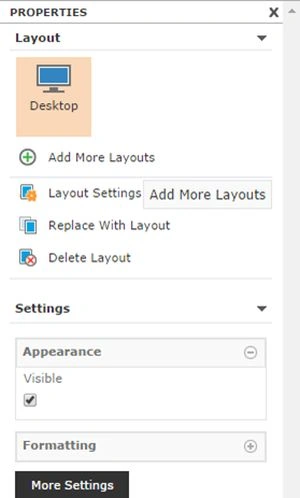
Lastly come to the main center part of the form, where you can see the list columns populating. If you want to add more fields, you just need to drag and drop it from the Control Panel on the left side.
You can change the size of the control, shuffle its place, you can color the backgrounds of the controls.
On the whole you can design it without any effort just with simple features.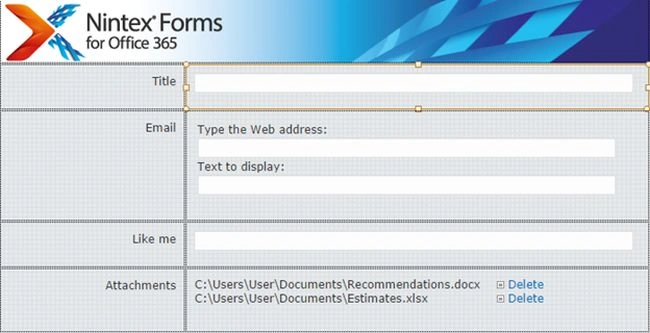
Keep Learning!
Cheers.
Sr KarthigaPosted Apr 19, 2016, 10:14 PM
good one
Sr KarthigaPosted Apr 19, 2016, 10:14 PM
Nice explanation
Kumaresh RajalingamPosted Feb 20, 2016, 4:41 AM
Nice explanation