

INTRODUCTION
In this tutorial, I am going to explain about GROUP BY in MySQL with examples. Without
wasting time, let’s start.
GROUP BY Clause
In MySQL, the GROUP BY statement is for applying an association on the aggregate functions for a group of the
result-set with one or more columns. Group BY is very useful for fetching information
about a group of data. If we have only one product of each type, then GROUP BY
would not be all that useful.
The GROUP BY statement only shows
when you have many similar things.
The GROUP BY clause is often used
with aggregate functions like SUM, AVG, COUNT, MIN, and MAX.
Syntax:
SELECT temp1, temp2,
temp3,...tempn, aggregate function(tempi)
From <table_name>
WHERE conditions
GROUP BY temp1, temp2,
temp3,…tempn;
GROUP BY clause appears and is used after SELECT, FROM, WHERE clauses and before HAVING, ORDER BY clauses.

MySQL GROUP BY Examples
For example
If we have a number of products of the same type, and we want to
find out some statistical information like the minimum, maximum, or other
top-level info, we would use GROUP BY. The column that you GROUP BY must also
be in your SELECT statement. Remember to group by the column you want
information about and not the one you are applying the aggregate function on.
Without wasting time, let’s
create a database and a table and insert some rows into it:
Create a database
- CREATE database GROUP_BY;
Create a table
- USE GROUP_BY;
- CREATE TABLE emp_info
- (
- emp_id int,
- emp_name VARCHAR(50),
- emp_salary BIGINT,
- emp_status varchar(50)
- );
Now insert some rows into the emp_info table:
- INSERT INTO emp_info VALUES(1, 'Onkar', 200000, 'CONFIRMED');
- INSERT INTO emp_info VALUES(2, 'Admin', 300000, 'Probation');
- INSERT INTO emp_info VALUES(3, 'Rohit', 400000, 'CONFIRMED');
- INSERT INTO emp_info VALUES(4, 'John', 100000, 'Notice');
- INSERT INTO emp_info VALUES(5, 'Simran', 50000, 'Notice');
- INSERT INTO emp_info VALUES(6, 'Jasmine', 150000, 'CONFIRMED');
- INSERT INTO emp_info VALUES(7, 'Riya', 180000, 'Probation');
Here, I am also providing you the database with various used tables on which I am showing you the various
examples.
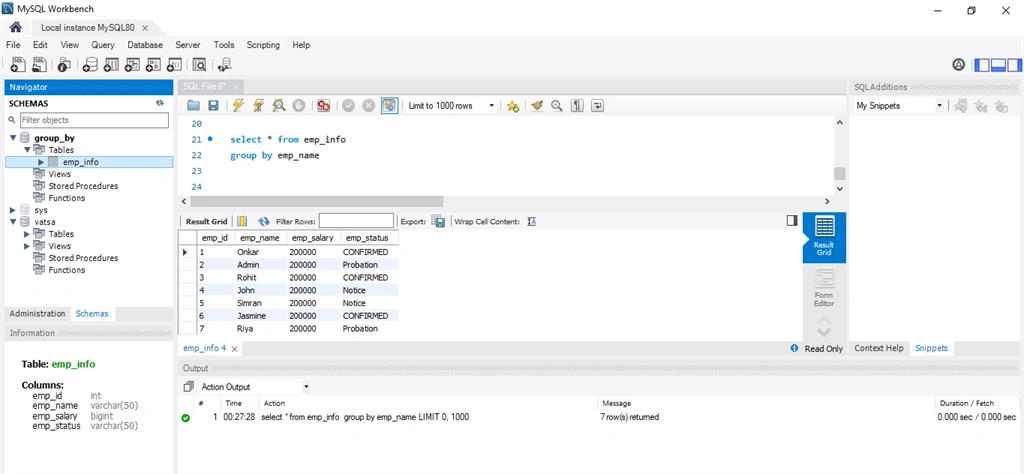
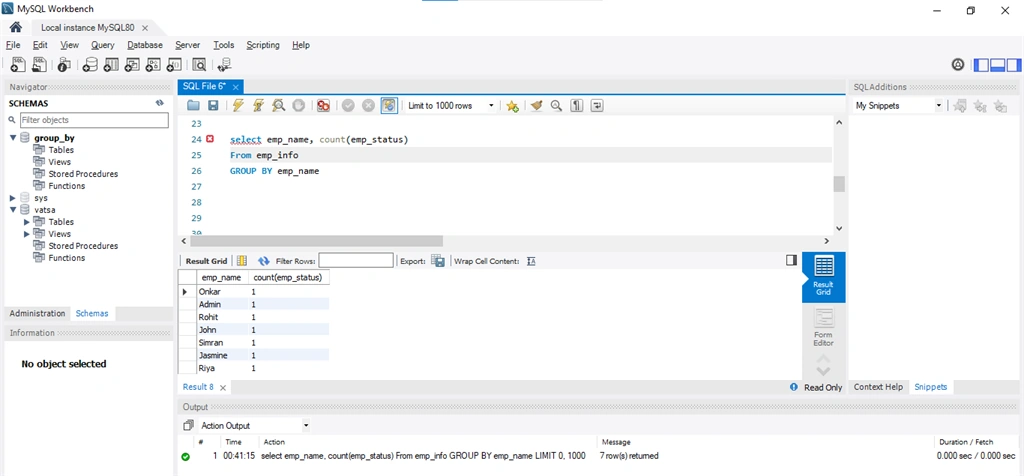
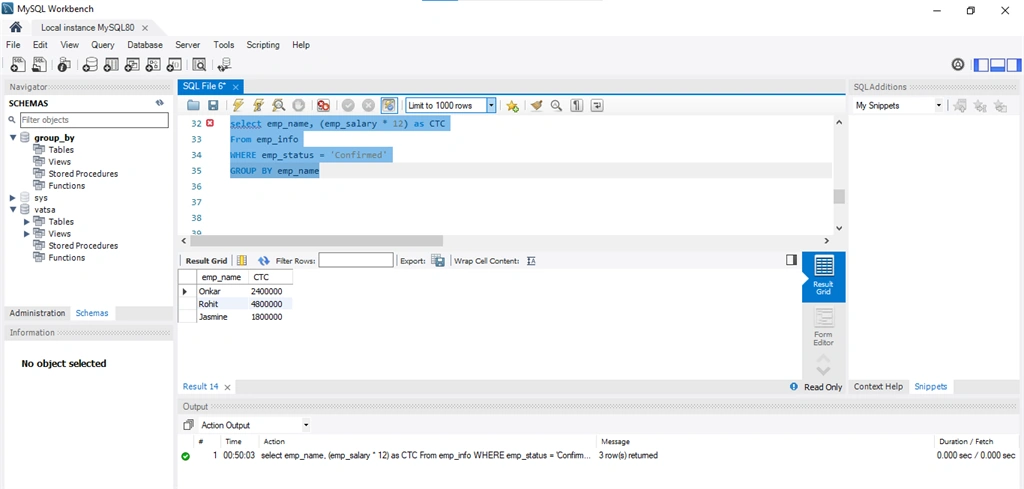
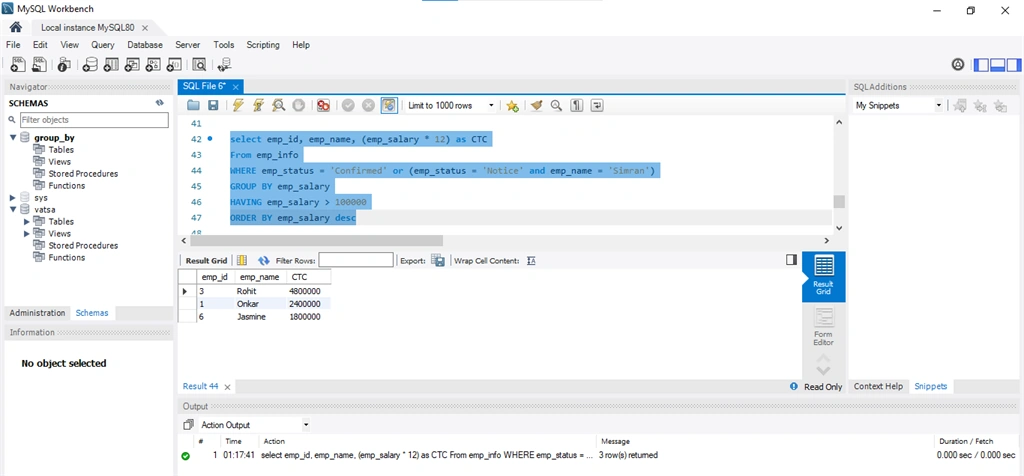
A) Simple MySQL GROUP BY example
Here, if you
want to group by the employee name into subgroups, then you can use group by clause. Use:


Onkar SharmaPosted Aug 30, 2020, 2:27 PM
Very Well Explained, thank you for sharing with us...