

Open a SharePoint team site.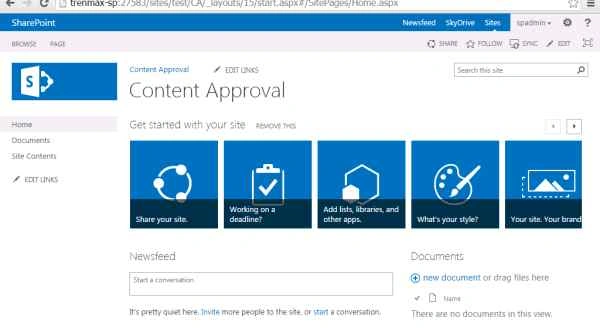
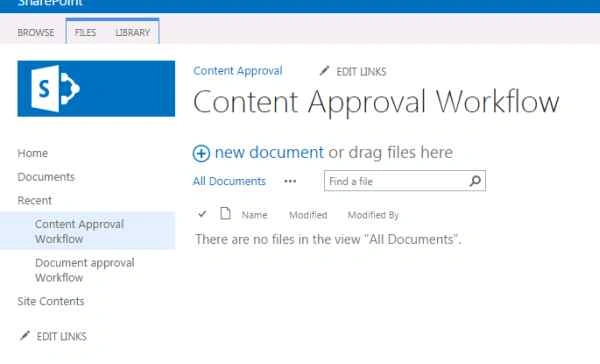
Create a Document Library.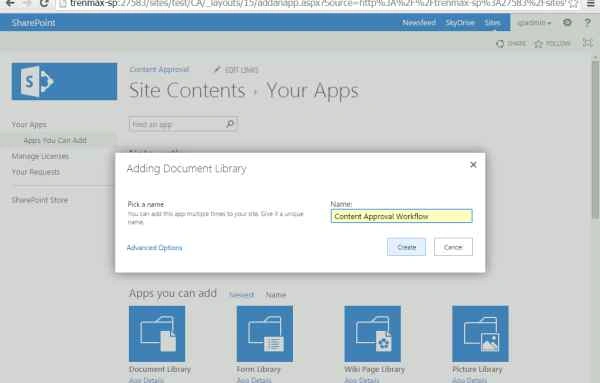
Click on LIBRARY -> Library Settings.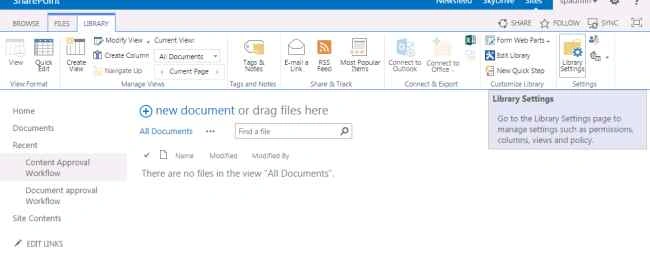
On this page click Versioning settings.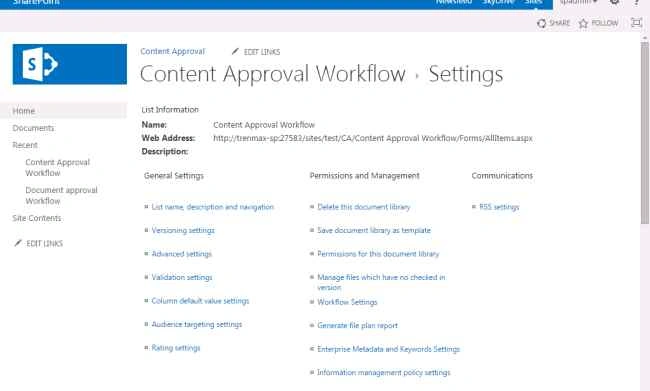
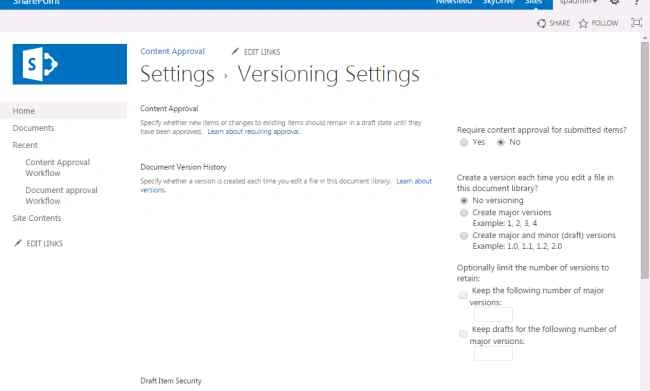
On this page click Yes to enable content approval.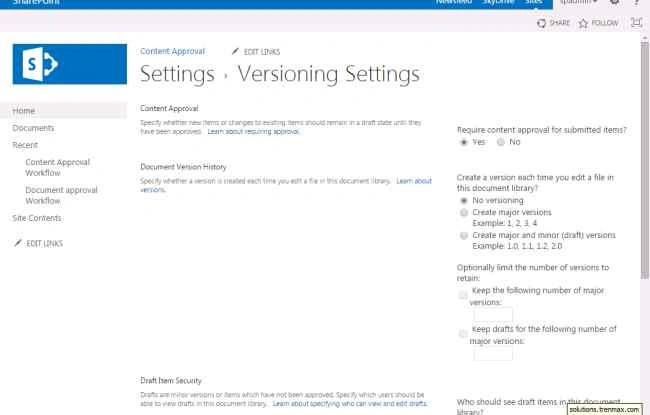
Select create major versions.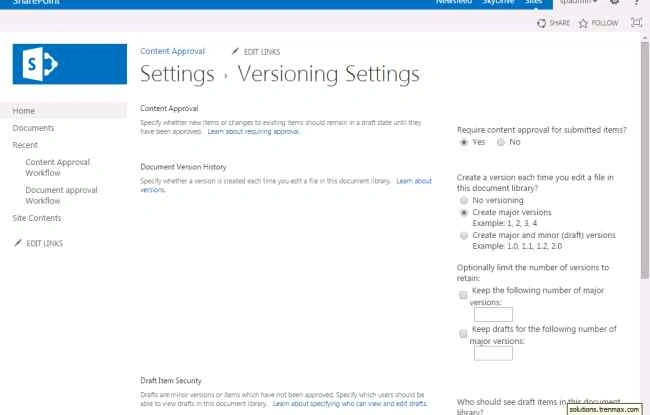
Under who would see the items.
Select only the one to approve the items by default.
So now only the approvers will be able to view the document.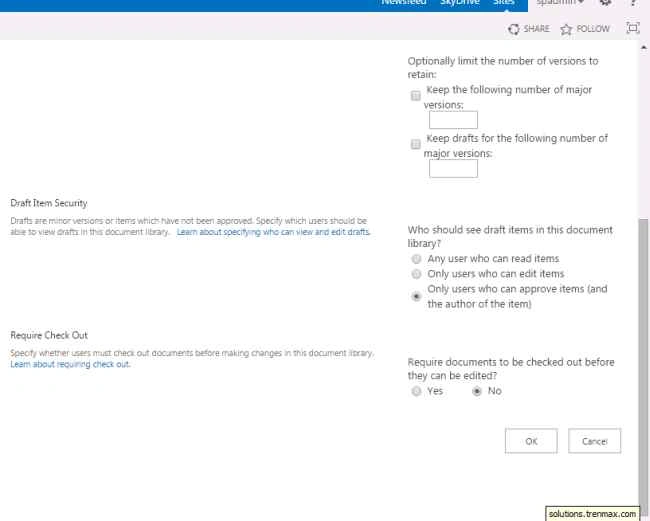
Click Ok to complete.
Now I am uploading the simple document into this library.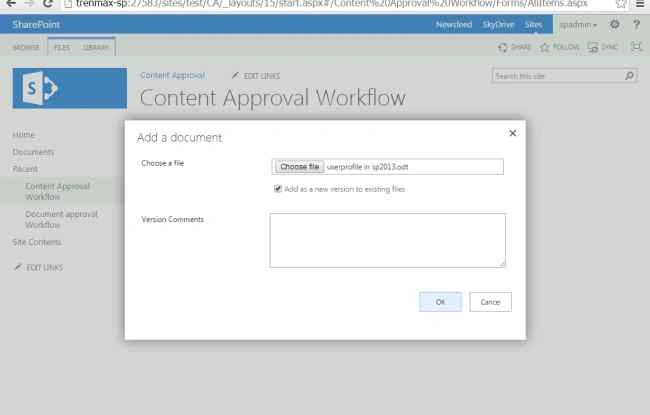
See the approval status will be pending: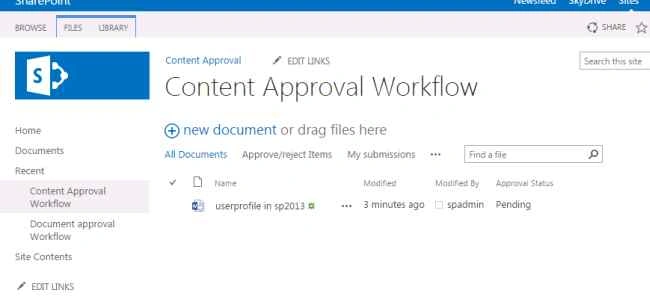
Now I am signed in as a different user having read permission the document has been invisible.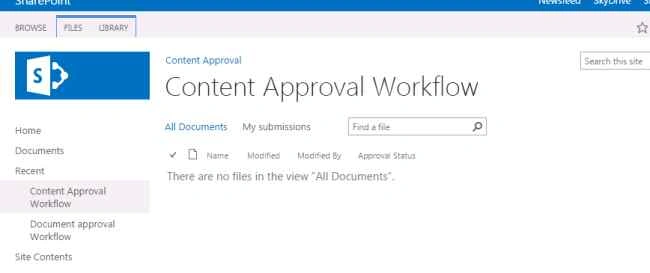
Now I will approve the document.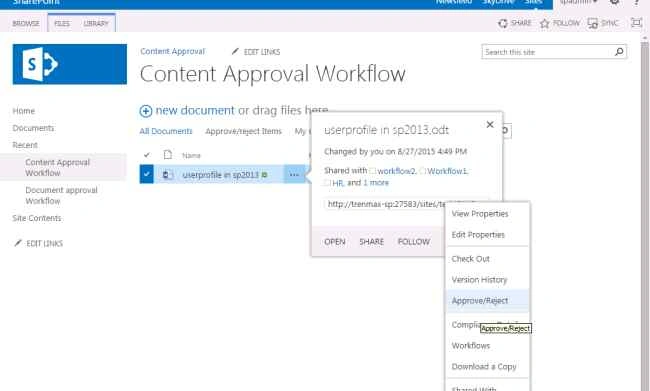
Review and Approve the document and provide comments.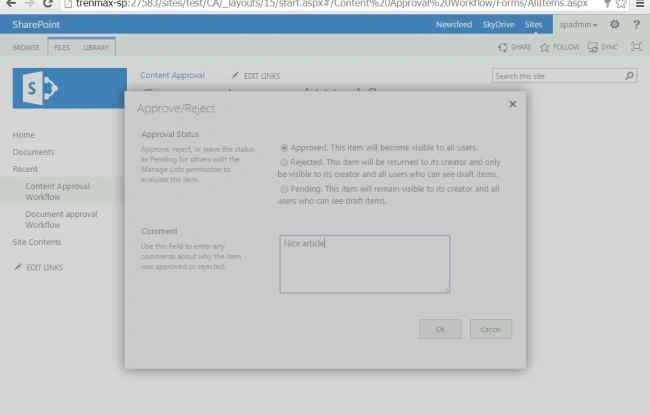
So now see the status has been approved.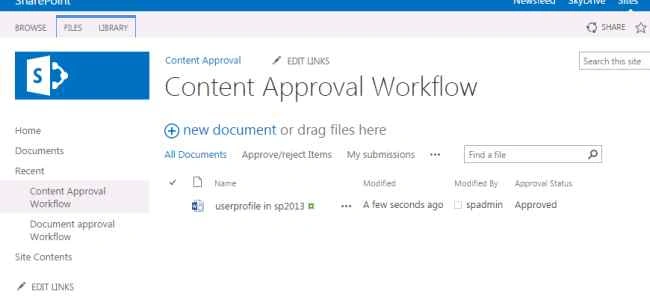
Now login as a different user.
See, the document is now viewble to all the users.

Vinodh NarayananPosted Aug 31, 2015, 1:04 AM
Hashim Shafiq Thanks a lot
Hashim ShafiqPosted Aug 30, 2015, 9:44 PM
nice
Vinodh NarayananPosted Aug 29, 2015, 6:00 AM
Thanks yashwanth
Yashwanth MuthineniPosted Aug 29, 2015, 5:42 AM
Nice Share
Vinodh NarayananPosted Aug 29, 2015, 5:18 AM
Santhakumar Munuswamy Thank you sir
Santhakumar MunuswamyPosted Aug 29, 2015, 4:41 AM
Nice article. Thanks for sharing
Vinodh NarayananPosted Aug 28, 2015, 11:46 AM
Thanks sumit
Sumit DeshmukhPosted Aug 28, 2015, 9:50 AM
Nice Article...
Vinodh NarayananPosted Aug 28, 2015, 4:55 AM
Thanks rakesh chavada
RakeshPosted Aug 28, 2015, 4:39 AM
Good one
Gowtham KPosted Aug 28, 2015, 3:37 AM
Good one
Vinodh NarayananPosted Aug 28, 2015, 1:26 AM
Thank u guys
Rajeesh MenothPosted Aug 28, 2015, 12:53 AM
Nice Share
Vinodh NarayananPosted Aug 28, 2015, 12:37 AM
Karthikeyan K Thanks
Vinodh NarayananPosted Aug 28, 2015, 12:37 AM
Jacob Robinson Thanks
Jacob RobinsonPosted Aug 28, 2015, 12:29 AM
Nice One...
Karthikeyan KPosted Aug 27, 2015, 11:35 PM
Good one sir..Thanks for share
Vinodh NarayananPosted Aug 27, 2015, 11:19 PM
Thank u guys
Mohammed IbrahimPosted Aug 27, 2015, 10:59 PM
Nice
Pankaj Kumar ChoudharyPosted Aug 27, 2015, 8:58 PM
Nice Explain Sir......