

Introduction
In this article I have explained how we can create the Visual Web Part in SharePoint 2013 using Visual Studio 2012.
It will be good idea to store our JS and CSS files externally, so that we can avoid most of the deployments as we can directly update our JS and CSS files if we have access to the site.
In the following sample I have also explained how we can incorporate our external JS and CSS files in Visual Web Part.
Steps to create Visual Web Part
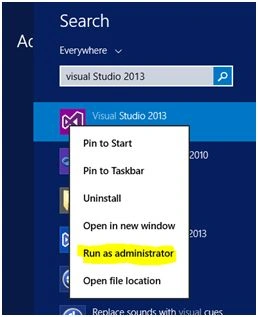
- Open Visual Studio run as administrator (You may get permission issue if we open in normal mode).
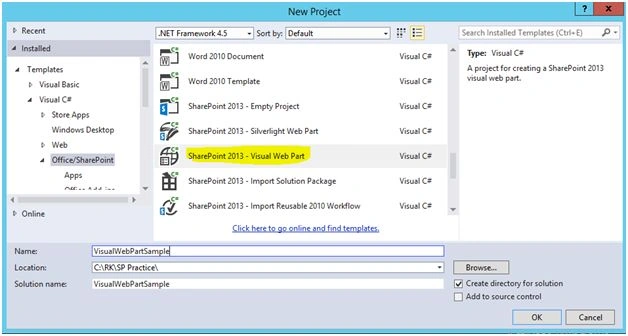
- Create new SharePoint Visual Web Part,
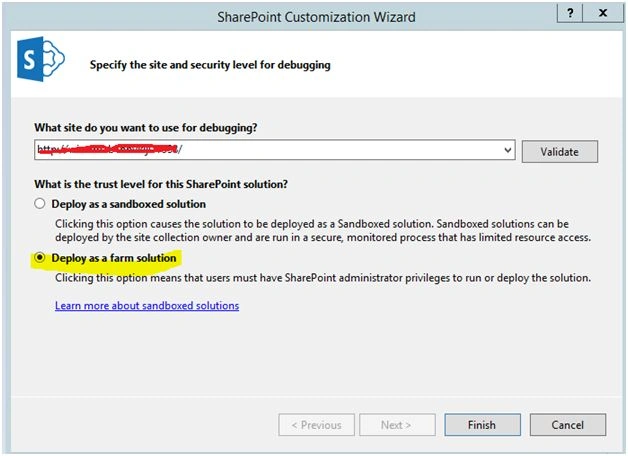
- Provide your site url to deploy this web part, and make sure that you have selected the farm solution.
- Delete the existing/created Visual Web part and add new farm solution web part. If we rename the existing web part we may face some issues, so it is better to delete the existing one and create new.
- I have added some div tags and added my custom JS and CSS links in this designer code. We can also add our custom C# code in code behind.

- By default this Visual web part will add in feature, rename the feature and it will help in identifying our feature easily.
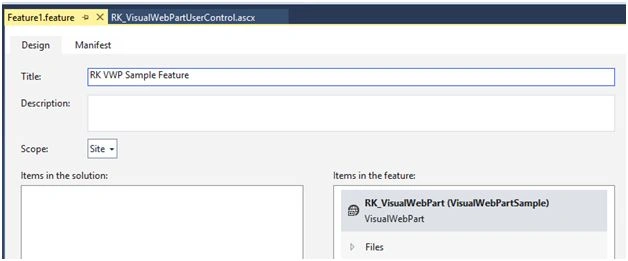
- Save the solution and deploy.

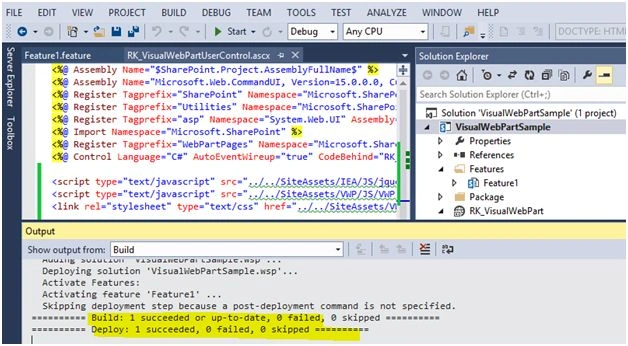
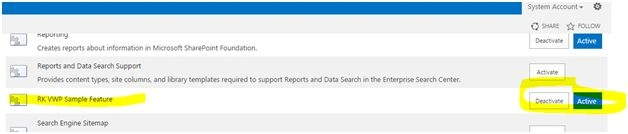
- Make sure that the feature is activated.
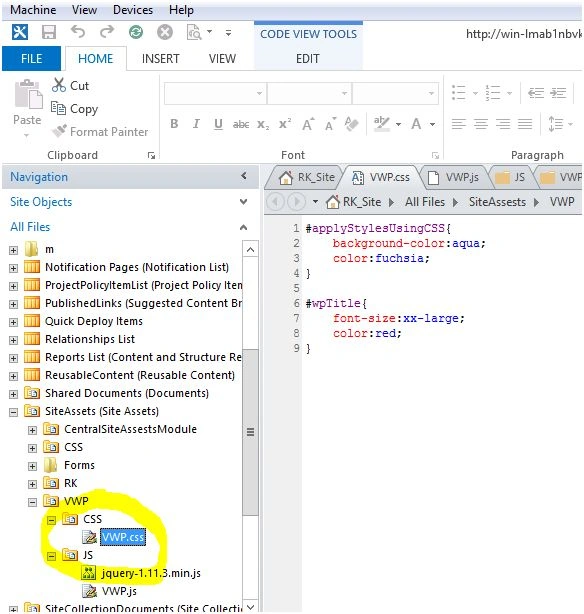
- Add our custom JS and CSS files in mentioned path.
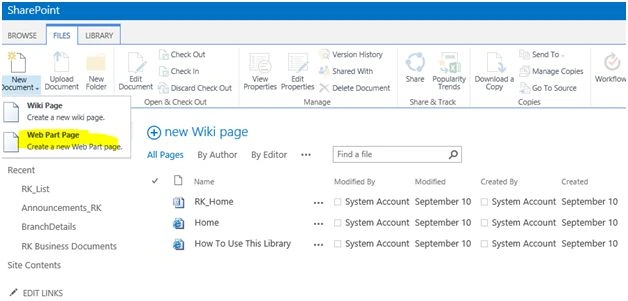
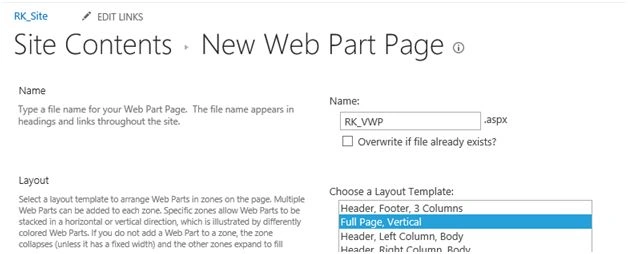
- Create a new web part page to add this webpart.
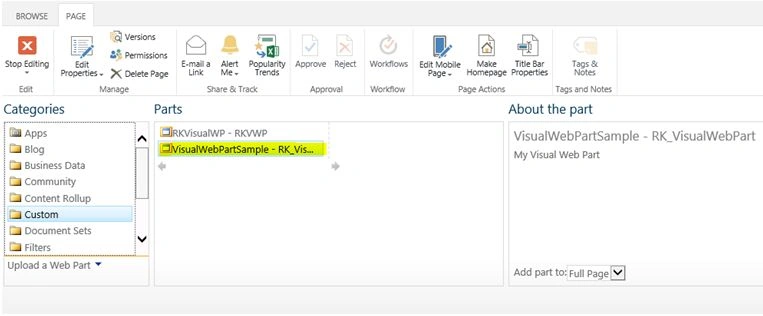
- Edit the web part page and add our custom web part, it will exist in custom web part section.
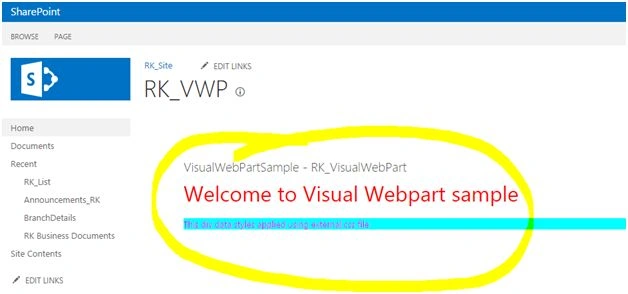
- Browse the page, you can see your update page.
Ramakrishna BasagallaPosted Dec 8, 2015, 1:48 AM
Thanks all for your valuable feedback.
Mukesh KumarPosted Dec 8, 2015, 12:40 AM
Good One..Thanks for sharing
Humayun Kabir MamunPosted Dec 8, 2015, 12:14 AM
Nice...
Vipin TyagiPosted Dec 7, 2015, 11:59 PM
It is Informative.I just only want to know the basic difference b/w Visual Web Part and simple Web Part.
Vinodh NarayananPosted Dec 7, 2015, 11:26 PM
Good one thanks for sharing
Rupali ShindePosted Dec 7, 2015, 11:11 PM
really useful article sir, thanks for sharing webpart concept in SP 2013