

Let's first look at the form:
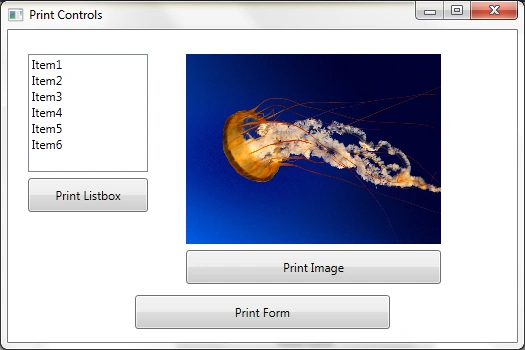
Now the code.
In my previous article, I have written about how to print a form all controls & one control in the Simple Window C# Form.
Now in this article we will see about the printing of the controls & form in WPF in C#.
First of all add the items in the listbox.
- myListBox.Items.Add("Item1");
- myListBox.Items.Add("Item2");
- myListBox.Items.Add("Item3");
- myListBox.Items.Add("Item4");
- myListBox.Items.Add("Item5");
- myListBox.Items.Add("Item6");
First of all create the object of the BitmapImage.
- BitmapImage myBitmapImage = new BitmapImage();
- myBitmapImage.BeginInit();
- myBitmapImage.UriSource = new Uri(@"C:\Users\Indus_User\Documents\Visual Studio 2010\Projects\WpfPrint\WpfPrint\Images\Jellyfish.jpg");
- myBitmapImage.EndInit();
Then assign that object of the BitmapImage to the Image Control.
- myImage.Source = myBitmapImage;
In WPF it's easy to print the Simple Window form in C#.
First of all print for the ListBox.
- PrintDialog myPrintDialog = new PrintDialog();
- if (myPrintDialog.ShowDialog() == true)
- {
- myPrintDialog.PrintVisual(myListBox, "Listbox Items Print");
- }
In the PrintVisual method we have to pass the two parameters. The first one is the Listbox name & the second one is the description of the job that is printing.
Now print the Image.
- PrintDialog myPrintDialog = new PrintDialog();
- if (myPrintDialog.ShowDialog() == true)
- {
- myPrintDialog.PrintVisual(myImage, "Image Print");
- }
In the above code we have to just change the name instead of the listbox, we use the image control name.
In the same way we can print the whole form including all controls. Instead of the control object we write the "this".
- PrintDialog myPrintDialog = new PrintDialog();
- if (myPrintDialog.ShowDialog()==true)
- {
- myPrintDialog.PrintVisual(this, "Form All Controls Print");
- }
- <Window x:Class="WpfPrint.MainWindow" xmlns="http://schemas.microsoft.com/winfx/2006/xaml/presentation"
- xmlns:x="http://schemas.microsoft.com/winfx/2006/xaml"
- Title="Print Controls" Height="350" Width="525" Loaded="Window_Loaded">
- <Grid>
- <ListBox Height="118" HorizontalAlignment="Left" Margin="20,24,0,0" Name="myListBox" VerticalAlignment="Top" Width="120" />
- <Image Height="190" HorizontalAlignment="Left" Margin="178,24,0,0" Name="myImage" Stretch="Fill" VerticalAlignment="Top" Width="255" />
- <Button Content="Print Image" Height="34" HorizontalAlignment="Left" Margin="178,220,0,0" Name="myButtonPrintImage" VerticalAlignment="Top" Width="255" Click="myButtonPrintImage_Click" />
- <Button Content="Print Listbox" Height="34" HorizontalAlignment="Left" Margin="20,148,0,0" Name="myButtonPrintListBox" VerticalAlignment="Top" Width="120" Click="myButtonPrintListBox_Click" />
- <Button Content="Print Form" Height="34" HorizontalAlignment="Left" Margin="127,265,0,0" Name="myButtonPrintForm" VerticalAlignment="Top" Width="255" Click="myButtonPrintForm_Click" />
- </Grid>
- </Window>
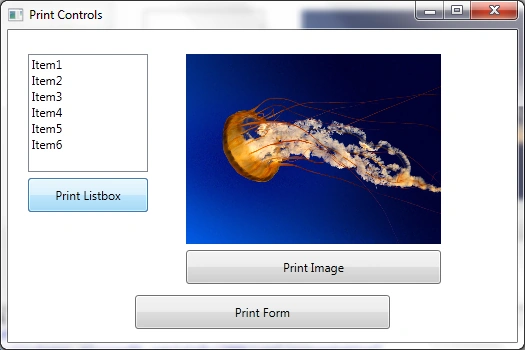
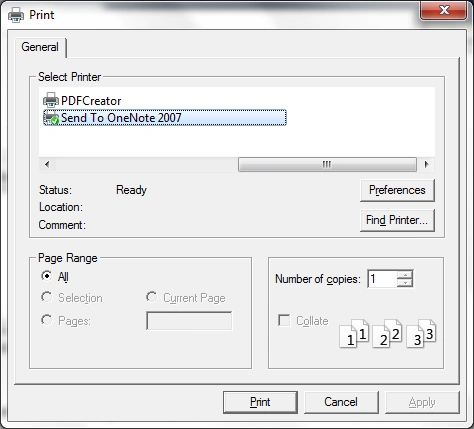
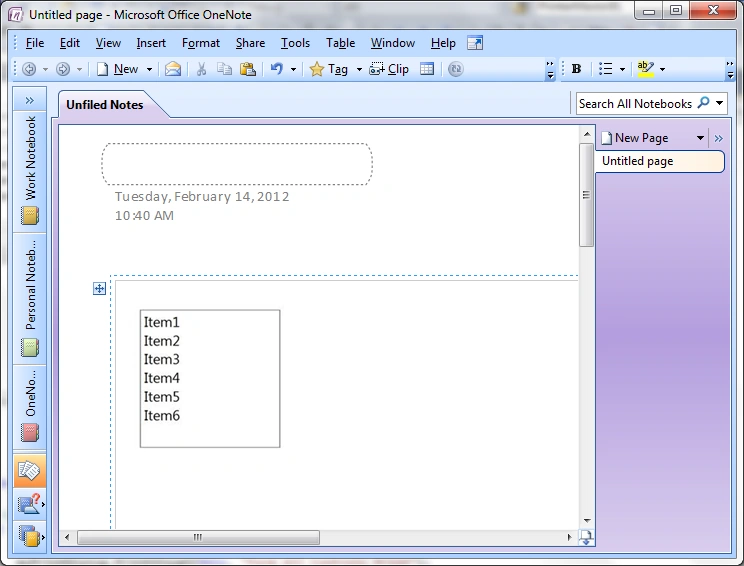
Printing of the Listbox.
Printing of the image.
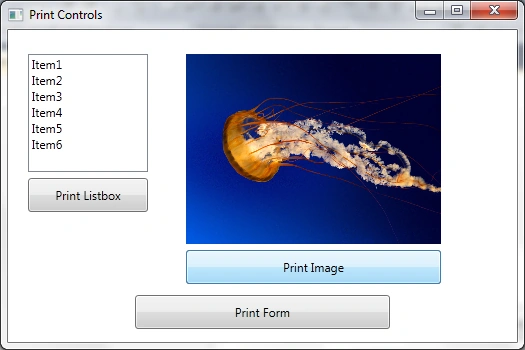
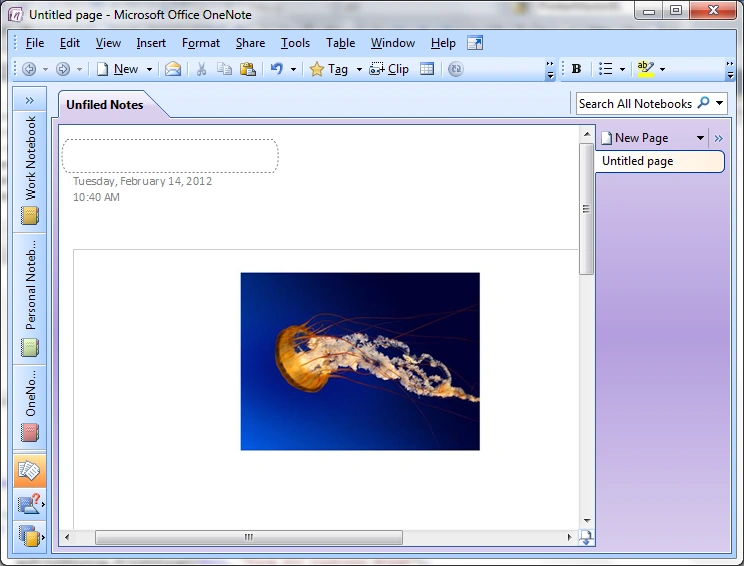
Printing of all the controls of the whole form.
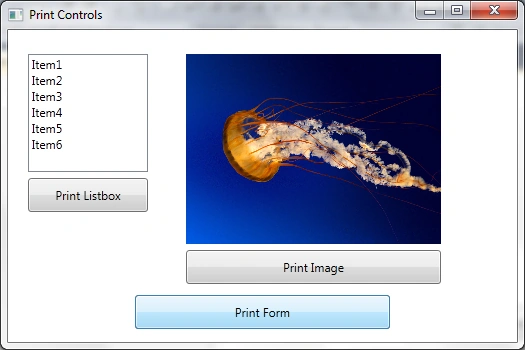
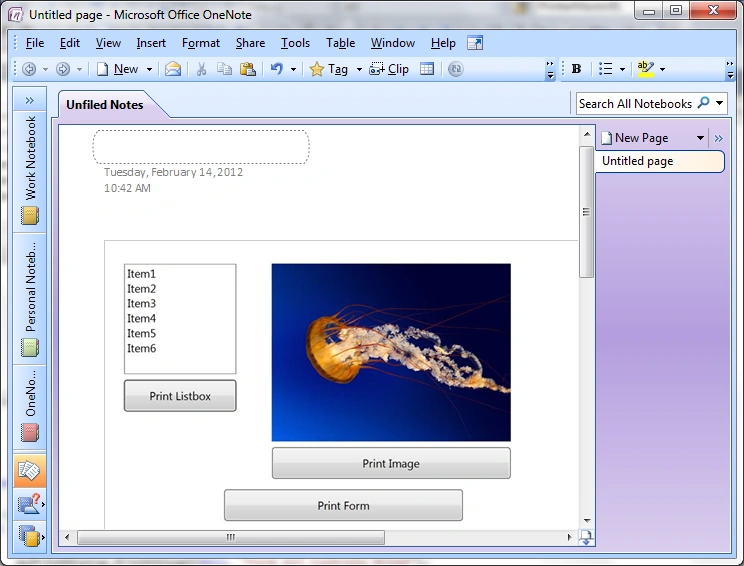
Hope this will be helpful to you guys...
sandun harshanaPosted May 8, 2014, 12:03 AM
how to print data in wpf application that are taken from database.it should be like sale invoice.can you help me
Daisy KrauseeditedPosted Feb 14, 2012, 10:58 PMEdited Feb 14, 2012, 10:59 PM
Great what an article. I will surely try to implement this concept.
Nitin SinghPosted Feb 14, 2012, 10:44 PM
Thanks for sharing this valuable article.