

Introduction
In this article, we will learn various styles for declaring and using functions in JavaScript applications. As we know, JavaScript is an Object Oriented Programming language and everything in JavaScript is an object. So, a function is also one type of object in JavaScript.
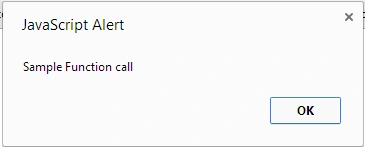
A function is written as a code block (inside curly { } braces), preceded by the function keyword.
Let's see how to define a function.
Open the Notepad++ editor and write the following code:
- <!DOCTYPE html>
- <html xmlns="http://www.w3.org/1999/xhtml">
- <head runat="server">
- </head>
- <body>
- <form id="form1" runat="server">
- <script>
- function samplefun() {
- alert("Sample Function call");
- }
- samplefun();
- </script>
- </form>
- </form>
- </body>
- </html>
Let us attach a function to a variable as in the following:
- <!DOCTYPE html>
- <html xmlns="http://www.w3.org/1999/xhtml">
- <head runat="server">
- </head>
- <body>
- <form id="form1" runat="server">
- <script>
- var val = function samplefun() {
- alert("This is another function");
- }
- val();
- </script>
- </form>
- </body>
- </html>
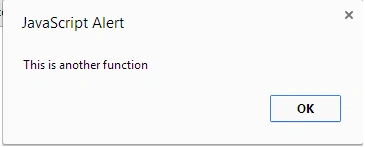
In this style of definition, we created the function and attached it to a variable (val). Now, using the variable we can access this function. We see that we are calling the function using val() and the function is being executed.
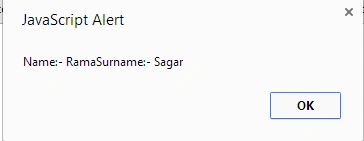
Now let us use a function as a class.
- <!DOCTYPE html>
- <html xmlns="http://www.w3.org/1999/xhtml">
- <head runat="server">
- </head>
- <body>
- <form id="form1" runat="server">
- <script>
- function student() {
- this.name = "Rama";
- this.surname = "Sagar";
- this.printInfo = function(){
- alert("Name:- " + this.name + "Surname:- " + this.surname);
- }
- }
- var p = new student();
- p.printInfo();
- </script>
- </form>
- </body>
- </html>
Summary
In this article, we learned how to define a function in JavaScript. In a future article, we will learn more basic concepts of JavaScript.
Join the conversation! Your thoughts help the community grow.