

Introduction
Return Boolean Type
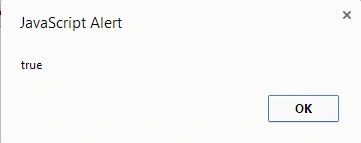
We can return any predefined data type like Boolean, string, array, and many more. Here the hello() function returns a Boolean value. Here is the sample code.
- <!DOCTYPE html>
- <html xmlns="http://www.w3.org/1999/xhtml">
- <head runat="server">
- </head>
- <body>
- <script>
- function hello() {
- return true;
- }
- alert(hello());
- </script>
- </body>
- </html>
Return Object from Function
We can return an object from a JavaScript function. In this example we are returning a “person” object from the hello() function and then we are showing the return value. Here is a sample example.
- <!DOCTYPE html>
- <html xmlns="http://www.w3.org/1999/xhtml">
- <head runat="server">
- </head>
- <body>
- <script>
- function hello() {
- var student = new Object();
- student.name = "Rama";
- student.surname = "Sagar";
- return student;
- }
- var p = hello();
- alert(p.name + " " + p.surname);
- </script>
- </body>
- </html>

Return JSON Data
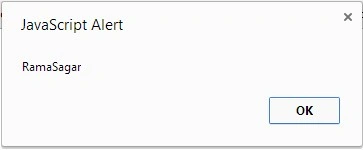
We can return JSON data from a function and then parse it. In this example the fun() function returns JSON data. The JSON data contains two key value pairs called name and surname.
- <!DOCTYPE html>
- <html xmlns="http://www.w3.org/1999/xhtml">
- <head runat="server">
- </head>
- <body>
- <form id="form1" runat="server">
- <script>
- function fun() {
- return '{"name":"Rama","surname":"Sagar"}';
- }
- var value =JSON.parse(fun());
- alert(value.name + value.surname);
- </script>
- </form>
- </body>
- </html>
Summary
In this article, we learned various return types of JavaScript functions. In a future article, we will learn some more basic concepts of JavaScript.
Join the conversation! Your thoughts help the community grow.