

Introduction: This is a simple application that show how to create model class to Link to Sql in MVC ASP.NET. In this application we first create the database after that create the schema and insert the data. After that we add the one Linq to SQL class in the model folder and drag and drop a table schema. We know that MVC is the separated word that is models,views,controllers. In model folder we have create the business logic.views is provide GUI and last controller handle the all request provide by models and views.ASP.NET MVC provide some tools that used add the data base in your application easily. This is a very simple program I hope it's very helpful for beginners and solve the problem how to create database in a MVC application.
Step 1: Open Visual Studio 2010.
- Click file ->New->Projects
- Create a MVC ASP. NET 2 Empty Web application
- The name of the application is "manish"
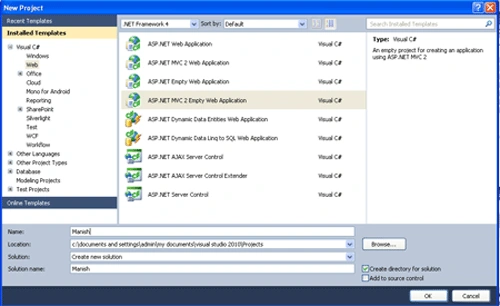
Step 2: Next step add one folder in Solution Explorer.
- Right Click on Solution Explorer->Add->Folder
- Name of folder "App_Data"
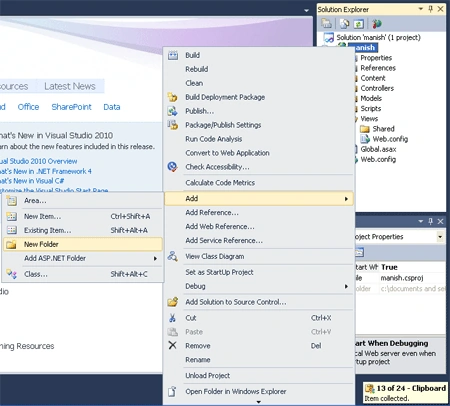
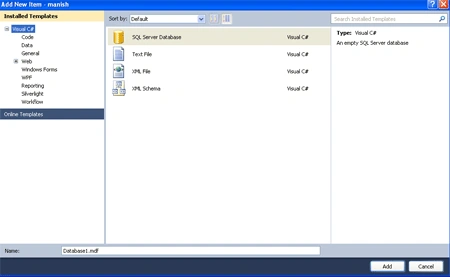
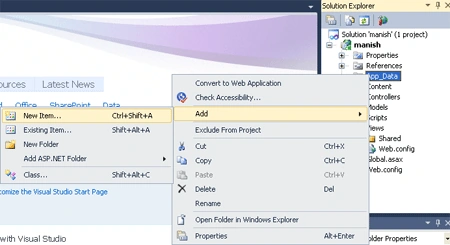
Step 3: In a App_Data folder, add Sqldatabase.
- Right Click on the App_Data Folder->Add New Item-> add "SQL database" class
- Name of sql database is "manish"
Step 4: After adding the SQL database, two files are created in the folder.
- First is "manish.mdf"
- Second is "manish_log.ldf"

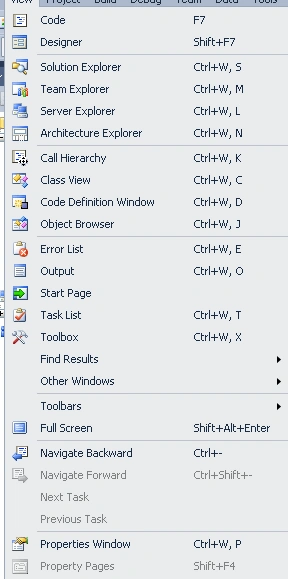
Step5: Open the Server Explorer.
- Right Click on "manish.mdf"->Add Table Schema
- Set the fields "Name of film,Id,Name of director,Name of producer"

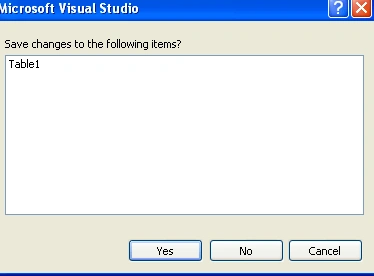

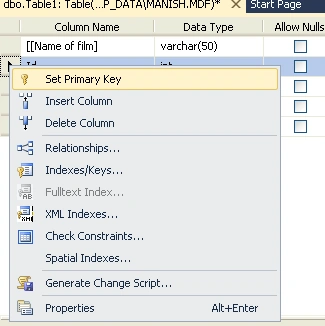
Step6: Set the primary key
- Right click on "ID" Fields and set Primary key.
Step7: Open table
- Insert data

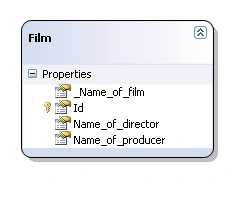
Step 8:Add Linq to SQL class.
- Right Click on models folder->add new items->add Linq to SQL class
- After that drag&drop table shema

kevin nikolaieditedPosted Sep 16, 2012, 4:00 PMEdited Sep 16, 2012, 4:01 PM
Step 8: Add Linq to SQL class.•Right Click on models folder->add new items->add Linq to SQL class•After that drag&drop table shema. Picture add-database..gif is not displayed.