

Hi guys, You may be very familiar with the validation sort of things as this property is frequently used in websites. In this article you will learn how to create and use validation controls in Expression Web 4. Follow the steps below :
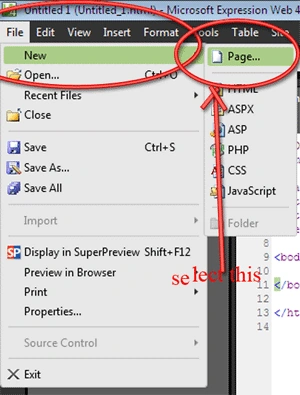
Step 1 : Goto File--> New--> Page option
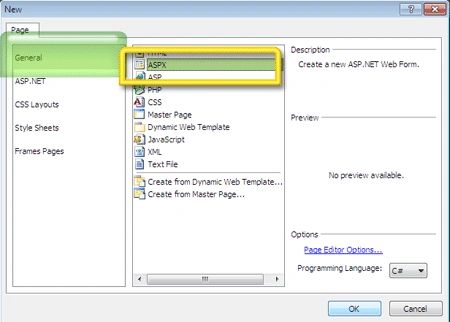
Step 2 : Select General-->Aspx page and press OK. This is because you will be creating the validation in aspx pages.
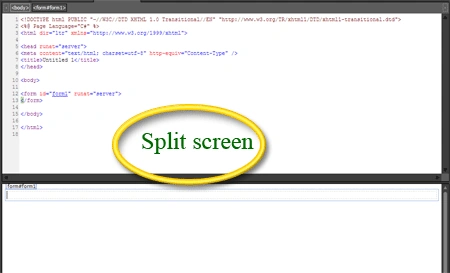
Step 3 : This action will open a file named untitled.aspx in the designing window and the window is split into the design as well as the code view.
Step 4 : Add following tools from the toolbox into the page. You can change the background color of the form to make it look good.
Lable's for :-
- First Name
- Last Name
- Age
- Email address
- Password
- Confirm Password
- Phone no.
- Address
- Pin code:
Text box to contain the fields :
- First Name
- Last Name
- Age
- Email address
- Password
- Confirm Password
- Phone no.
- Address
- Pin code:
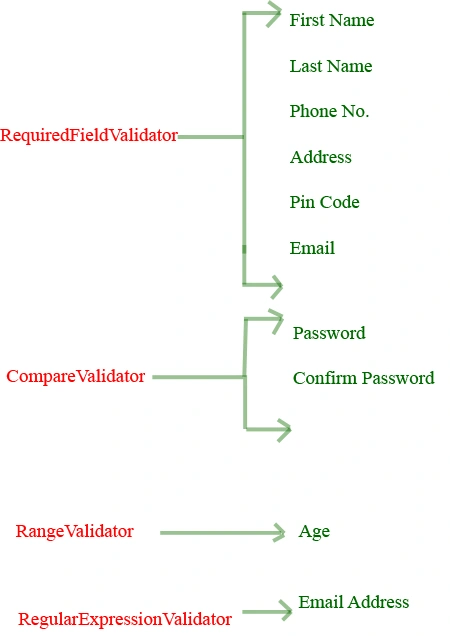
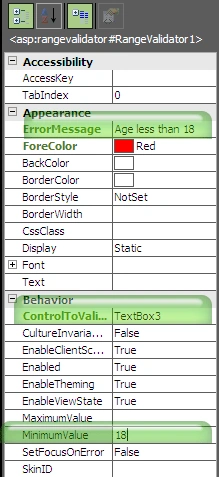
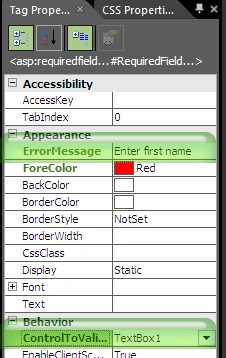
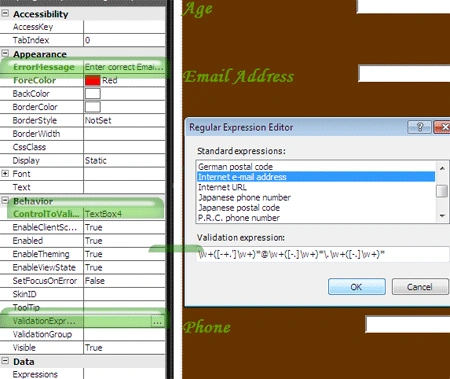
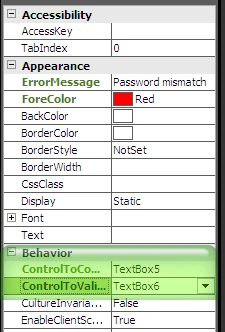
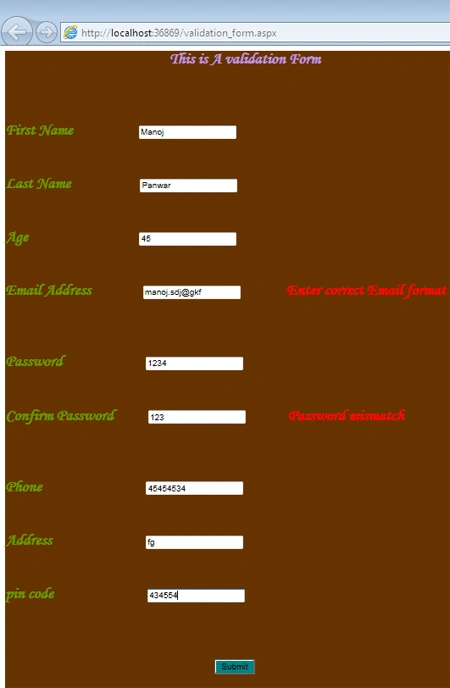
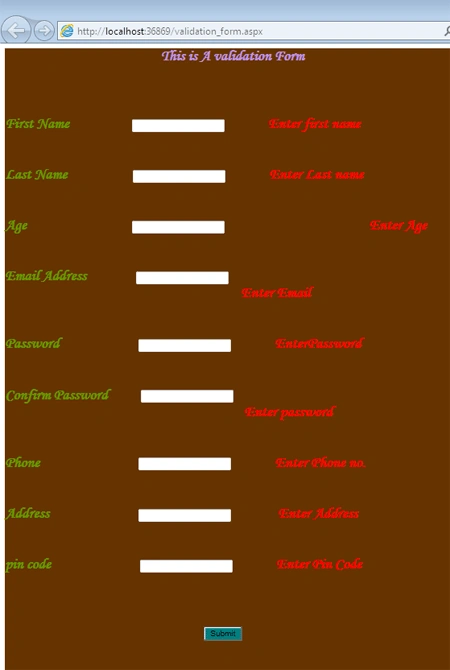
Join the conversation! Your thoughts help the community grow.