

Introduction
In this article I will create a Single view application. Here I use a single label from outlet. When we perform a gesture it shows the relevant message on the Simulator screen.
To understand it we use the following.
Step 1
Open XCode by double-clicking on it.
Step 2
Create a New XCode Project by clicking on it.
Step 3
Now Select Single View Application and click on Next.
Step 4
Now provide your Product Name and Company Identifier.
Step 5
Select the location where you want to save your project and click on Create.
Step 6
Now here we write code:
RecognizerViewController.h
//
// RecognizerViewController.h
// UIGesture
//
// Created by Sachin Bhardwaj on 11/12/12.
// Copyright (c) 2012 Sachin Bhardwaj. All rights reserved.
//
#import <UIKit/UIKit.h>
@interface RecognizerViewController : UIViewController
@property (strong, nonatomic) IBOutlet UILabel *statusLabel;
@end
RecognizerViewController.m
//
// RecognizerViewController.m
// UIGesture
//
// Created by Sachin Bhardwaj on 11/12/12.
// Copyright (c) 2012 Sachin Bhardwaj. All rights reserved.
//
#import "RecognizerViewController.h"
@interface RecognizerViewController ()
@end
@implementation RecognizerViewController
@synthesize statusLabel;
- (void)viewDidLoad
{
[super viewDidLoad];
UITapGestureRecognizer *doubleTap =
[[UITapGestureRecognizer alloc]
initWithTarget:self
action:@selector(tapDetected:)];
doubleTap.numberOfTapsRequired = 2;
[self.view addGestureRecognizer:doubleTap];
UITapGestureRecognizer *SingleTap =
[[UITapGestureRecognizer alloc]
initWithTarget:self
action:@selector(tapDetectedS:)];
SingleTap.numberOfTapsRequired = 1;
[self.view addGestureRecognizer:SingleTap];
UIPinchGestureRecognizer *pinchRecognizer =
[[UIPinchGestureRecognizer alloc]
initWithTarget:self
action:@selector(pinchDetected:)];
[self.view addGestureRecognizer:pinchRecognizer];
UIRotationGestureRecognizer *rotationRecognizer =
[[UIRotationGestureRecognizer alloc]
initWithTarget:self
action:@selector(rotationDetected:)];
[self.view addGestureRecognizer:rotationRecognizer];
UISwipeGestureRecognizer *swipeRecognizerR =
[[UISwipeGestureRecognizer alloc]
initWithTarget:self
action:@selector(swipeDetected:)];
swipeRecognizerR.direction = UISwipeGestureRecognizerDirectionRight;
[self.view addGestureRecognizer:swipeRecognizerR];
UISwipeGestureRecognizer *swipeRecognizerUp =
[[UISwipeGestureRecognizer alloc]
initWithTarget:self
action:@selector(swipeDetectedUp:)];
swipeRecognizerUp.direction = UISwipeGestureRecognizerDirectionUp;
[self.view addGestureRecognizer:swipeRecognizerUp];
UISwipeGestureRecognizer *swipeRecognizerDown =
[[UISwipeGestureRecognizer alloc]
initWithTarget:self
action:@selector(swipeDetectedDown:)];
swipeRecognizerDown.direction = UISwipeGestureRecognizerDirectionDown;
[self.view addGestureRecognizer:swipeRecognizerDown];
UISwipeGestureRecognizer *swipeRecognizerL =
[[UISwipeGestureRecognizer alloc]
initWithTarget:self
action:@selector(swipeDetectedL:)];
swipeRecognizerL.direction = UISwipeGestureRecognizerDirectionLeft;
[self.view addGestureRecognizer:swipeRecognizerL];
UILongPressGestureRecognizer *longPressRecognizer =
[[UILongPressGestureRecognizer alloc]
initWithTarget:self
action:@selector(longPressDetected:)];
longPressRecognizer.minimumPressDuration = 2;
longPressRecognizer.numberOfTouchesRequired = 1;
[self.view addGestureRecognizer:longPressRecognizer];
}
- (IBAction)longPressDetected:(UIGestureRecognizer *)sender {
statusLabel.text = @"Long Press";
}
- (IBAction)swipeDetectedUp:(UIGestureRecognizer *)sender {
statusLabel.text = @"Up Swipe";
}
- (IBAction)swipeDetectedDown:(UIGestureRecognizer *)sender {
statusLabel.text = @"Down Swipe";
}
- (IBAction)swipeDetected:(UIGestureRecognizer *)sender {
statusLabel.text = @"Right Swipe";
}
- (IBAction)swipeDetectedL:(UIGestureRecognizer *)sender {
statusLabel.text = @"Left Swipe";
}
- (IBAction)tapDetectedS:(UIGestureRecognizer *)sender {
statusLabel.text = @"Single Tap";
}
- (IBAction)tapDetected:(UIGestureRecognizer *)sender {
statusLabel.text = @"Double Tap";
}
- (IBAction)pinchDetected:(UIGestureRecognizer *)sender {
CGFloat scale =
[(UIPinchGestureRecognizer *)sender scale];
CGFloat velocity =
[(UIPinchGestureRecognizer *)sender velocity];
NSString *resultString = [[NSString alloc] initWithFormat:
@"Pinch - scale = %f, velocity = %f",
scale, velocity];
statusLabel.text = resultString;
}
- (IBAction)rotationDetected:(UIGestureRecognizer *)sender {
CGFloat radians =
[(UIRotationGestureRecognizer *)sender rotation];
CGFloat velocity =
[(UIRotationGestureRecognizer *)sender velocity];
NSString *resultString = [[NSString alloc] initWithFormat:
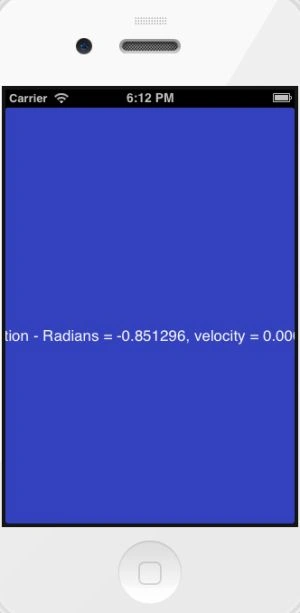
@"Rotation - Radians = %f, velocity = %f",
radians, velocity];
statusLabel.text = resultString;
}
- (void)didReceiveMemoryWarning
{
[super didReceiveMemoryWarning];
// Dispose of any resources that can be recreated.
}
@end
Step 7
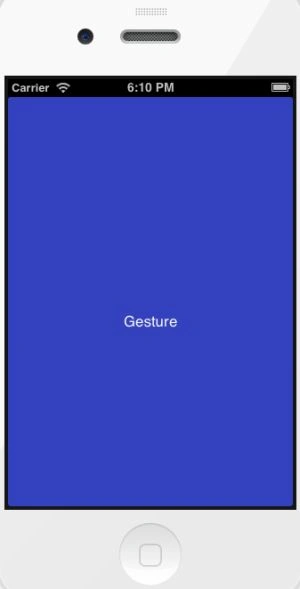
Click on the Run button to show the output.
Output 1 in iPhone
Output 2 in iPhone
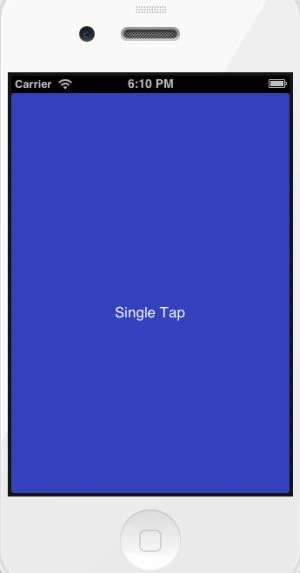
When we perform a single-click on the iPhone screen it recognize it and shows this output.
Output 3 in iPhone
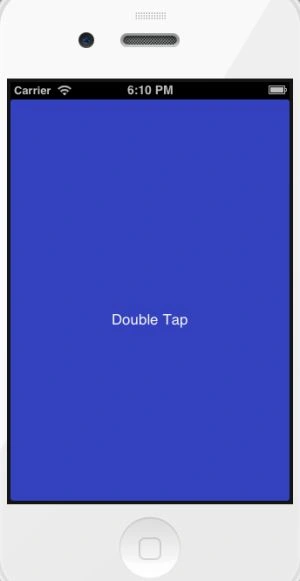
When we perform a double-click on the iPhone screen it recognizes it and shows this output.
Output 4 in iPhone
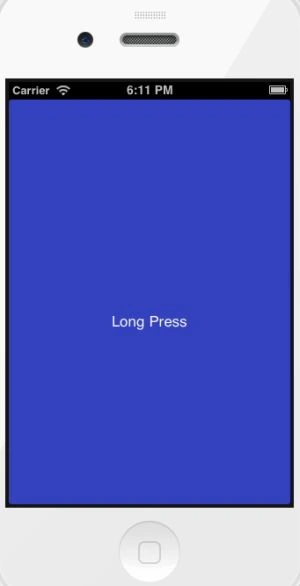
When we perform a single click for a long time (just 2 seconds) on the iPhone screen it recognizes it and shows this output.
Output 5 in iPhone
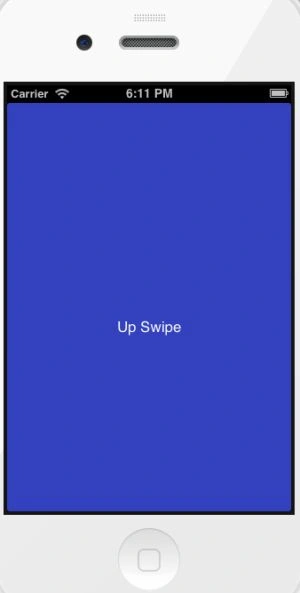
When we swipe our finger up on the iPhone screen it recognizes it and shows this output.
Output 6 in iPhone
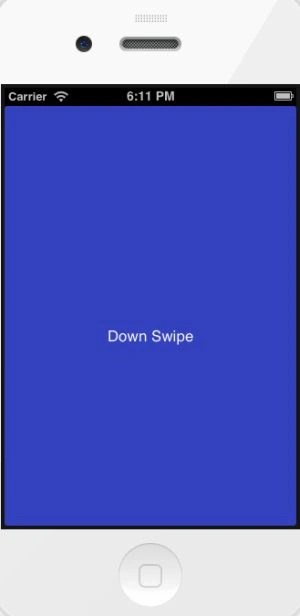
When we swipe our finger down on the iPhone screen it recognizes it and shows this output.
Output 7 in iPhone
Join the conversation! Your thoughts help the community grow.