

Introduction
In this article, I explain how to use the assets directory from the directory structure. When we want to use native code in our application, we use the assets directory to save a usable file, so here we are using an HTML file as our own browser to be used in our application. You can see that in the following instructions.
Step 1
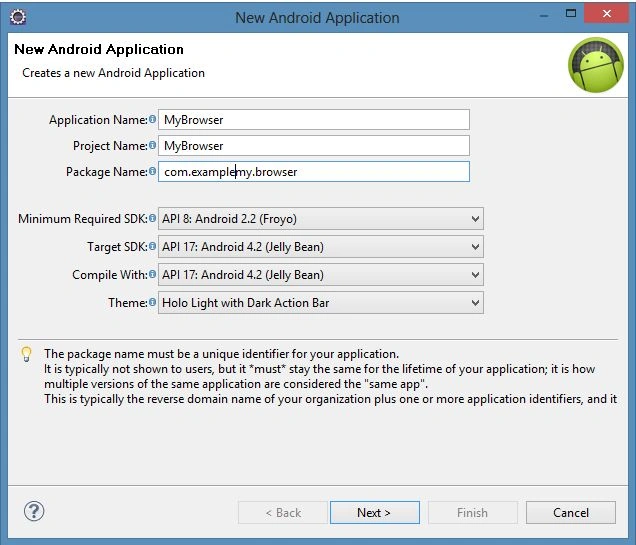
As usual, first of all, create a new file using "File" -> "New" -> "Android Application Project" with the name "WebBrowser".
Step 2
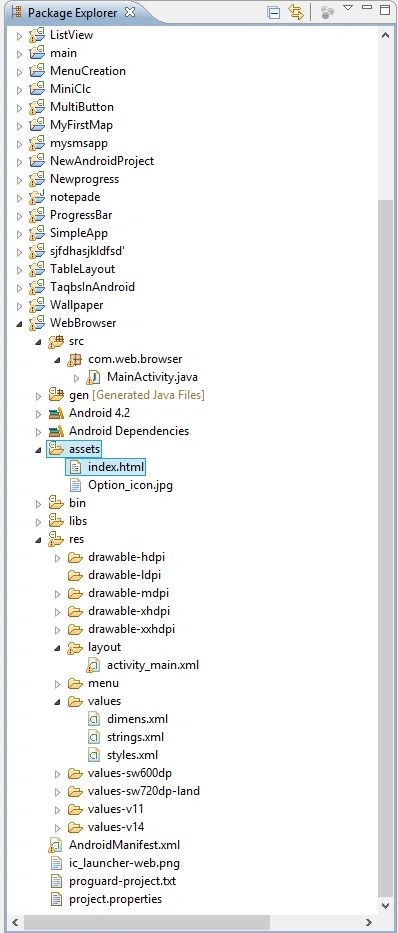
Now create native code in a HTML file of a structure like a browser as in the following. And add this file in assets as shown below.
code
- <html>
- <head>
- <meta name="viewport" content="width=device-width,initial-scale=0.25,user-scalable=yes" />
- <title>Going Native</title>
- </head>
- <body onload="window.linuxmag.Info('App loaded!');">
- <center>
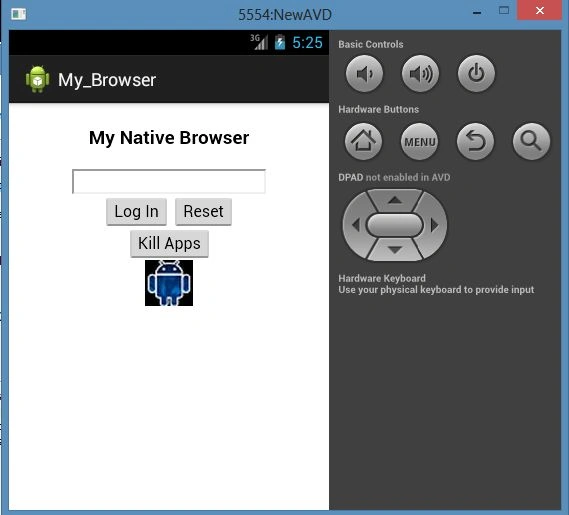
- <h3>My Native Browser</h3>
- <input type="text" id="ib"><br />
- <button onclick="window.linuxmag.Info(document.getElementById('ib').value);">Log In</button>
- <button onclick="window.linuxmag.Error(document.getElementById('ib').value);">Reset</button><br />
- <button onclick="if (window.confirm('End App?')) window.linuxmag.EndApp();">Kill Apps</button><br />
- <img src="file:///android_asset/Option_icon.jpg">
- </center>
- </body>
- </html>
Image
Step 3
Open the XML file "res/layout/activity_main.xml" and update it with the following code:
- <RelativeLayout xmlns:android="http://schemas.android.com/apk/res/android"
- xmlns:tools="http://schemas.android.com/tools"
- android:layout_width="match_parent"
- android:layout_height="match_parent"
- android:paddingBottom="@dimen/activity_vertical_margin"
- android:paddingLeft="@dimen/activity_horizontal_margin"
- android:paddingRight="@dimen/activity_horizontal_margin"
- android:paddingTop="@dimen/activity_vertical_margin"
- tools:context=".MainActivity" >
- <WebView
- android:id="@+id/mybrowser"
- android:layout_width="fill_parent"
- android:layout_height="fill_parent"
- android:layout_weight="1"
- />
- </RelativeLayout>
Join the conversation! Your thoughts help the community grow.