

Introduction
This article explains how to write data in PDF format using a servlet in Java. The NetBeans IDE is used for creating this application.
Note:
For this application you need a jar file named "spdf.jar". You can directly download this file from the Oracle web site.
How to write data in PDF file format
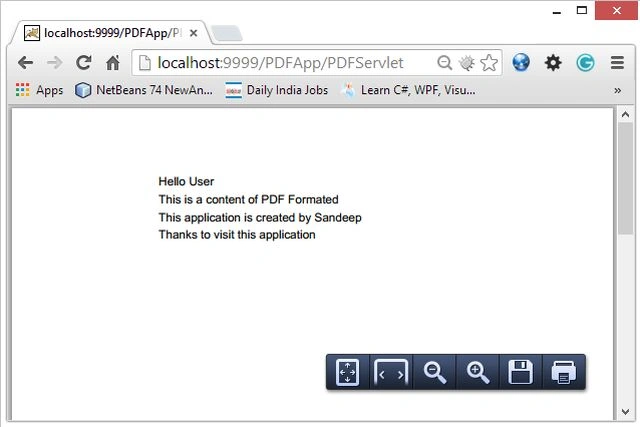
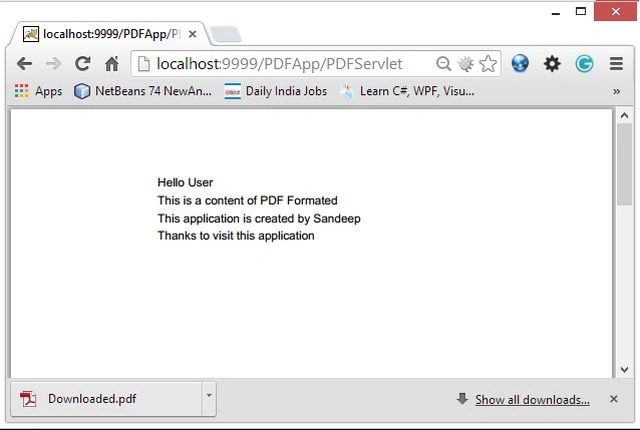
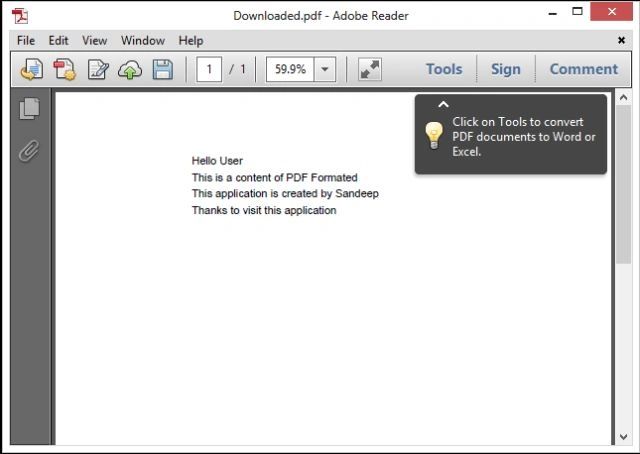
In this article we create an app that writes our data in PDF file format. We are writing some data in PDF using a servlet program and it will be displayed in the PDF file format.
To create this application, you need to create the following files:
- HTML file
- servlet file
- web.xml file
1. HTML File
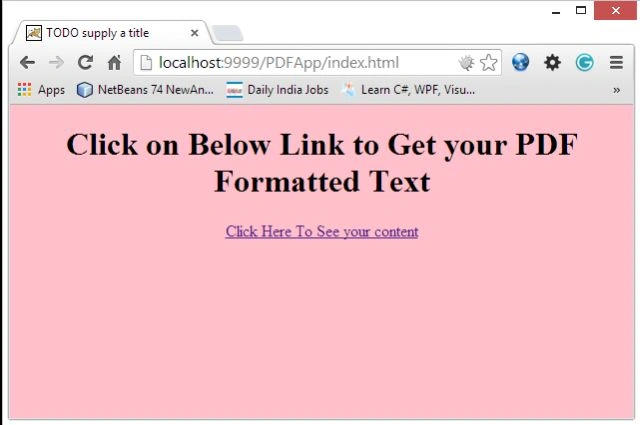
This file provides a link to the servlet through which our PDF content is displayed.
2. Servlet File
This file writes data as PDF and provides the information to the server that it is a PDF file type.
3. web.xml file
Used to configure the servlet file. This XML file provides servlet information to the server.
Let's start creating this application
For this application we need to use the following procedure.
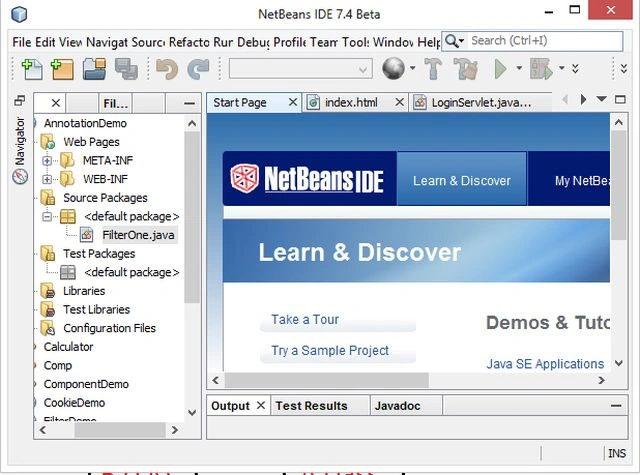
Open the NetBeans ide.
Fig-1
Step 2
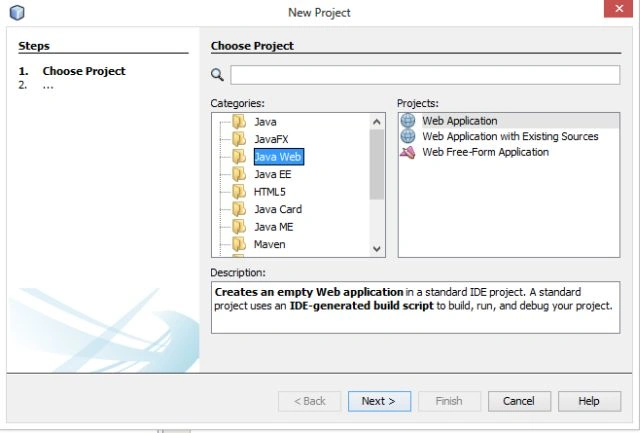
Choose "Java web" -> "Web application" as in the following.
Step 3
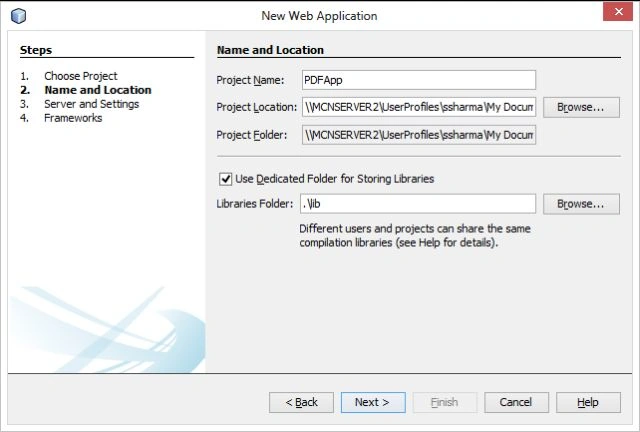
Type your project names as "PDFApp" as in the following.
Step 4
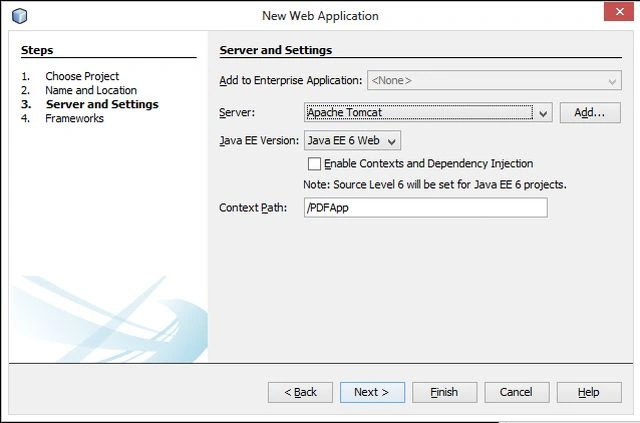
Choose your version and server wizard as in the following.
Step 5
Now delete your default "index.html" file and create a new "index.html" file and provide the following for it:
index.html
<!DOCTYPE html>
<html>
<head>
<title>TODO supply a title</title>
<meta http-equiv="Content-Type" content="text/html; charset=UTF-8">
<meta name="viewport" content="width=device-width">
</head>
<body bgcolor="pink">
<center><h1>
Click on Below Link to Get your PDF Formatted Text
</h1>
<a href="PDFServlet">Click Here To See your content</a>
</body>
</html>Step 6
Create a servlet named "PDFServlet" and and provide the following for it:
PDFServlet.java
import java.util.*;
import java.io.*;
import javax.servlet.*;
import javax.servlet.http.*;
import com.darwinsys.spdf.*;
public class PDFServlet extends HttpServlet {
Join the conversation! Your thoughts help the community grow.