
Here are the steps to add DataViewer in DataFlowTask.
Step 1: Select a Particular path, Right Click and Click DataViewers..... option
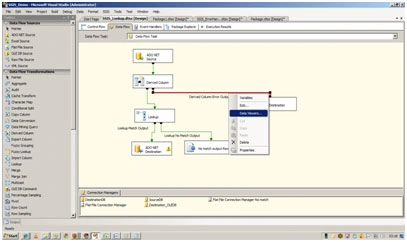
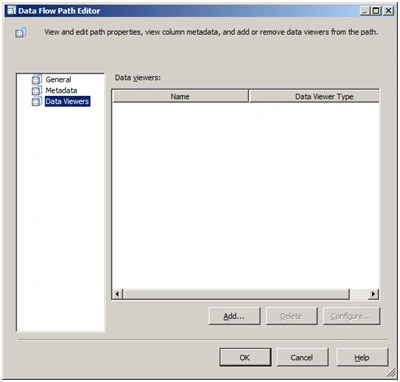
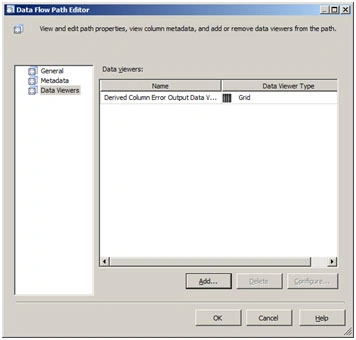
Step 2: Select DataViewers from the left pane and Click Add button.
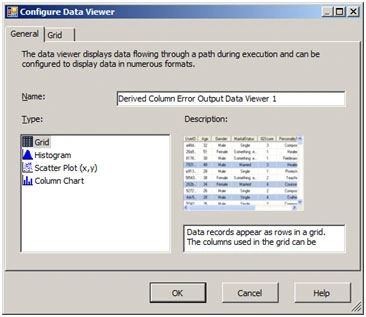
Step 3: Select grid and click Ok, and ok in DataFlowpath Editor window.
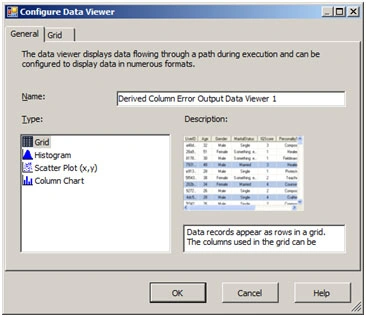
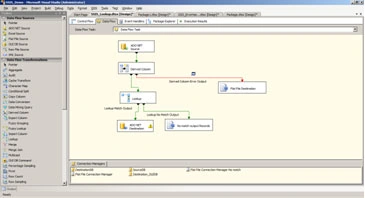
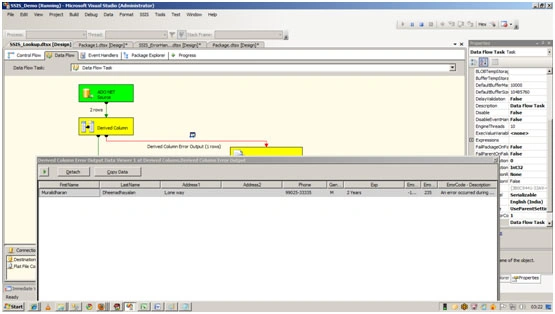
Step 4: Execute the package and you can get the DataViewer window as below in the picture.
Mahesh ChandPosted May 20, 2011, 9:20 PM
Hi Murali, This article needs some text explaining what each dialog is doing and what is its role. Also it would be nice if you explain what a DataFlowTask is and what a DataViewer is.
Suthish NairPosted May 20, 2011, 1:53 AM
What is DataViewer in DataFlowTask? Can you please explain also in article.