
Procedure for installing Microsoft Office 2013 Professional Plus
Step 1: Download Microsoft Office 2013 from the following link.
http://technet.microsoft.com/en-in/evalcenter/jj192782.aspx
Step 2: Extract the img file or mount to virtual DVD drives using PowerISO
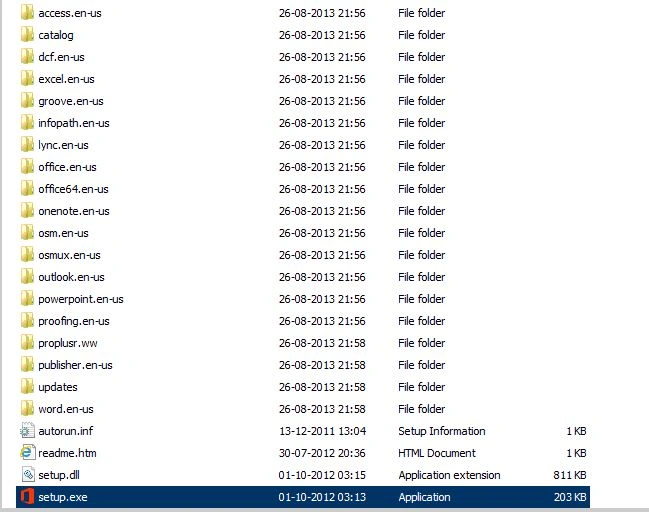
Step 3: Double-click Setup.exe as in the following.
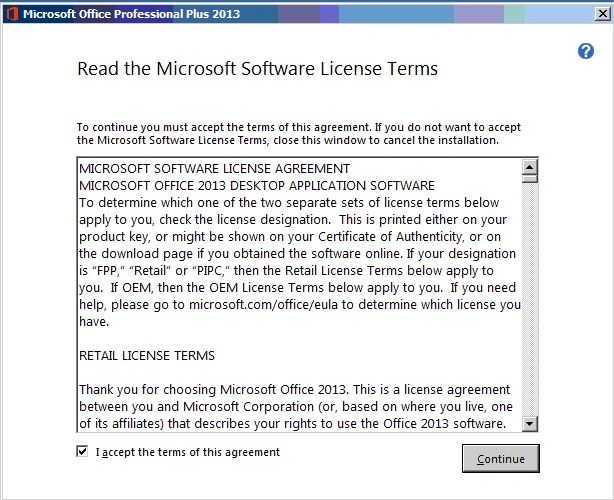
Step 4: Read and accept the license terms and click "Continue".
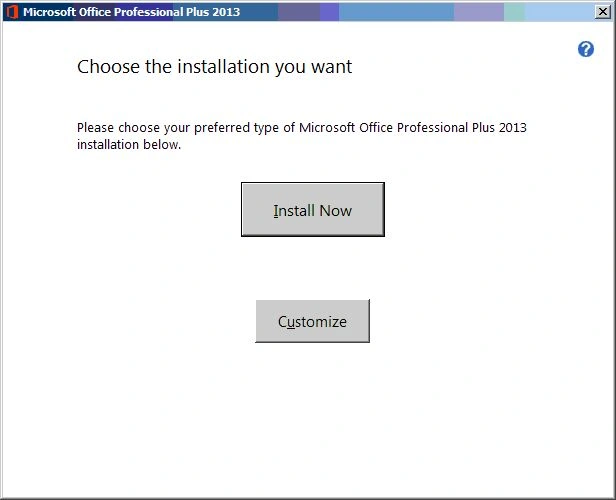
Step 5: Select the installation type. Here, I'm going to select "Customize".
Step 6: Select the applications as per your wish.
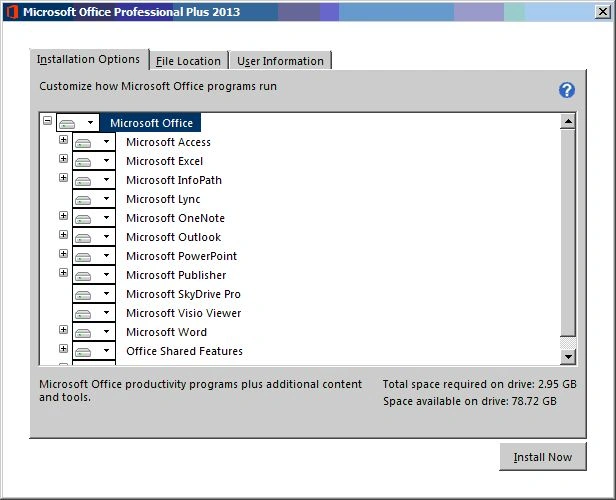
Step 7: If you want to change the installation location then click the "File Location" tab and change it.
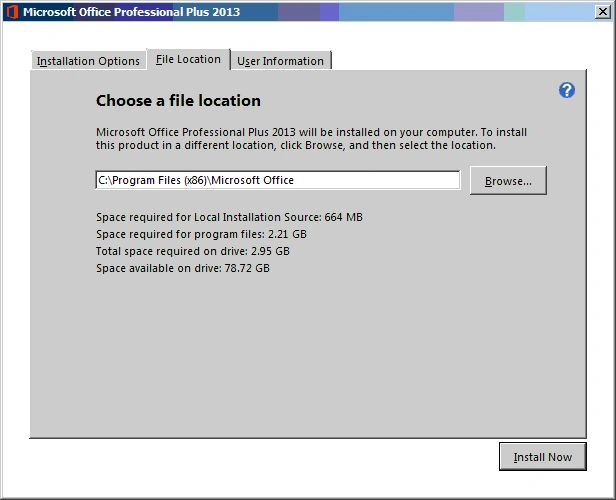
Step 8: Enter User Information in the "User Information" tab.
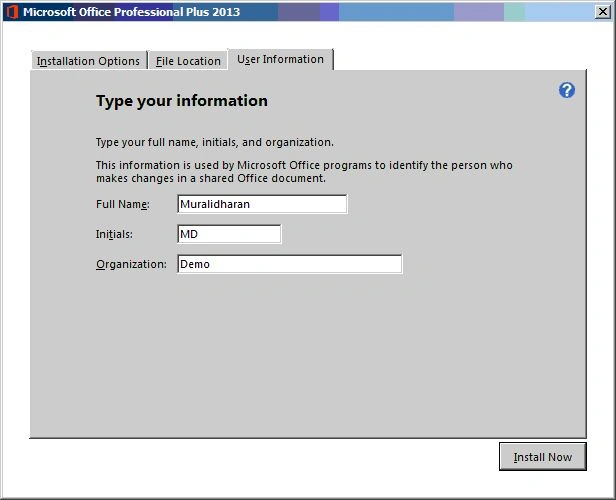
Note : Steps 7 & 8 are optional.
Step 9: Now click "Install". The installation process begins.
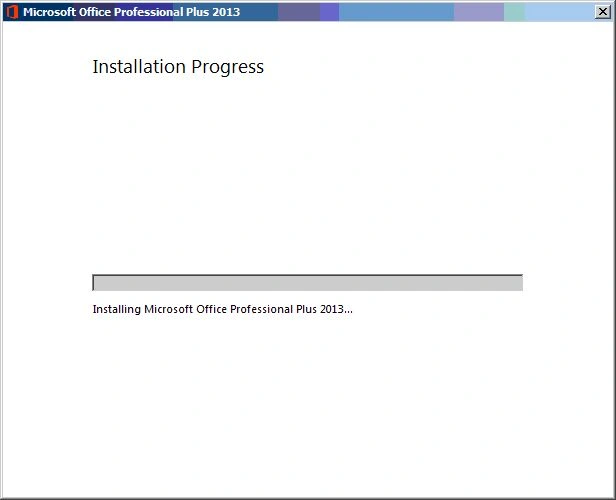
Step 10: Wait for some time for the installation process to complete.
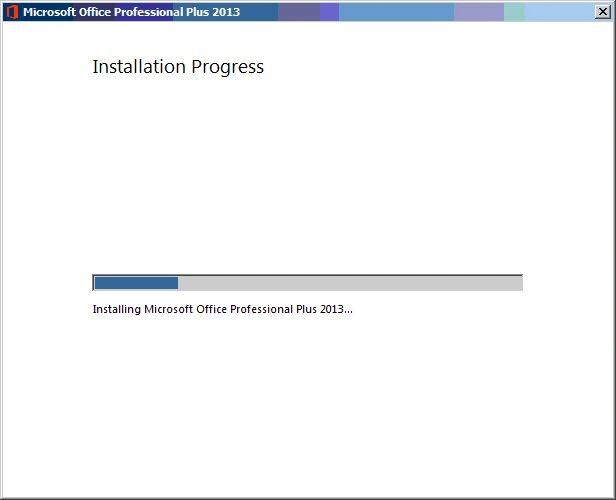
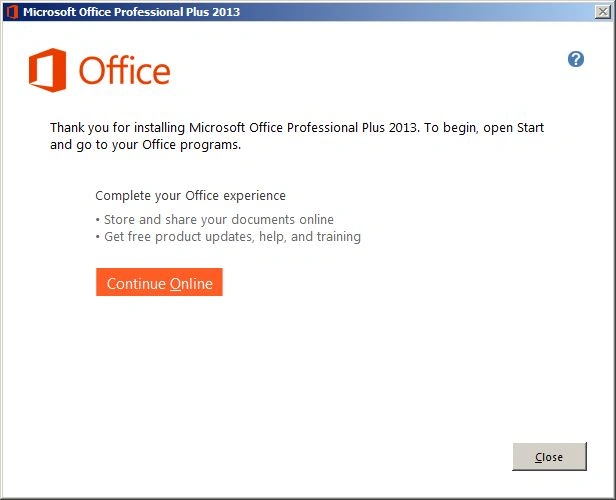
Step 11: Success message.
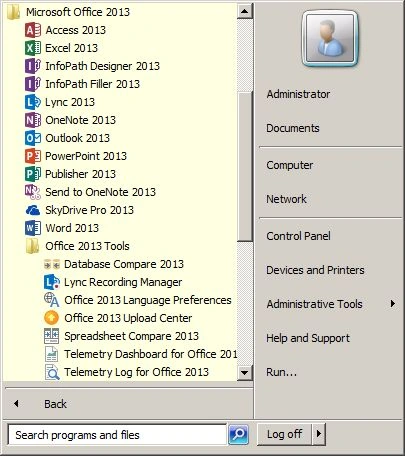
Step 12: Click "Start" --> "All Programs" --> "Microsoft Office 2013".
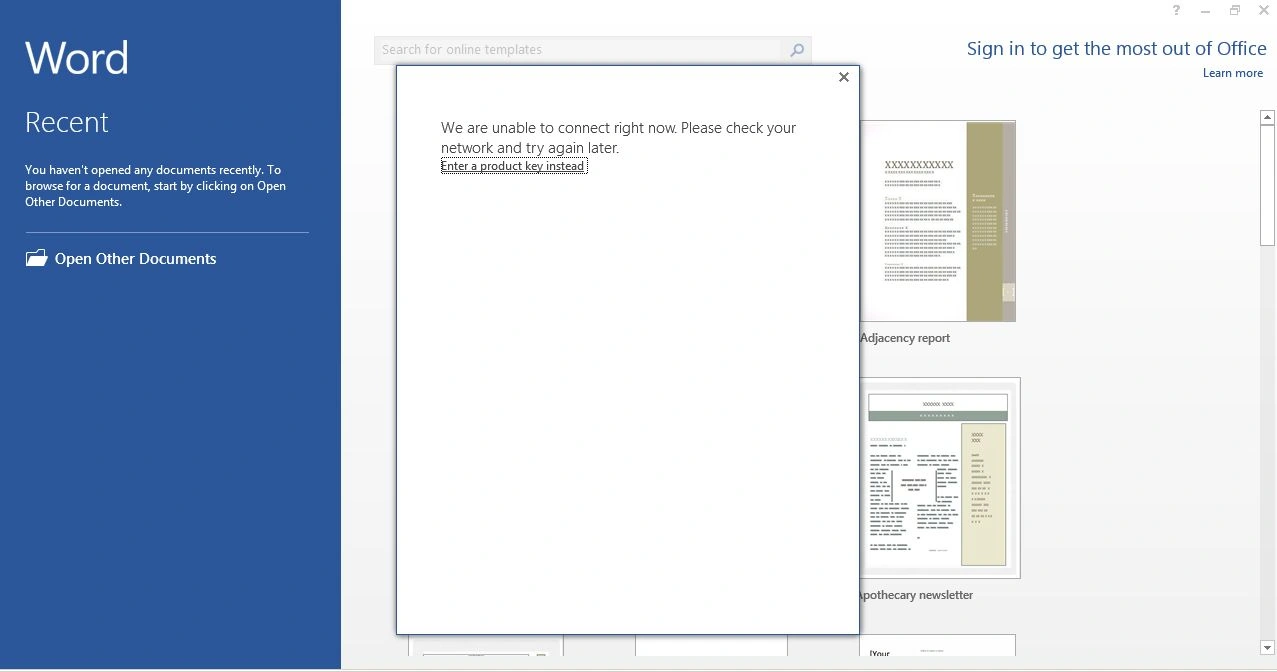
Step 13: Launch WinWord 2013 and if you're not connected to the internet, you may see the following image.
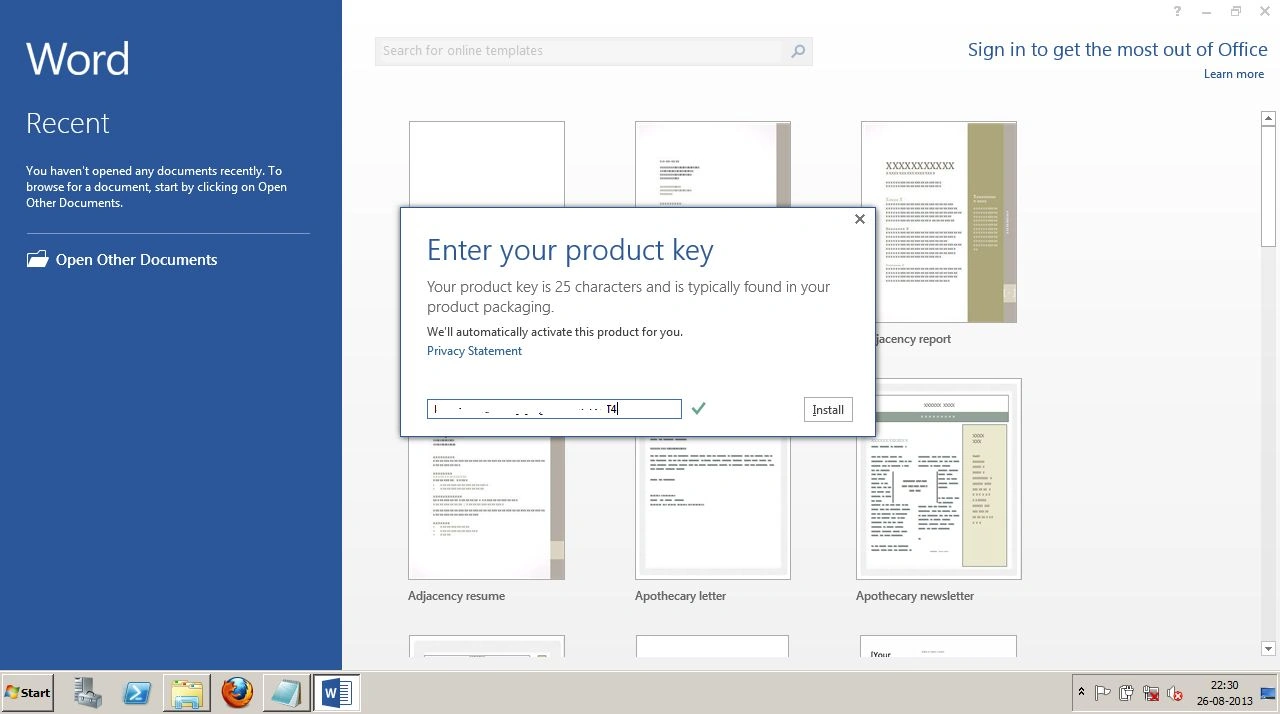
Step 14: Click "Enter a Product key Instead" to enter your Office 2013 product key and click the "Install" button to activate your Office copy.
Step 15: All done.
Join the conversation! Your thoughts help the community grow.