

The MultiView and View controls are new addition to ASP.NET 2.0. If you have ever created a Tab Control in ASP.NET, you will find MultiView and View control very familiar.
A View control works as a container of common controls and a MutliView control works as a container of several View controls. In this step by step tutorial, I will show you how to create a MultiView control and generate different views depending on the selection.
First of all, I create three links and drop one MultiView control on the page. My page looks like Figure 1. So idea here is if I click on My Websites link, I should see a list of web sites. When I click on My Schedule, I should see a calendar control, and when I click on Upload Photo link, I should see something where I can upload a photo. As you can see, this is very similar to a Tab Control and Tab Pages.
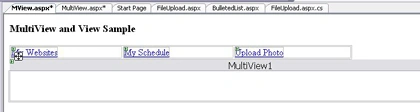
Figure 1. MiltiView
Now I drop three View controls on MultiView control as you can see in Figure 2.
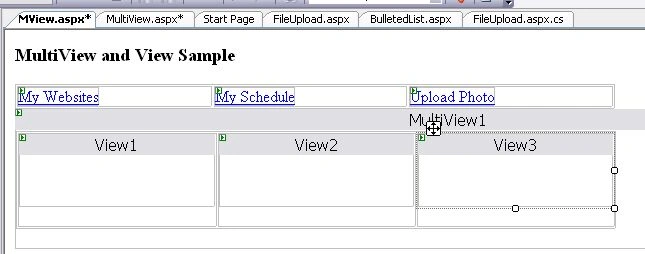
Figure 2. MultiView with three Views
Now next thing I want to do is design my Views. As you can see from Figure 3, I put a BulletedList with hyper links on it. On second view, I put a Calendar control and on third View, I drop a File UpLoad control.
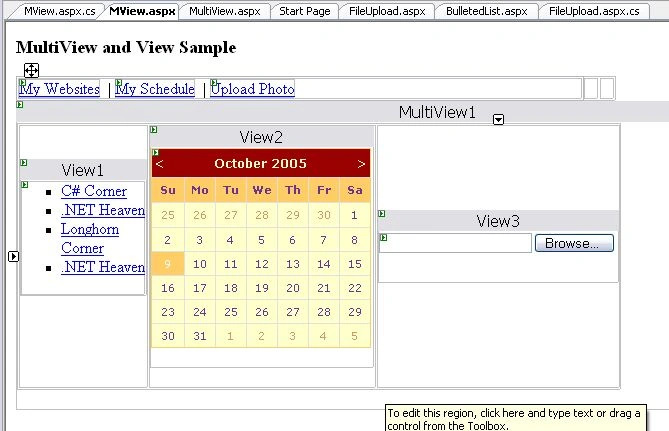
Figure 3. Multiview with three Views and controls
MultiView's ActiveViewIndex property decides which view is active. So now I am going to add my hyperlinks click event handlers. As you see in the following code, I simply set the ActiveViewIndex property to 0, 1, and 2 respectively, which represents first, second, and third Views respectively.
protected void MyWebSitesLink_Click(object sender, EventArgs e){
MultiView1.ActiveViewIndex = 0;
} protected void MyScheduleLink_Click(object sender, EventArgs e)
{
MultiView1.ActiveViewIndex = 1;
} protected void UploadPhotoLink_Click(object sender, EventArgs e)
{
MultiView1.ActiveViewIndex = 2;
}
The View control has a TabIndex (remember I said View works as a Tab Page ;-) ), which sets the TabInxex of a View. The TabIndex is mapped with the ActiveViewIndex of MultiView control.
Now I simply run my sample and click on My Websites, My Schedule, and Upload Photo links and it loads different views.
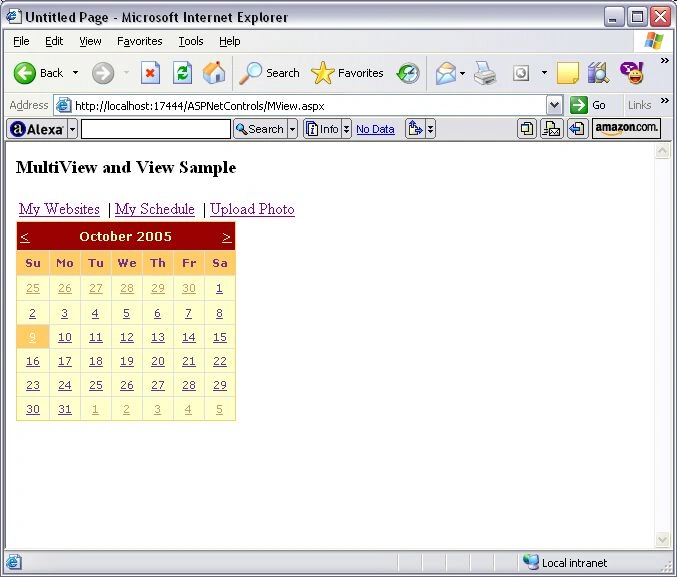
Figure 4. MultiView in Action
Jude WoodPosted Jun 6, 2011, 4:39 AM
Good article that got me started on using this control.
AndrejPosted Oct 9, 2009, 6:48 AM
Hello! Why your example not contains designer-files?
joe smithPosted Mar 15, 2008, 10:44 AM
I would like to show my views the depends on my radio button list selection , let say i have a list with "yes" and " no" if i select yes i would like to populate view 1 and if i clicked on no i would like to populate view 2.
uma booshanamPosted Dec 4, 2007, 11:15 AM
Hi, Nice article Can u help me with this problem i hv four views , 3 contains datagrid with POSITION - Not Defined , 1 contains txtbox with value from database POSITION-ABSOLUTE , the views with controls POSITION - Not Defined appear normally in the screen (like in tabs) , but the view with control POSITION-ABSOLUTE remains as in design mode ( not in the tab) thanks in advance
mary premaPosted Jun 11, 2007, 2:31 AM
i m using multiview control where displaying controls (checkbox, textbox button) dynamically , how i ll pass the these value from one view to another view , can i make dynamically event handling .
Sami ssPosted May 19, 2007, 2:27 PM
can u plz help me for making this calendar more advanced with schaduling option.how can i connect it to database
Vishal PandeyeditedPosted May 10, 2006, 5:49 AMEdited Jan 9, 2007, 1:52 AM
hii tripti, i m using multiview control where displaying controls (checkbox, textbox button) dynamically , how i ll pass the these value from one view to another view , can i make dynamically event handling . thanks regards kapil saraf