

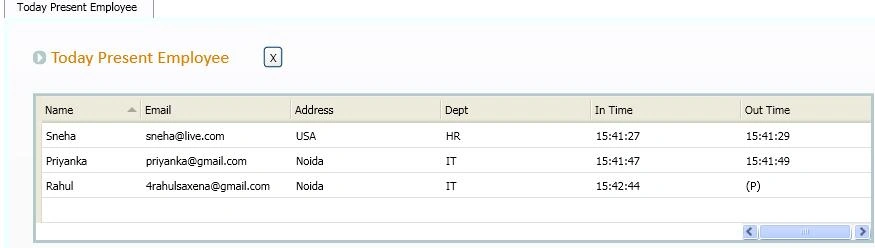
This is a small office management system. With the help of this project all office employee can connect with each other, request online leave, get birthday reminders, get status of present/absent employees and use an automatic attendence system when logged in and logged out. Just need to install and setup of this project to every machine.
In this project there are 2 types of users one is Employee of a office and other is Admin. An Admin has full access for this project. I am showing every right of both types of user in the following DFD.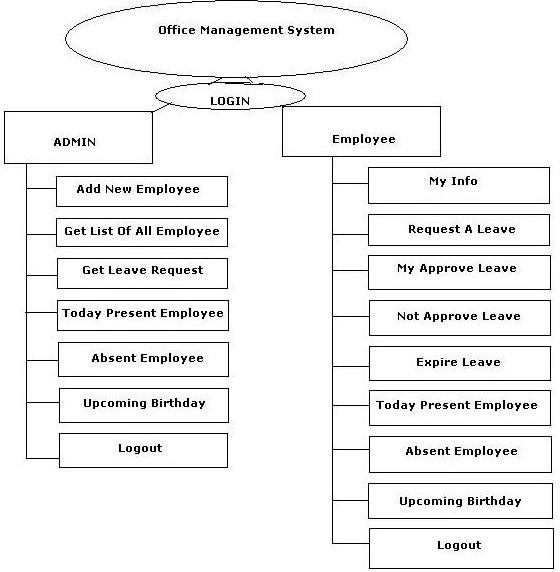
Image 1.
I made this project in Visual Studio 2010 and SqlServer2008. The database is located in the DATA folder of the Application. Just attach the data and change connection string in app.config.
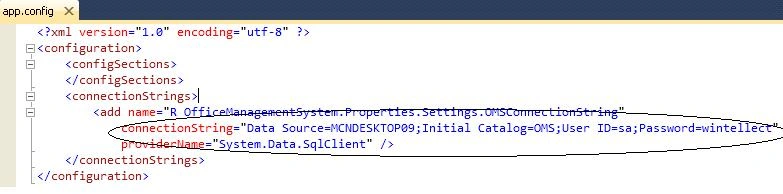
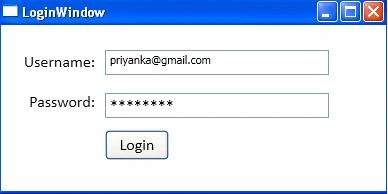
When we run the application then first the Login window will appear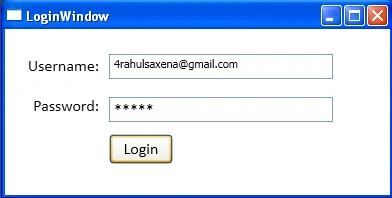
Image 3.
Here 2 types of user can login; one is Admin and the other is Employee. Here I login with
UserId – [email protected]
Password rahul
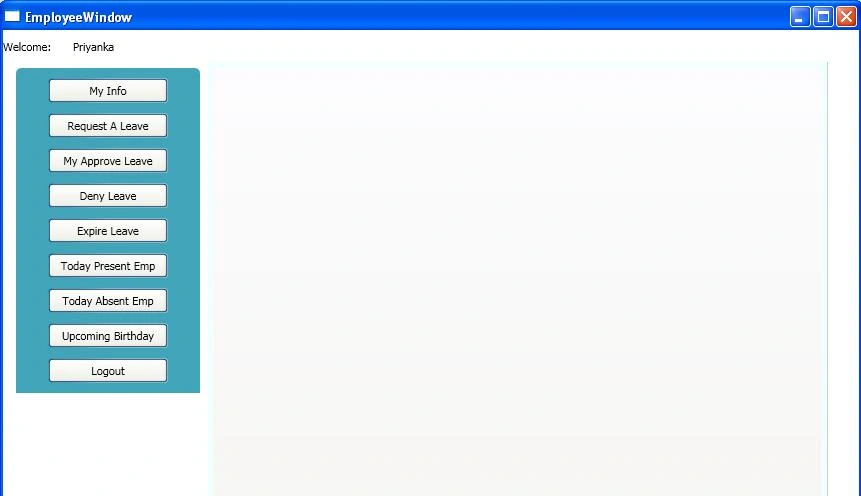
This is admin credential so it will redirect to Admin Home page after login. First I am going to show admin functionality then after that I will show normal employee functionality.
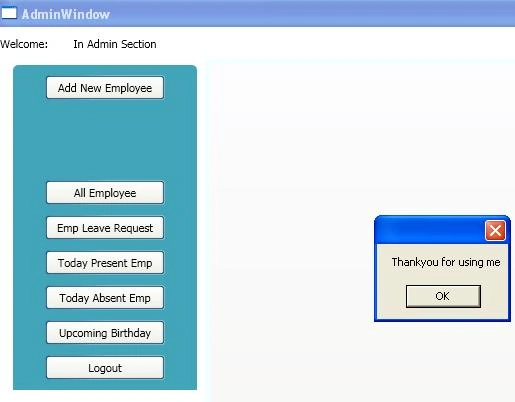
This is Admin Home window.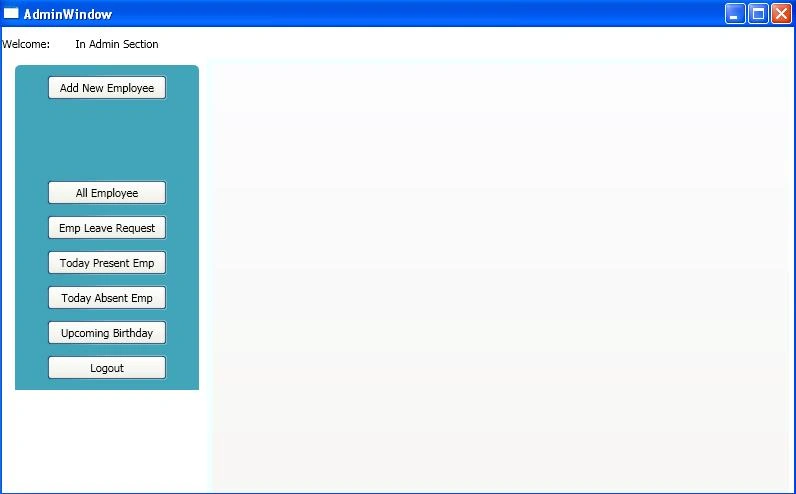
Image 4.
Add New Employee Window
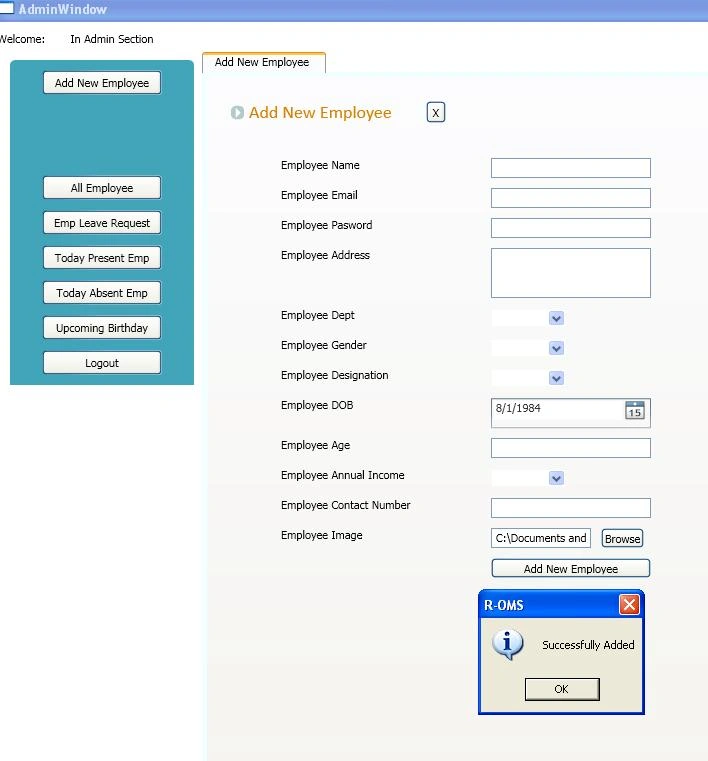
Image 5.
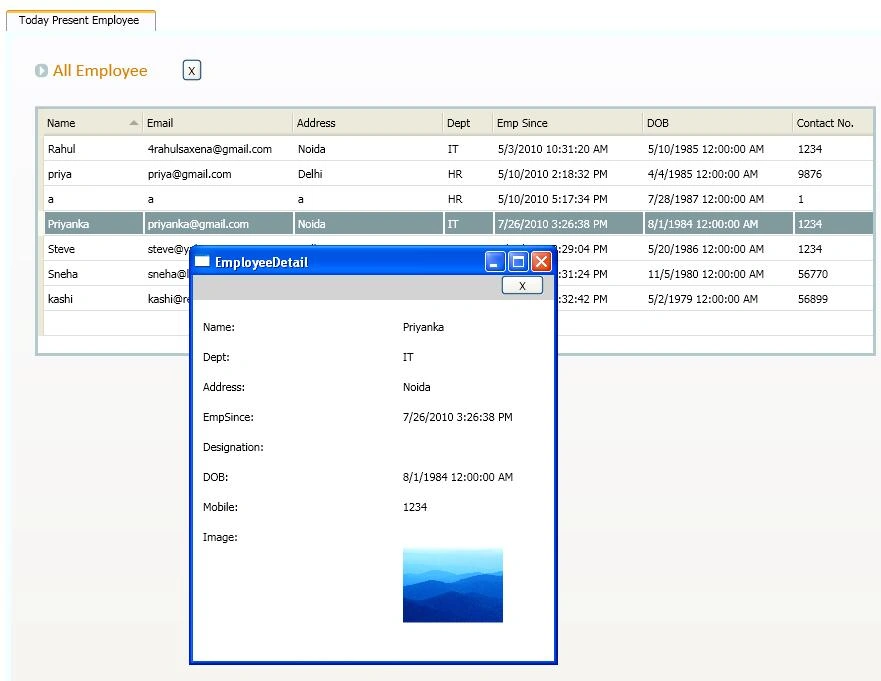
Get All Employees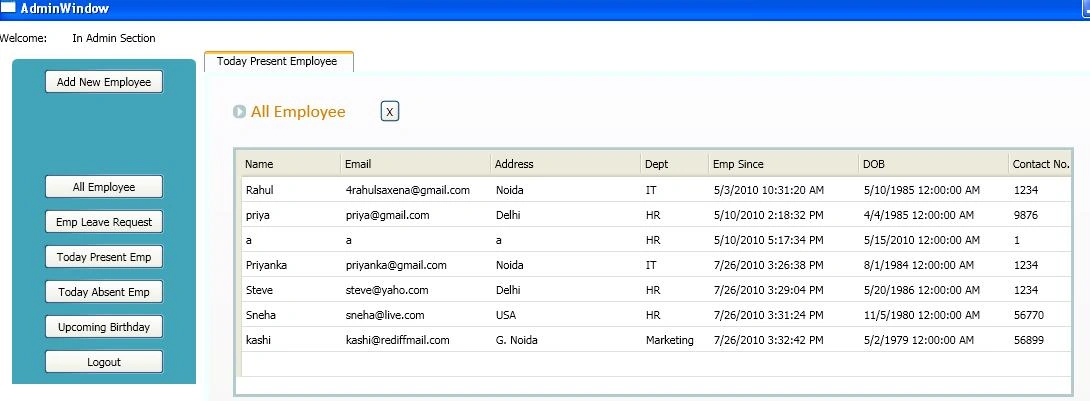
Image 6.
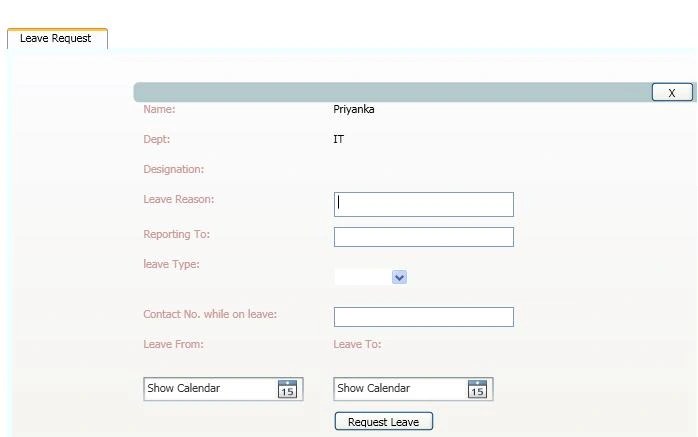
This is leave request page
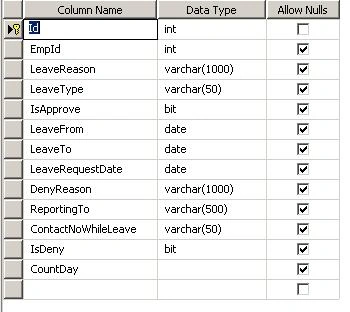
Image 7.
Join the conversation! Your thoughts help the community grow.